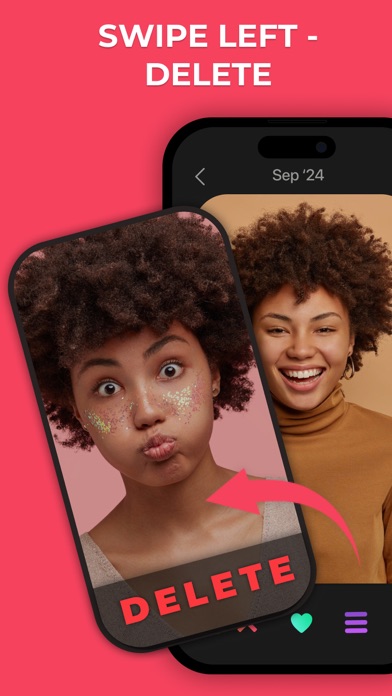
Swipe right to keep, left to delete. Swipe Photo Cleaner turns a full camera roll into a quick game: go month by month, clear duplicates, big videos and old screenshots, and free up gigabytes of iPhone storage.
Your library grows every day: ten takes of the same sunset, screenshots you needed once, videos nobody watches again. Deleting them one by one in Photos takes an evening. Here one swipe decides each photo, and the space you free is counted as you go.
SWIPE TO CLEAN
• Swipe left to delete, right to keep
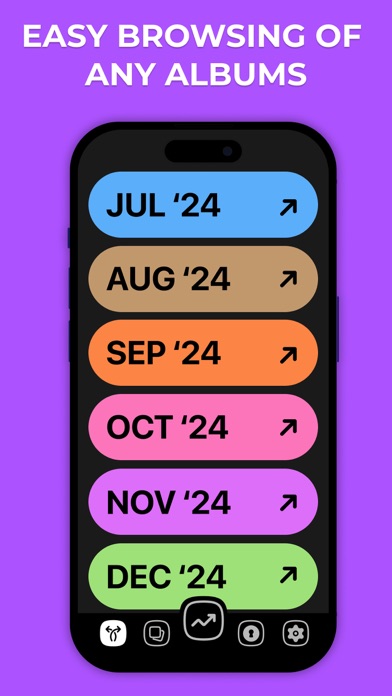
• Go through your library month by month instead of scrolling through thousands of shots
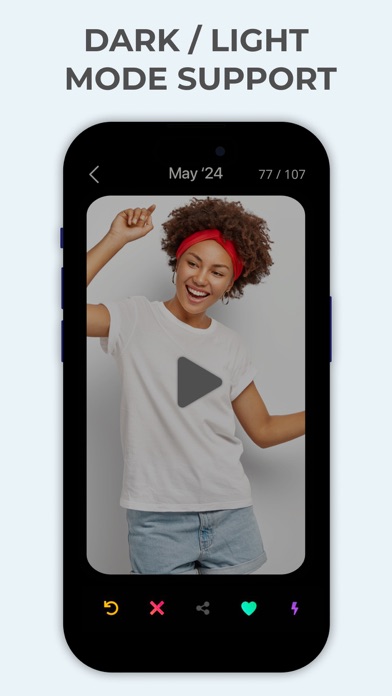
• Changed your mind? Undo the last swipe
• Share a photo right from the card
FIND WHAT TAKES SPACE
• Duplicates and similar photos grouped together, so you keep the best shot
• Large videos in their own list
• Screenshots in their own list
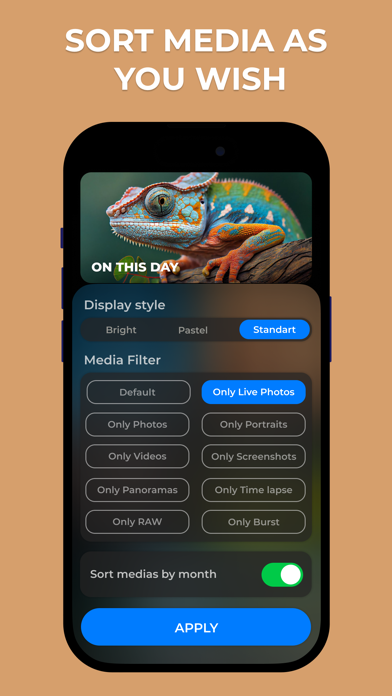
• Filter by type: videos, Live Photos, portraits, panoramas, bursts, slo-mo, time-lapse, GIF and RAW
MEMORIES AND HABIT
• On This Day brings back photos taken on this date in past years
• A daily streak keeps the cleanup going a few minutes a day
• Widgets on the Home Screen and Lock Screen show your streak and the space you have freed
PRIVATE BY DESIGN
• Secret Space: hide photos and videos behind a passcode or Face ID
• Photos are sorted on your iPhone and never uploaded
• Deleted photos go to Recently Deleted in the Photos app, so you can still restore them
WHO IT'S FOR
• Anyone who keeps seeing "iPhone Storage Full"
• Parents with thousands of near-identical photos of their kids
• Travelers making room before a trip
• Anyone moving to a new iPhone who wants a tidy library
• People who like to relive old photos while they clean
FREE AND PREMIUM
Swipe for free every day. When you hit the limit, wait for the timer or invite a friend, and you both get extra swipes. Premium removes the limit and unlocks every feature. Available plans and prices are shown in the app before you pay.