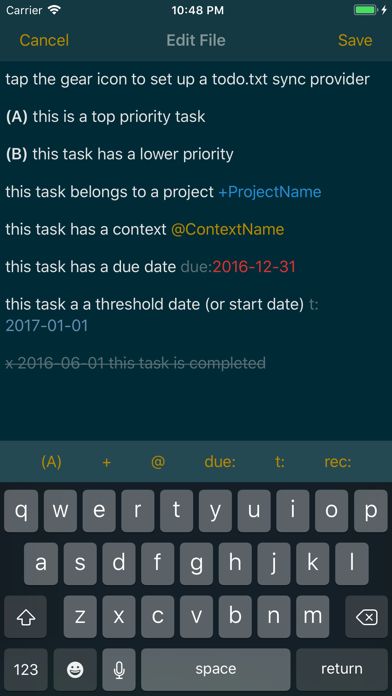
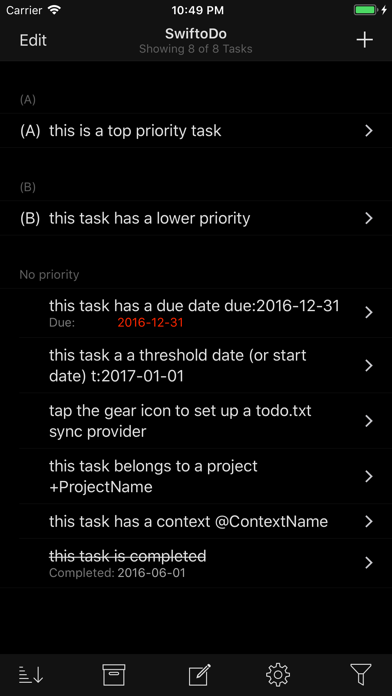
SwiftoDo is a modern, powerful todo.txt app for iOS. It is a task list built specifically for the todo.txt file format, and allows you work with your existing todo.txt files via Dropbox or any data provider that integrates with the iOS 11+ Files app.
# FEATURES
- Full support for the todo.txt file format
- Dropbox sync
- Archiving completed tasks to done.txt
- Import tasks from Reminders
## Supported Todo.txt Format Extensions
- Due date tags (due:)
- Threshold date tags (t:)
- Recurring tasks (rec:+1w)
- Hidden tasks (h:1)
- Retain priority after completion (optional; two ways)
## User Interface
- Four task list styles to customize how you view your tasks
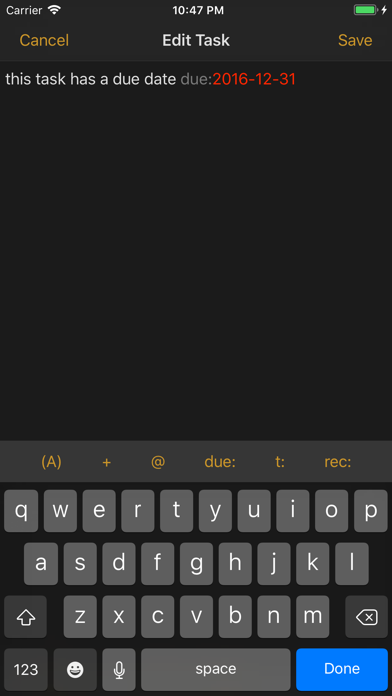
- Full file text editing mode, for when you need it
- Numerous dark and light themes
- Single or multiple task entry for new tasks
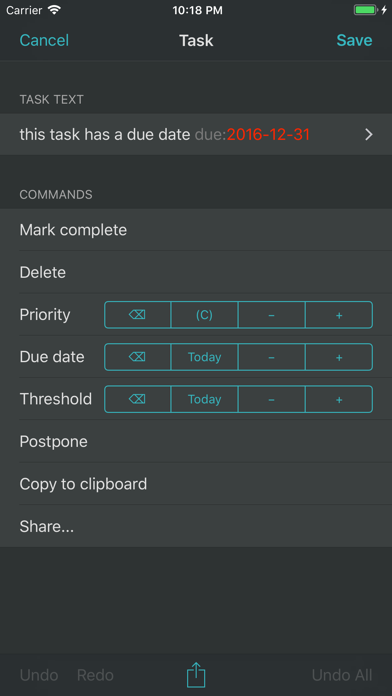
- One-touch edits to change priority, due date, etc.
- Select and edit multiple tasks from the task list with one-touch edits
- Pickers for inserting priority, projects, contexts, etc.
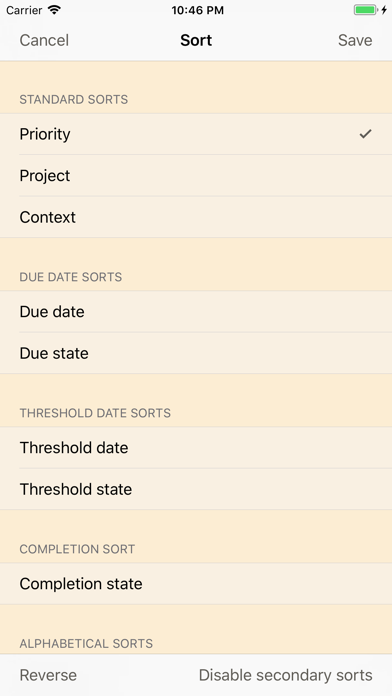
- Numerous sort presets, with grouping
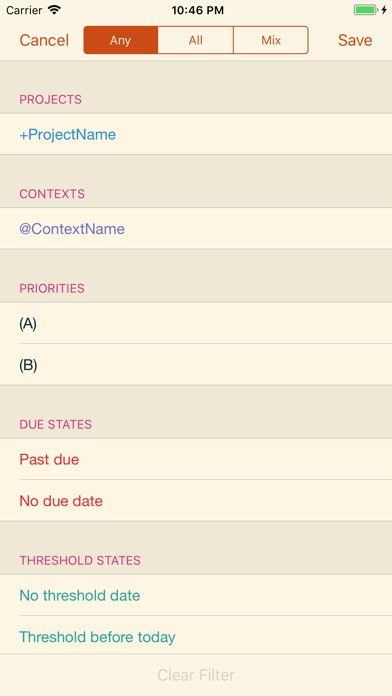
- Powerful filtering capabilities
- Full-text search
- Undo/redo
- Hardware keyboard shortcuts
- Slide-over menu to open URLs contained in the task text
- Option to set a default priority on new tasks
## iOS 10+ Integration
- Universal app for iPhone and iPad
- Live filter split view in landscape on iPad, iPhone 6/6S/7 Plus
- Slide-over and split-screen multitasking on iPad (great for having tasks side by side with your favorite note-taking app)
- 3D Touch peek & pop and home screen quick actions
- Core Spotlight integration
- URL scheme with x-callback-url support
# ARE YOU NEW TO THE TODO.TXT FORMAT? SEE WHAT IT OFFERS:
## A task list that *you* control
Your task list is a plain text file, not some proprietary format owned by a company or locked to a specific application.
## A simple and timeless format
Plain text is the simplest file format there is. It will always be accessible, by some kind of application, forever.
## Few rules to learn
Learn only a few simple formatting rules (which SwiftoDo will take care of for you) to indicate task priority, task completion, and so on.
## A GTD-ready system
The todo.txt format was built with Getting Things Done in mind. It supports projects (which being with “+”) and contexts (which begin with a “@“).
## Use alongside any app on any platform
With Dropbox or Files app (iOS 11+ only) sync enabled, you can sync your task list with any app on any platform.