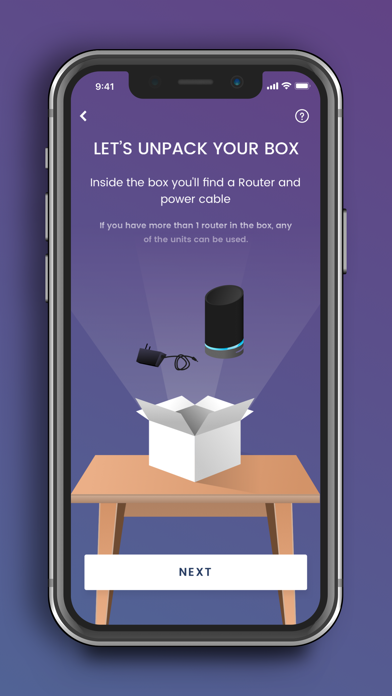
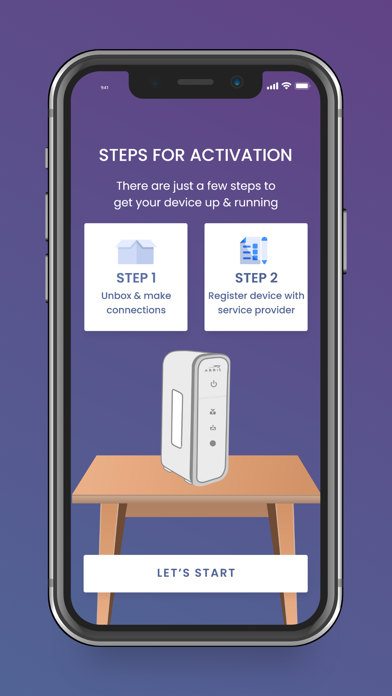
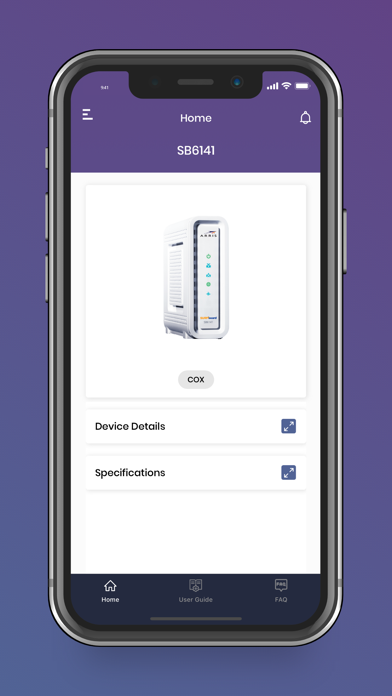
Thank you for purchasing a SURFboard product! Simply download this application, select the device model, and follow the on-screen instructions to setup your device.
This single (Central) mobile application will support all our current SURFboard devices.
Cable Modems:
- Models: S33, S34, SB6141, SB6121, SB6183, SB6190, SB8200, SBV3202, SBV2402, T25.
- Step-by-step install guide includes help for device activation by your Cable Internet Service Provider.
- Access to device information, help, and technical support.
- Quick launch the device Web Application for device configuration and management.
Cable Modems with Wi-Fi:
- Models: G18, G20, G34, G36, G54, SBG10, SBG6950, SBG7400, SBG7580, SBG7600, SBG8300
- Step-by-step install guide includes help for device activation by your Cable Internet Service Provider.
- Access to device information, help, and technical support.
- Use the device Web Application OR the mobile app for device configuration and management.
- Easy to use Wi-Fi management functions.
mAX Wi-Fi Mesh Routers:
- Models: W11, W121, W122, W21, W30, W31, W61, WC4S, WC4T
- Step-by-step install guide includes help for optimal mesh node placement in your home for performance and coverage.
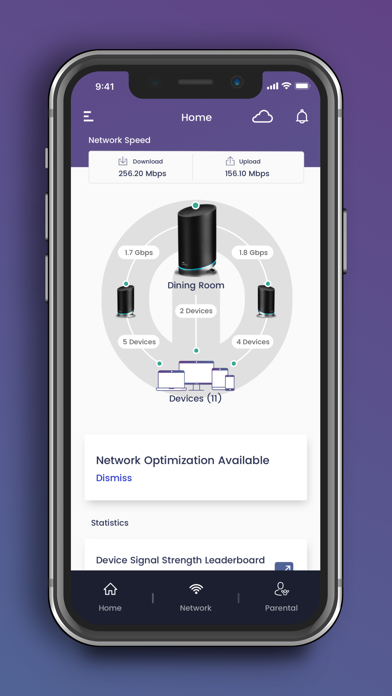
- Easy to use Wi-Fi management and enhanced mAX features*.
Wi-Fi Gaming and Extenders:
- Models: W6B, W6U
- Step-by-step install guide.
- Access to device information, help, and technical support.
- Quick launch the device Web Application for device configuration and management.
--- Easy to use Wi-Fi management functions ---
- Manage your Wi-Fi network when you are at home or away.
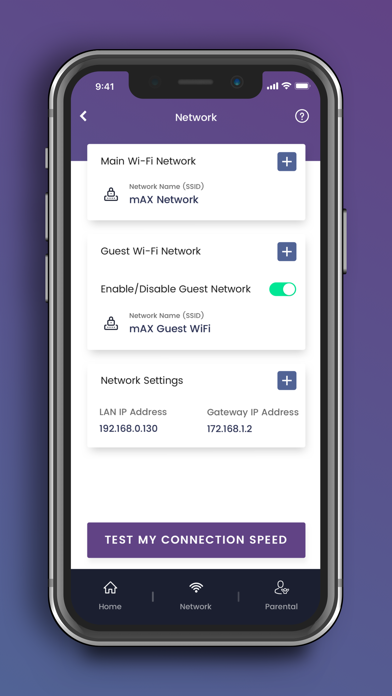
- Setup a private and secure home Wi-Fi network.
- Setup a separate Guest network for visitors.
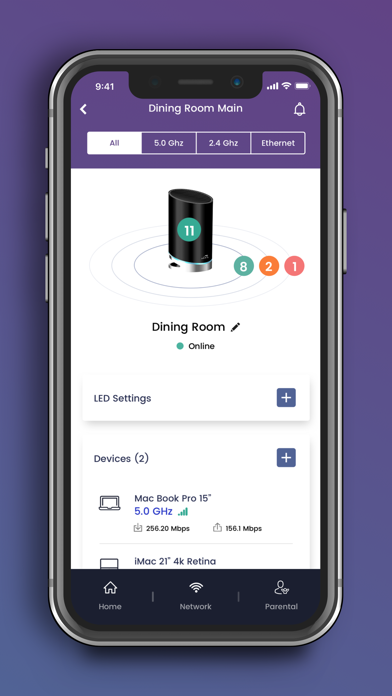
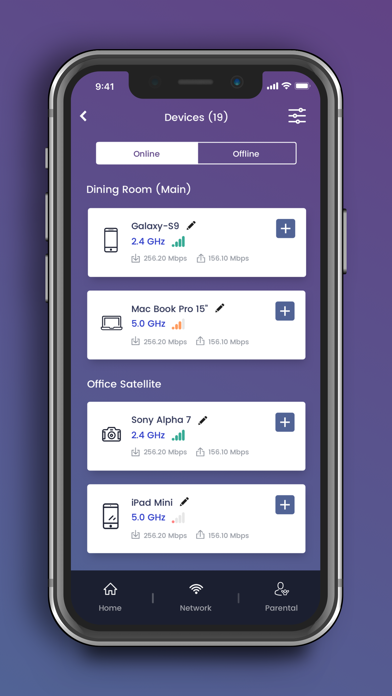
- View client devices connected to your network.
- Add friendly names for each client device.
- Check your mobile device real-time Wi-Fi speed.
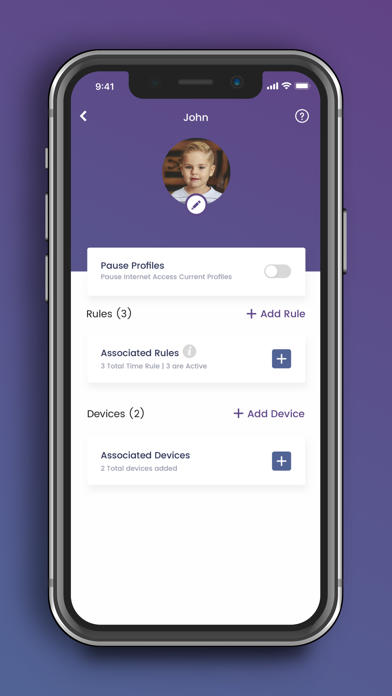
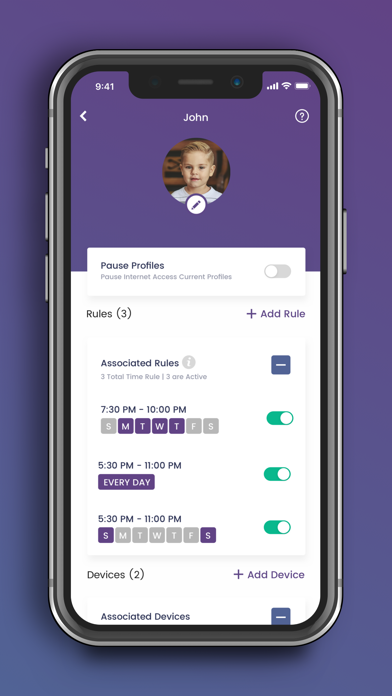
- Create profiles for your kids to manage their screen time, allowing schedule or manual Internet pause.
--- Enhanced mAX features ---
- Get notified when selected device leave or join your home network.
- Enhance your parental controls with "screen" time rewards.
- Network Health monitoring with recommendations for optimization.
For additional help, please visit the SURFboard User Community at https://community.surfboard.com/
For device technical details and support, please visit SURFboard Support at https://www.surfboard.com/support/resources/
* Not all enhanced mAX features are available on W61, WC4S, and WC4T