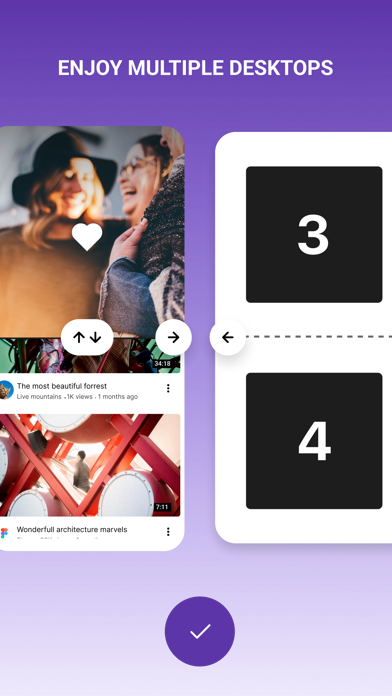
We know how to use the big screen of your smartphone, just split it to use several apps at the same time.
Watch videos or chat with friends? Watch a sport or a movie? Check mail or news? Now you do not have to choose, just split your screen to as many windows as you need.
- Favorites to add your favorite pages
- Unlimited number of screens
- Gesture-based control
- Quick transition to full screen mode and back to the split one
================
• Subscription Split View Screen Multiple App get access to all functions of the application.
• You can turn off the auto-renewal at any time: you'll find the option to do this change to a different payment plan in the settings of your iTunes and App Store account.
• The first time you can try the free trial for 3 days. After that, your account will be automatically charged for the subscription if you will not stop it before the end of the free trial.
• The length of the subscription is 1 month, this subscription is auto-renewing and costs %@ per 1 month. You can stop the subscription at any moment;
• Account will be charged for renewal within 24-hours prior to the end of the current period, and is identical to the cost of the renewal.
• Removing the app doesn’t automatically cancel the subscription.
• You may opt out of the subscription by clicking in the settings of your iTunes and App Store account the “Opt out” button (menu “Settings” > “Accounts” > “Manage Subscriptions
ATTENTION: before you subscribe please read:
Privacy Policy(https://ifsome.ru/privacy)
Terms Of Use(https://ifsome.ru/tos/multi)