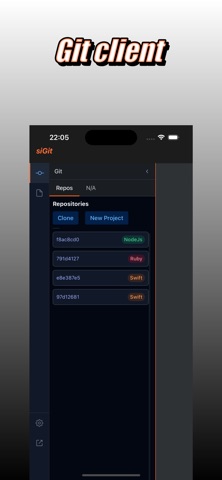
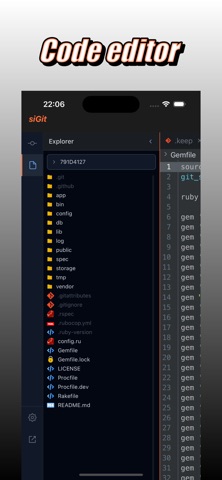
siGit: Full Git & Code Editor on iPhone & iPad
Work with Git repositories directly from your iOS devices. Clone from GitHub, GitLab, Bitbucket — review, edit, commit, push — no laptop needed.
Core Features
• Full Git support — clone, commit, push, pull, branch, merge
• Built-in code editor — syntax highlighting, autocomplete, search & replace
• Conflict resolution tool — view diffs, resolve merge conflicts inline
• Local & remote — work offline, sync when you're back online
• SSH & Authentication — support for SSH keys, token auth, two-factor flows
• File browser & terminal — navigate repo, open files, integrate with external apps
Why Choose siGit?
• Developer-grade experience on mobile — power tools wherever you are
• Lightweight & fast, optimized for iPad multitasking
• No vendor lock-in: supports any Git server
• Secure by design, your data stays local by default
Getting Started
Connect to your Git host (GitHub, GitLab, Bitbucket)
Clone your repo
Edit code, stage, commit, push
Use merge conflict viewer when needed
Hope you love it — feedback is welcomed!
Get siGit today and code from anywhere.