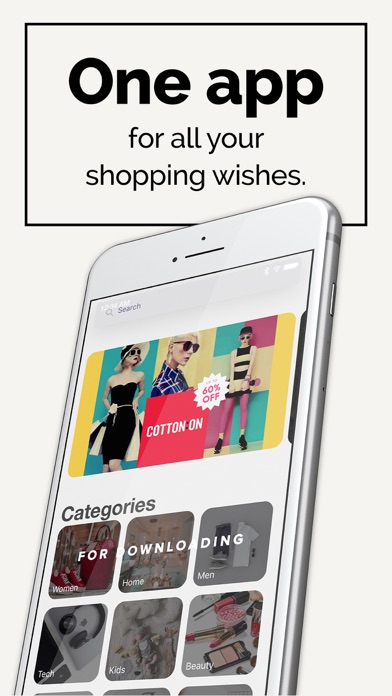
Save gifts from any store, share your wishlist, and let friends reserve gifts without spoiling the surprise.
ONE LIST FOR EVERY WISH
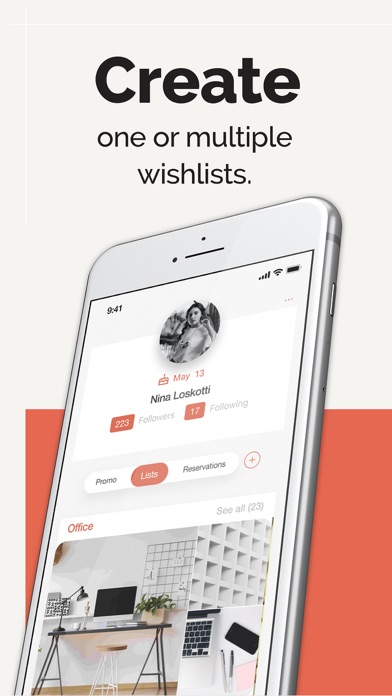
Create as many wishlists as you like: for you, your kids, your partner, or things to buy later.
ADD FROM ANY STORE IN ONE TAP
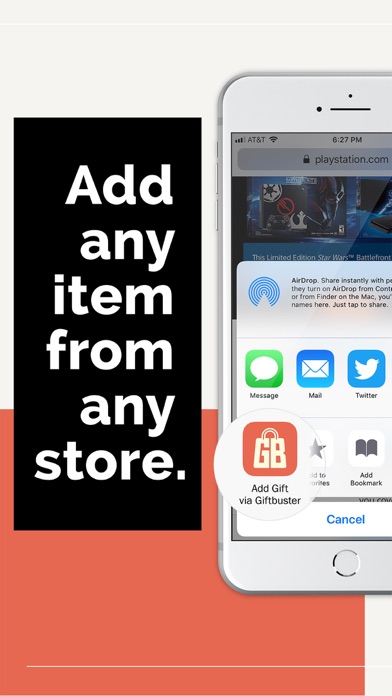
Tap Share in Safari and choose GiftBuster. Title, photos, price and link are saved automatically, including the original price when an item is on sale.
SHARED WISHLISTS
Invite family or friends to build a list together.
RESERVE WITHOUT SPOILING THE SURPRISE
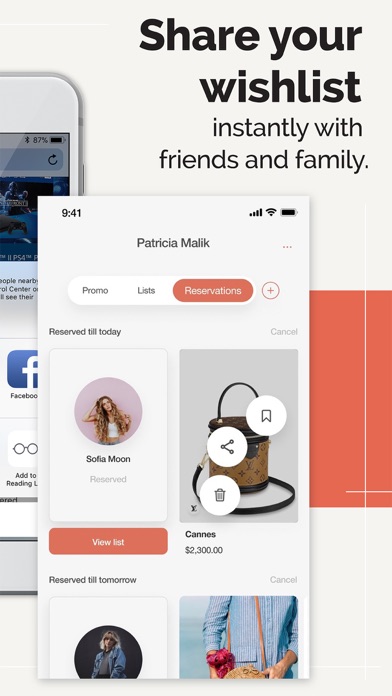
Friends reserve gifts so nobody buys the same thing twice, and the list owner never sees what was reserved.
TRACK PRICES
See when prices change on the items you saved.
FOR EVERY OCCASION
Birthday, Christmas, wedding and baby registry, all in one app, with birthday reminders for your friends.
ON THE WEB TOO
Manage your lists in Safari on your Mac at giftbuster.app.
MORE:
+ Create your gift registry for Birthday, Christmas, Weddings, Baby shower
+ Invite your friends and family to view your wish list. They can reserve gifts.
+ Receive birthday reminders
+ Web version (Profile view)
FAQ
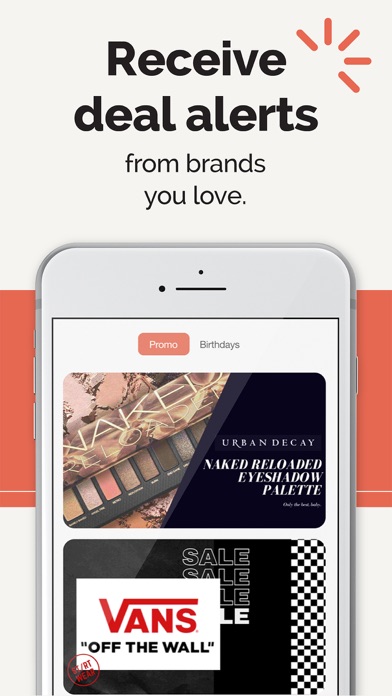
Imagine you go online and browse different shopping websites using your native browser. When you see something you would like to buy later, with one click (share button), you can easily add it to your wishlist. The app automatically stores information like title, photos, description, price, currency, and a direct link to the product page. You can add anything from any website. Discover gift ideas and the newest trends. Receive notifications with promo codes (valid !) from brands you love.
How do I add gifts to my list?
There are three ways to do this:
FROM BROWSER
Activate the GiftBuster button into your bookmarks bar; that way, whenever you come across something you want, you can add that item without ever leaving your browser.
SAVE/COPY ANY ITEM ON GIFTBUSTER
MANUALLY
How do I activate the GiftBuster browser extension (widget)?
Open any page in Safari
Tap the Share icon
Swipe the grey icons in the bottom row and tap "More."
Turn On "Add Gift via GiftBuster" and tap "Done."
Now when you see an item you like, you can add it to your GiftBuster list without ever leaving the Safari browser by tapping the "Share" icon and then clicking "Add Gift via GiftBuster"!
How do I reserve gifts that I want to buy for my friends?
Go to your friend's list. Choose the gift you wish to buy. Tap "Reserve". Set reservation date (i.e. your friend's birthday or Christmas). Click "Continue".
Can my friend see that I reserved a gift from his/her list?
That's the best part. The list makers can't see who and what was reserved on his/her list, but others can. So no more double gifting!
Can I cancel a gift that I had reserved?
Yes, you can. Go to the RESERVATIONS and click "Cancel." Click "Confirm."
Can I mark gifts that are on TOP of my list?
Yes, you can. When you are adding a new item to your list - check the "Prioritise" option. You can also add it later (edit).
How can I delete gifts from my list?
Long tap on the item image you want to delete. Click the "Delete" icon.
If I like an item from someone else's list, how can I add it to my list?
Long tap on the item image you want to save. Click the "Save" icon.
What are the benefits of following others?
Friends on your list can instantly view your gift list, reserve gifts, receive birthday reminders. Only when you follow each other, you can reserve gifts from your lists.
How can I invite friends to use GiftBuster?
You can invite them by sending a text message or email. Go to "YOUR PROFILE" and tap the right top corner for settings. Tap "Find Friends," and then the "+" icon.
Are there birthday reminders?
When your GiftBuster friend has a birthday coming up, you will receive a notification one week in advance.