StoreIntel
AppsTop ChartsTrendingKeywordsMy Apps
Not affiliated with Apple Inc. App Store is a trademark of Apple Inc.Top chartsSupportTermsPrivacy

ShootingPlus V3

Shenzhen Qixiong Technology Co., Ltd. · Utilities · 7.8y old

Free
◆ ProTrack this app App Store

Performance · US

Est. downloads / month · US

<5K

Below chart threshold

Est. revenue / month · US

<$5K

Below chart threshold

Rating · US

—

no ratings yet

Chart position

Rank history — US · Top Free

Apple's Top Free chart — free apps ranked by recent downloads.

Top FreeTop Grossing

Ratings count — US

1.1K
◆ Pro1 chart locked

See the numbers behind the rankings

  • Keyword RankingsWhich App Store searches it ranks for, and where
Unlock everything →

Listing

About

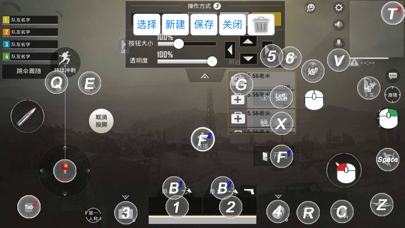
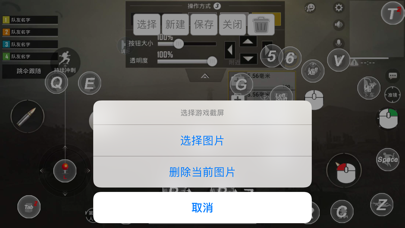
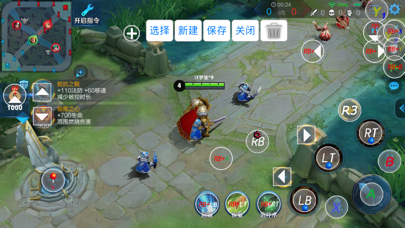
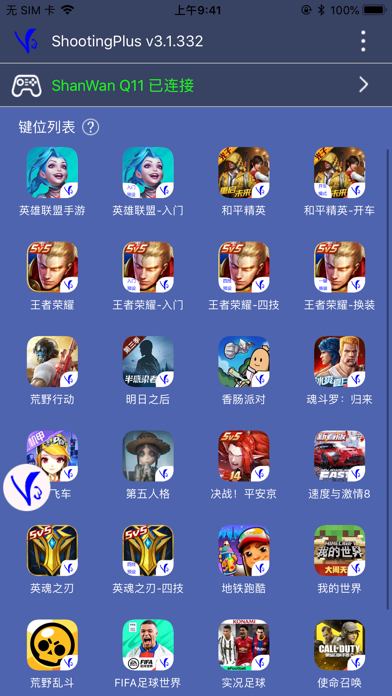
ShootingPlus V3 gamepad, Keyboard & Mouse converter Bluetooth tool. Make sure the Bluetooth device is in iOS mode before connecting Bluetooth. Bluetooth connection method:  Keyboard & Mouse converter: Generally, first you should cancel paired the Bluetooth, then disconnect the power, then connect the power, and then press the left Ctrl + 2 (the 2 on the W button) to switch to the iOS mode, then connect to Bluetooth, and then open the App. Gamepad: For Most of Gamepads, first you should cancel paired the Bluetooth. Then turn off the Gamepad, then long press and hold the Y + Home button to turn on the Gamepad to switch to iOS mode, connect to Bluetooth, and then open the App. (Specific Gamepad may have other switching methods) If you have any questions, please contact us at: shootingplus@shootingplus.com.cn
Released
Dec 21, 2018
Category
Utilities
Content rating
4+
Price
Free
In-app purchases
No
Developer site
bmchip.com ↗
WWUSGBDEJPINBR

No chart data

No rank history yet for this selection.

Screenshots

6
ShootingPlus V3 screenshot 1ShootingPlus V3 screenshot 2ShootingPlus V3 screenshot 3ShootingPlus V3 screenshot 4ShootingPlus V3 screenshot 5ShootingPlus V3 screenshot 6