Performance · US
Est. downloads / month · US
<5K
Below chart threshold
Est. revenue / month · US
<$5K
Below chart threshold
Rating · US
—
no ratings yet
Chart position
Apple's Top Free chart — free apps ranked by recent downloads.
Ratings count — US
See the numbers behind the rankings
Listing
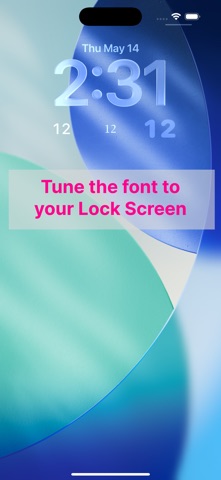
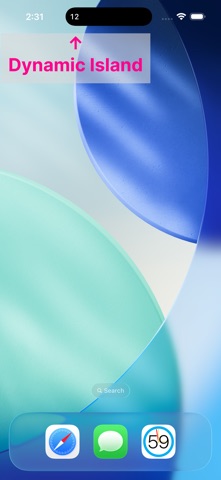
SeClock shows just the seconds on your Lock Screen or Home Screen — the part the system clock leaves out. Long-press the Lock Screen or Home Screen to add the widget. An in-app purchase lets you tune the font, weight, size, and opacity so the seconds blend into your setup. Prefer the Dynamic Island? Tap the button in the app to start a Live Activity that keeps seconds ticking there for up to about 8 hours. You can also use the app itself as a fullscreen HH:MM:SS clock. *Widgets and Live Activities may be off by up to about 1 second.
No rank history yet for this selection.