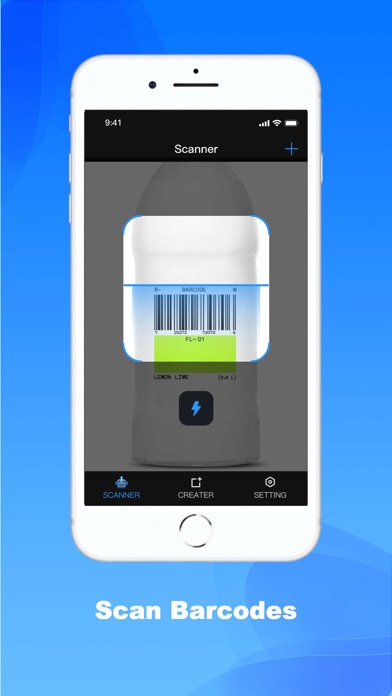
Developed by a professional engineering team, this is a lightweight (but fast, efficient, and feature-rich) QR code scanner and barcode scanner app could ever find.
Scanner Machine app focuses on the core functionality to scan and read the most common types of QR codes and barcodes with super fast speed and delightful user experience, designed for all iOS devices.
Scanner Machine app doesn’t require any special permission, it doesn’t collect any personal information or access to your device storage, contact list, or anything else. It’s simply a QR code reader app to help you scan QR codes and scan barcodes on the go, everywhere, using iPhones.
QR code scanner, barcode reader app also has a QR generator feature allowing you to generate your own QR codes with different types easily.
HOW TO USE:
- To scan a QR code or barcode, simply open the Scanner Machine app, point the camera in front of the QR code or barcode, and the app will automatically read the code and show you its content efficiently.
- To generate QR codes: simply open the Scanner Machine app -> select "+" at the right top -> select "Create". There are many types of QR codes that you can generate based on your needs, such as website URL, text, contact information, phone number, SMS, wifi... The QR code is created and the app allows you to save it to the device's gallery, or share the code image anywhere.
- History feature allows you to view all the QR codes and barcodes that have been scanned from the QR code reader and barcode reader app. The history is organized clearly thus helping you to find your information as efficiently as possible.
Our home page: https://scannermachine.com/
https://scannermachine.com/Privacy
https://scannermachine.com/term