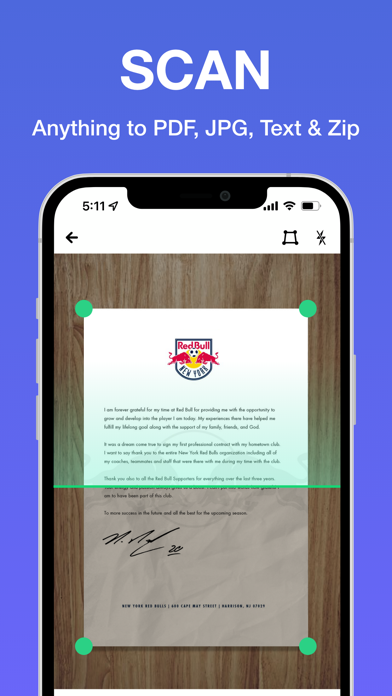
iSmart Scanner will turn your device into a powerful digital office and help you become more productive in your work and daily life. Download this scanner app for free to instantly scan, save, and share any document in PDF, JPG, or Zip formats.
Go paperless with our fast PDF scanner – store all your documents in a neat mobile office right on your phone!
==Features==
*VARIOUS SCANNING MODES
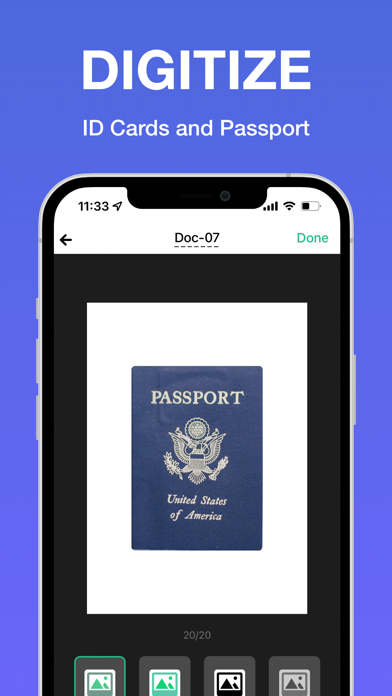
– ID-CARD & PASSPORT – a mode specifically designed for fast and convenient scanning of ID documents.
– QR CODE READER – read any QR code with your device camera.
– TEXT SCANNER – copy unselectable text and text from images using OCR (optical character recognition)
*DOCUMENT SCANNER
This tiny yet powerful free scanner app is a must-have for students and anyone involved in a small business: accountants, realtors, managers, or lawyers. Scan anything you need, including receipts, contracts, paper notes, fax papers, books, and store your scans as multipage PDF or JPEG files.
Would you like to keep your entire office in your pocket and increase your productivity at work? Use scanner pro features to handle your paperwork with ease. Say goodbye to huge and ugly copy machines and get this ultra-fast scanner app for free now!
*NEW PDF SCANNER APP
– Scan documents and photos to PDF, JPEG, or Zip
– Easily scan multiple pages into one document
– Recognize text from any scannable object with OCR
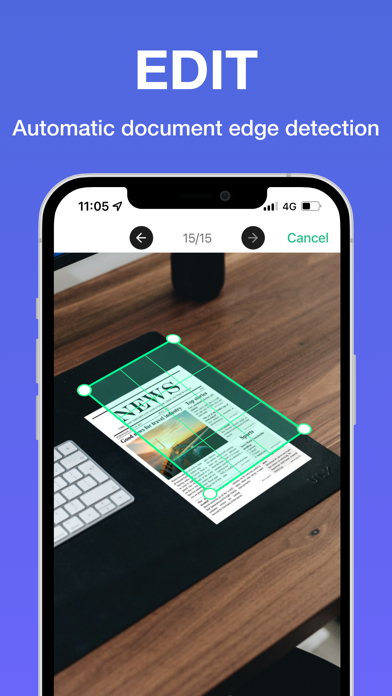
– Automatically recognize paper and remove the background
*HANDY DOCUMENT EDITOR & FILE MANAGER
– Edit scans using color correction and noise removing features
– Use file manager with folders, drag & drop, and document editing features
*EASY DOCUMENT SHARING
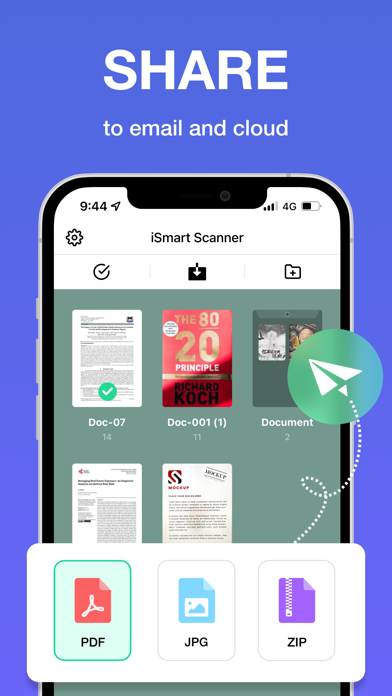
– Scan documents and share them in just a few taps
– Print contracts and invoices right from the scanning app
– Share documents to cloud services like Dropbox, Evernote, or Google Drive
With this secure free scanner app, any scanned or exported documents are stored locally on your iPhone, and neither we nor any third party can access them.
UNLIMITED ACCESS MEMBERSHIP SUBSCRIPTION
– You can subscribe to get unlimited access to all app features
– Subscriptions are billed monthly or annually at the rate based on the subscription plan
– Payment will be charged to iTunes Account at confirmation of purchase
– Subscription renews automatically unless auto-renew is turned off at least 24 hours before the end of the current period
– Account will be charged for renewal within 24 hours prior to the end of the current period. The cost depends on the selected plan
– Subscriptions may be managed by the user, and auto-renewal may be turned off by going to the user's Account Settings after purchase
– Any unused portion of the free trial will be forfeited when the user purchases a subscription
Privacy Policy: https://www.nextmob.net/products/ismart-scanner/privacy
Terms of Use: https://www.nextmob.net/products/ismart-scanner/terms
For any questions about our mobile PDF scanner app, free contact us: ismartscanner@gmail.com