StoreIntel
AppsTop ChartsTrendingKeywordsMy Apps
Not affiliated with Apple Inc. App Store is a trademark of Apple Inc.Top chartsSupportTermsPrivacy

Scan to Sheets - QR & Barcode

Mobile First · Productivity · 7.7y old

Free
◆ ProTrack this app App Store

Performance · Worldwide

Est. downloads / month · WW

<5K

Below chart threshold

Est. revenue / month · WW

<$5K

Below chart threshold

Rating · WW

4.4★

270 ratings

Chart position

Rank history — US · Top Free

Apple's Top Free chart — free apps ranked by recent downloads.

Top FreeTop Grossing

Ratings count — US

270
◆ Pro1 chart locked

See the numbers behind the rankings

  • Keyword RankingsWhich App Store searches it ranks for, and where
Unlock everything

Listing

About

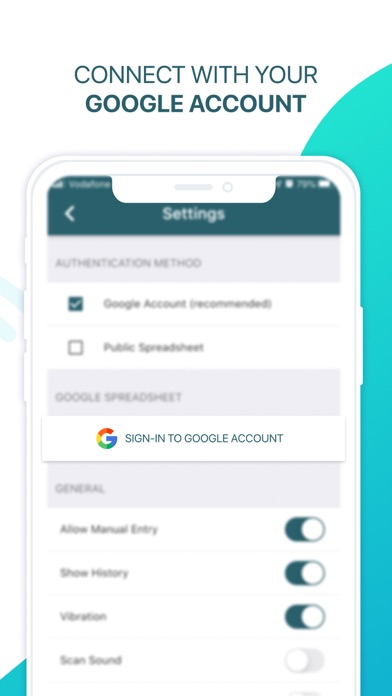
Scan to Sheets - QR & Barcode scanner allows you to easily scan QR and barcodes and store codes in Google Sheets. Looking to keep track of the inventory or your shop, warehouse or library? Need to monitor attendance of your classes, events and meetings? Look no further than Scan to Sheets, the app that allows you to quickly and easily scan QR codes and barcodes directly to Google Sheets. Supports a large variety of formats and external scanners connected via bluetooth or USB. Securely sign in with your Google account or connect to your public spreadsheets without sign in. You can customise your schema to append geolocations, timestamps, quantities, and custom text and numeric fields and labels to your scans. -------------------- Terms of Use: https://www.apple.com/legal/internet-services/itunes/dev/stdeula/ See https://scantogooglesheets.com/privacy/ for our privacy policy.

Released
Feb 10, 2019
Category
Productivity
Content rating
4+
Price
Free
In-app purchases
No
Developer site
scantogooglesheets.com ↗
WWUSGBDEJPINBR

No chart data

No rank history yet for this selection.

→

Screenshots

8
Scan to Sheets - QR & Barcode screenshot 1Scan to Sheets - QR & Barcode screenshot 2Scan to Sheets - QR & Barcode screenshot 3Scan to Sheets - QR & Barcode screenshot 4Scan to Sheets - QR & Barcode screenshot 5Scan to Sheets - QR & Barcode screenshot 6Scan to Sheets - QR & Barcode screenshot 7Scan to Sheets - QR & Barcode screenshot 8