Important Notice: A new and improved app is available!
We’ve launched Lennox Home—a next-generation app designed to provide a better, more seamless user experience.
Download Lennox Home Here
https://apps.apple.com/us/app/s40-l40-smart-t-stat/id6443907619
We highly recommend switching to Lennox Home for the latest features, updates, and support.
The (S30/E30/M30) iComfort T-Stat app is designed to be used with the Lennox iComfort S30, E30 and M30 Thermostat.
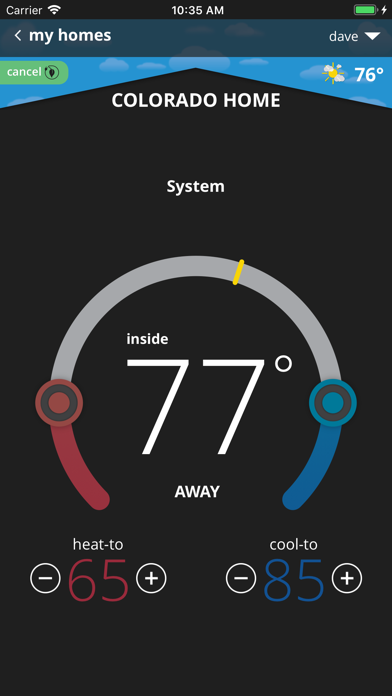
The Lennox iComfort S30, E30 and M30 thermostat doesn’t just control temperatures like a conventional thermostat, it automatically adapts to individual lifestyles and to the changing environment to help deliver the ultimate in comfort, energy savings and peace of mind. The Lennox iComfort App allows the user to control their HVAC system from anywhere in the world as though they were standing in front of their own thermostat.
App Features
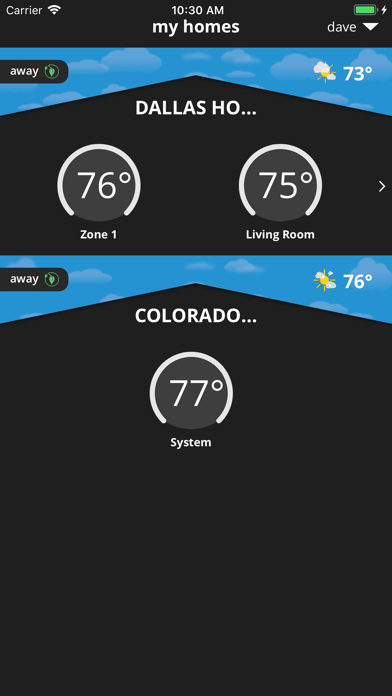
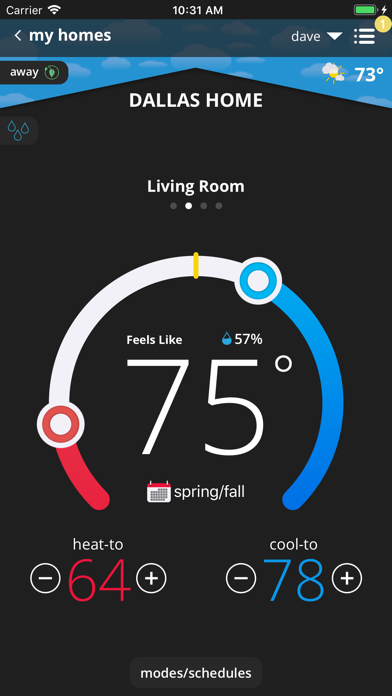
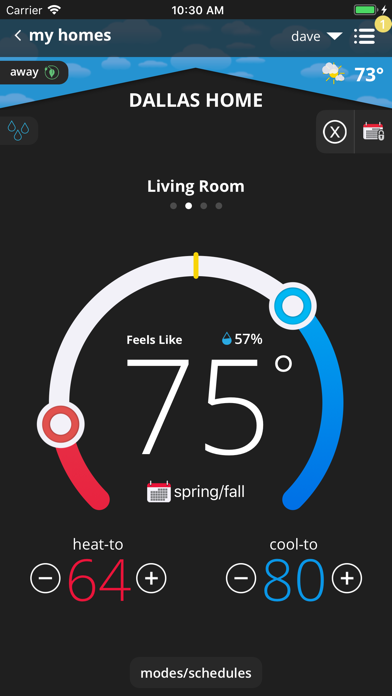
• Adjust and view your house temperature from anywhere in the world
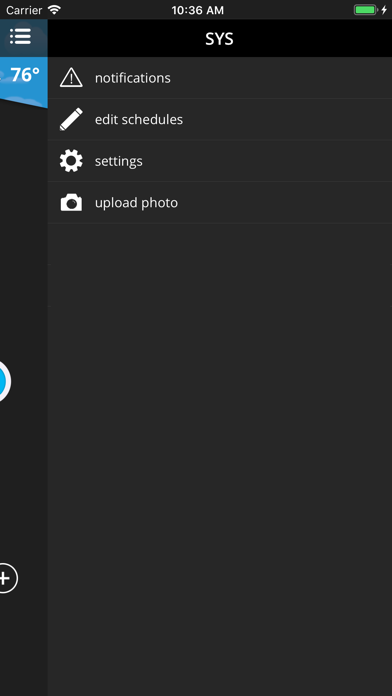
• Edit and view your thermostat schedule
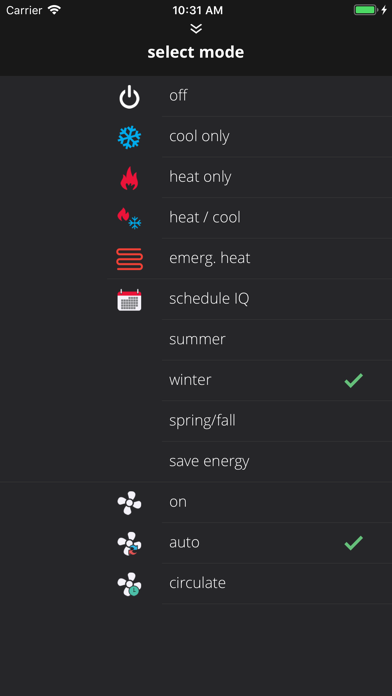
• Smart Away™ Mode* uses the location on your mobile phone to detect when the house is empty and automatically change the temperature to a more energy-efficient setting. When a family member is on the way home it automatically returns the temperature to its regular setting
• Much like a weather report will use a temperature and wind speed to determine a Wind Chill index to indicate the perceived temperature, the iComfort S30, E30 and M30 Feels Like™ Temperature takes into account indoor and outdoor temperature and humidity to make a home feel exactly like the homeowner desires. Therefore, when the thermostat is set to 72 degrees, a home will “Feel Like” 72 degrees year-round
• Allergen Defender on the iComfort S30 and E30 (not in the M30) gives immediate allergy relief by monitoring air quality and pollen levels outside. When high levels of pollutants and allergens are detected, the fan automatically turns on to keep the home’s air clean
• PureAir™ is a whole-home solution that means cleaner air in every room and every breath. It filter out particles, combats germs, and fights odors.
• The thermostat’s advanced warning system predicts problems before they happen and alerts the homeowner
• Safety protection notifies you if your house gets too hot or too cold
• Get alerts, reminders and advanced warnings from your system wherever you are
You must own a Lennox iComfort S30, E30 and/or M30 thermostat to use this app. The Lennox iComfort S30, E30 and M30 thermostat must also be connected to your home’s Wi-Fi router before the app can control the settings. For more information go to https://www.lennox.com/products/comfort-controls/thermostats
We truly appreciate your questions and comments. Please keep sending your suggestions to consumeraffairssocial@lennoxind.com or @AskDaveLennox on Twitter
*Continued use of GPS in the background can dramatically affect battery life