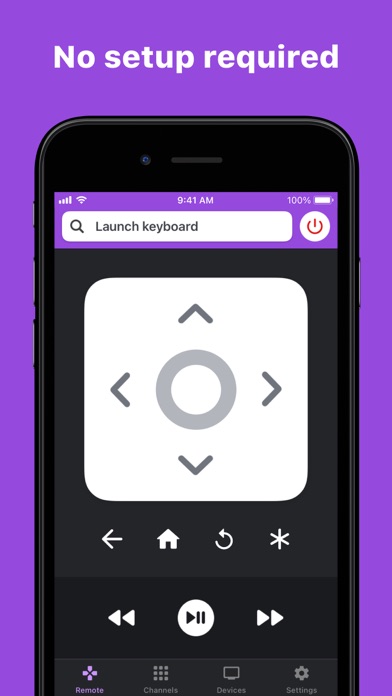
RoByte is a simple and easy to use Roku remote control that works with your Roku Player or Roku TV.
Features:
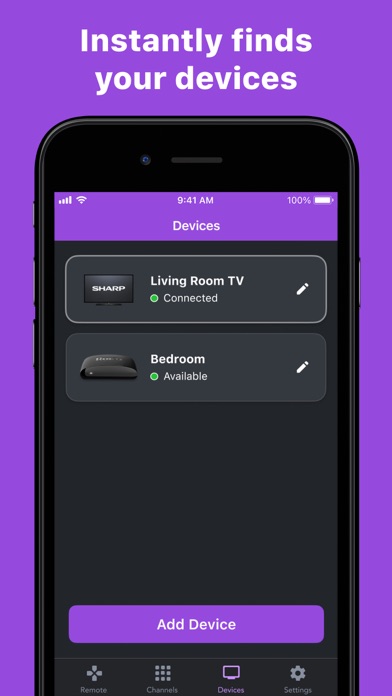
• Setup is a breeze. RoByte automatically scans your network to find your Roku.
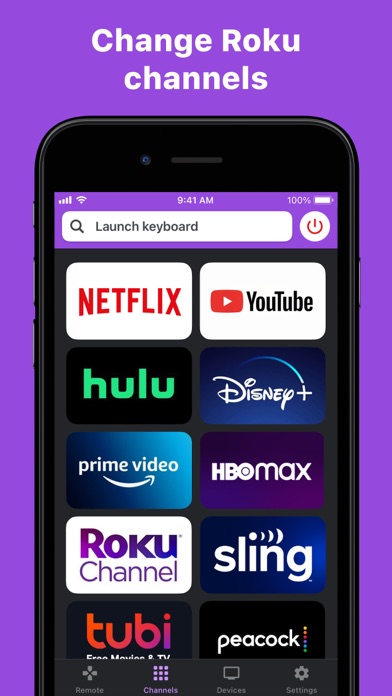
• Easily change channels with one tap
• Adjust volume of your Roku or Roku TV
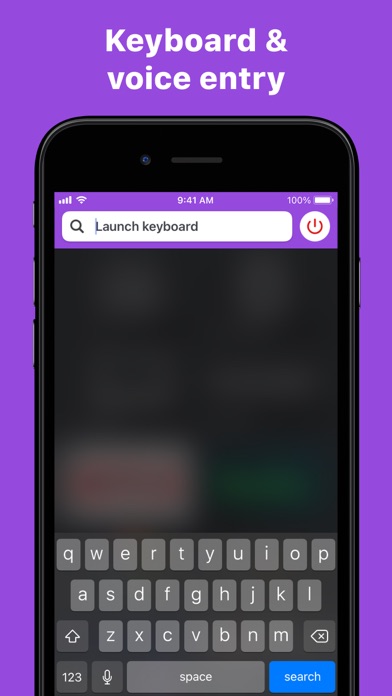
• Use your keyboard for quick text entry for channels like Netflix or Hulu
• RoByte is designed for iPhone as well as iPad
• Easily navigate without looking at your phone using the touchpad
• RoByte pairs with multiple Roku players.
RoByte Free features:
• Roku remote control
• Play/pause, fast forward, rewind
• Pair with multiple Roku devices
RoByte Premium features:
• Channel Switcher
• Volume Control
• Keyboard & Voice Search
• Touchpad
Help Guide:
If you are having issues, please do the following on your Roku TV:
Go to Settings -> System -> Advanced System Settings -> Control by mobile apps, and select "Enabled"
In order for RoByte to talk to your Roku, the following must be true:
1. Your Roku must be connected to your home's wifi network.
2. Your iPhone or iPad's wifi must be turned on and connected to the same network as the Roku.
Quick Tips:
• Most problems connecting to your Roku can be resolved by simply reinstalling RoByte.
• RoByte can only connect if you are on the same wifi network as your Roku device.
In most cases, RoByte will automatically scan and find your Roku device but there is a small case where if you have a more complicated setup, you may need to manually enter your Roku's IP address to connect.
If you're still unable to connect to your Roku, theres a good chance there's an issue somewhere within your network. Most common cases are Roku devices getting disconnected from your home wifi if it gets unplugged. You can also try reinstalling RoByte to do a fresh scan.
EULA:
https://www.apple.com/legal/internet-services/itunes/dev/stdeula/
Roku is a registered trademark of Roku, Inc.