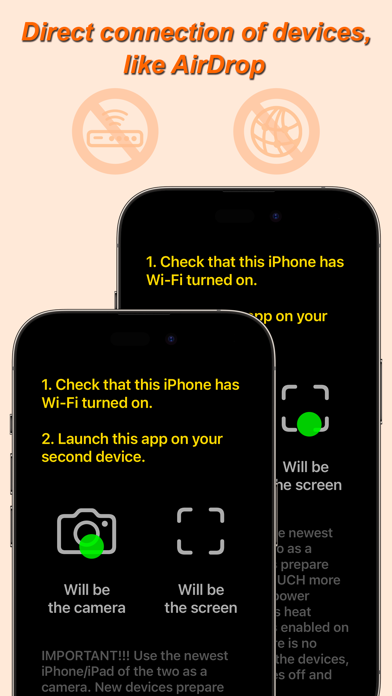
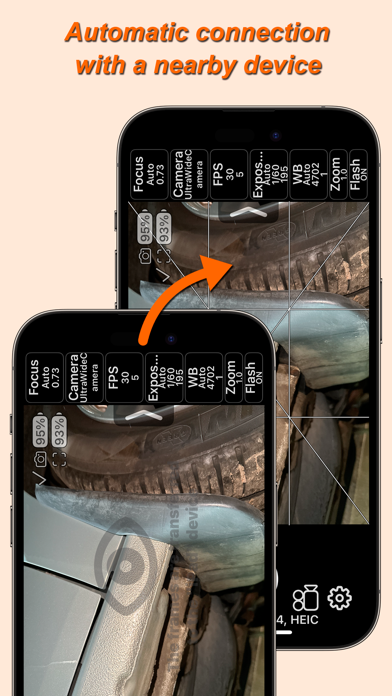
The app for remote control of an iPhone/iPad camera using another iPhone/iPad. The two devices use peer-to-peer Wi-Fi, which allows the devices to communicate directly, even if they are not on the same Wi-Fi infrastructure network. This technology is used by AirPlay, AirDrop, etc. In other words, Internet access or a Wi-Fi router is NOT needed. The maximum distance at which a connection can be maintained between two devices is about 20 foot.
The app has the following features:
• Control the iPhone/iPad camera using another iPhone/iPad.
• Show the camera preview image on another iPhone/iPad.
• You can enable the use of the device's camera when the same device acts as a screen. Disabled by default.
• Manual camera settings, including frame rate settings.
• Save camera settings to a list of settings for different situations. Read more about this below.
• Lock camera settings with one button.
• Select video format from 144p to 4K.
• Pause during video recording.
• Capturing photos in video recording mode. With the dimensions of the selected video format.
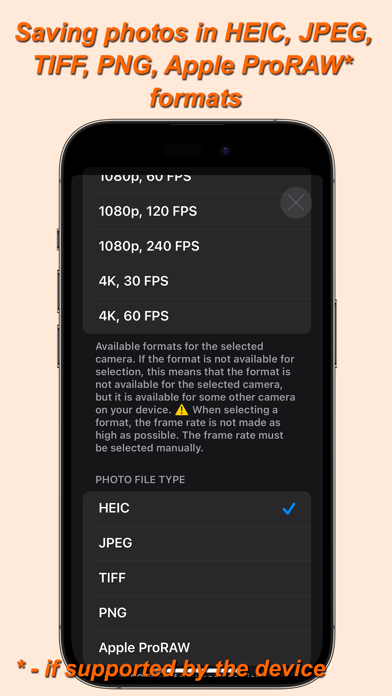
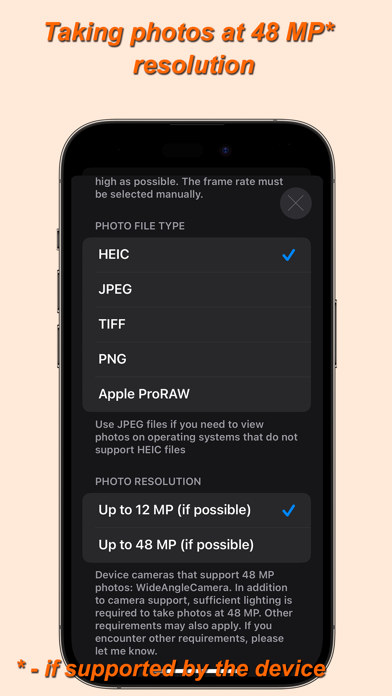
• Save photos in HEIC, JPEG, TIFF, PNG, Apple ProRAW formats (if supported by the device).
• Taking photos at 48 MP resolution. If the device has cameras that support this resolution.
• Various grid options, including the ability to display your own PNG grid file. PNG file must have a transparent background. It is possible to select the thickness of the grid lines. The overlay grid image of the PNG file can be shifted. The PNG file image shifting feature is made for adaptation to the Video Telescope Collimation proposed by Dr. Leon Palmer (https://rigelsys.com/video collimation.html).
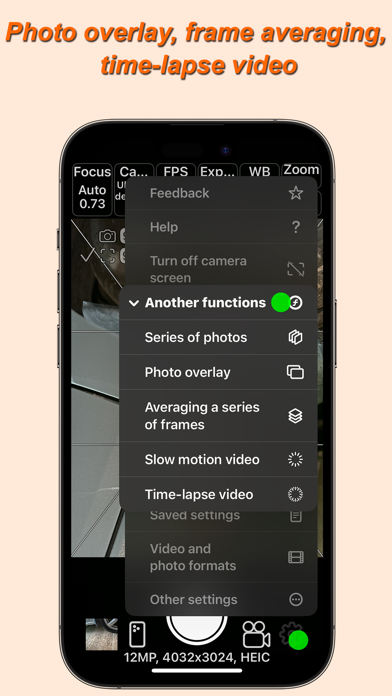
• A series of photos with a custom time interval between photos and the number of photos in a series.
• Overlay photos for subsequent combination of different photos or videos. To overlay a PNG file grid, you need to use a different function in the grid settings.
• Averaging a series of frames to remove moving objects.
• Slow motion video.
• Time-lapse video.
• Cinematic video stabilization.
• Mirror image flipping on the device acting as a screen.
• Timer.
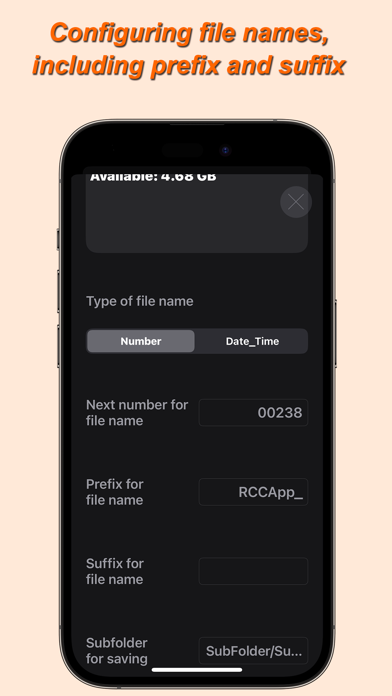
• Selecting a location to save photos and videos (including an external drive). In the photo library of the "Photos" app. In the folder of this app or any other app that has a folder in the "Files" app. On an external drive connected to the iPhone/iPad, while the external drive can be encrypted. You can even record video to an external drive, but for this, the write speed to the external drive must be high enough. When saving to something other than the photo library of the "Photos" app, you can create and change subfolders for saving within the already selected location for saving photos and videos. Use the text input field "Subfolder for saving". Using the "/" symbol, you can write several nested folders. For example: "Subfolder/Subsubfolder/SubSubSubfolder/". The nesting level of folders is not limited.
• Customize the file name when saving to something other than the photo library in the "Photos" app. Sequence number, date and time, prefix, suffix.
• Control the camera "shutter" using the volume buttons or "shutter" remote control button (a selfie stick button, a bluetooth "shutter" remote control button).
• Silent mode.
• Selecting a camera if the device has several cameras.
The frame rate of the device acting as a screen is also adjustable. By reducing the frame rate, you can reduce energy consumption and, therefore, battery life. This is especially important if you are using a very old iPhone/iPad with a weak battery as a screen.
The app can be used without a second device, for taking photos and videos with manual camera settings. In the app settings, you can configure the app to launch as a camera, without having to select.
The app can work on iOS 12 and newer. This makes it possible to use old iPhones starting with the iPhone 5S and newer as a screen.
IMPORTANT!!! SEE THE "HELP" SECTION IN THE APP!