StoreIntel
AppsTop ChartsTrendingKeywordsMy Apps
Not affiliated with Apple Inc. App Store is a trademark of Apple Inc.Top chartsSupportTermsPrivacy

Reader+ : Scan & Read Books

LEE DONG WON · Books · 11.9y old

Free
◆ ProTrack this app App Store

Performance · US

Est. downloads / month · US

<5K

Below chart threshold

Est. IAP revenue / month · US

<$5K

Below chart threshold

Rating · US

—

no ratings yet

Chart position

Rank history — US · Top Grossing

Apple's Top Grossing chart — all apps ranked by revenue (purchases + subscriptions).

Top FreeTop Grossing

Ratings count — US

24
◆ Pro1 chart locked

See the numbers behind the rankings

  • Keyword RankingsWhich App Store searches it ranks for, and where
Unlock everything

Listing

About

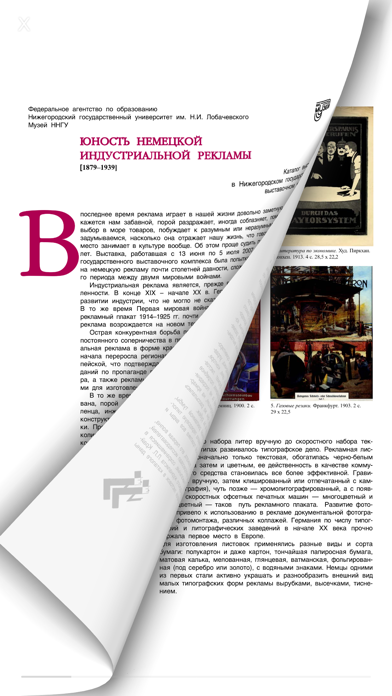
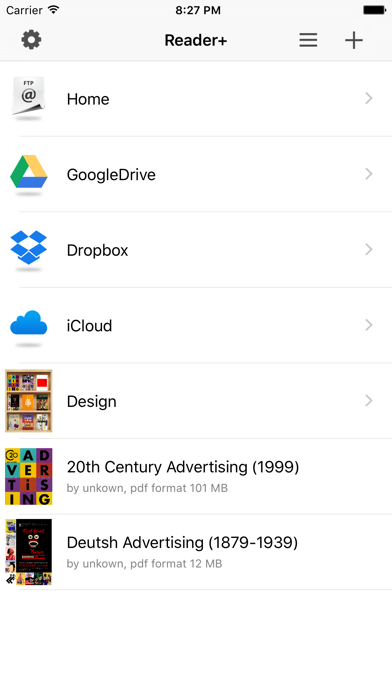
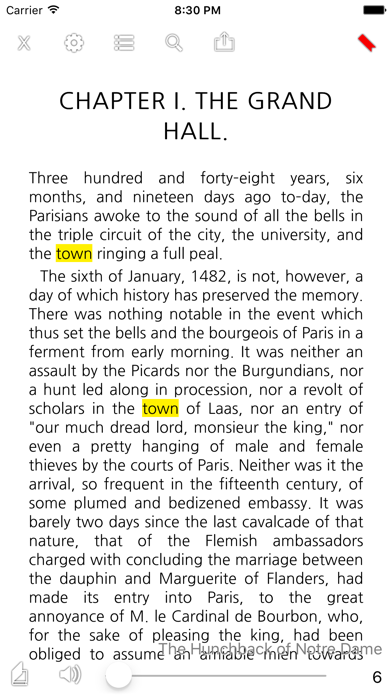
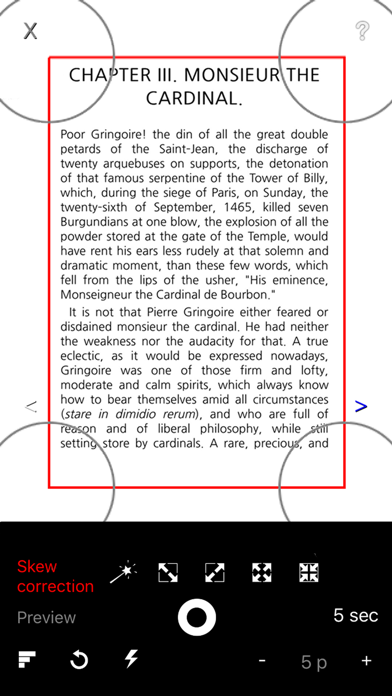
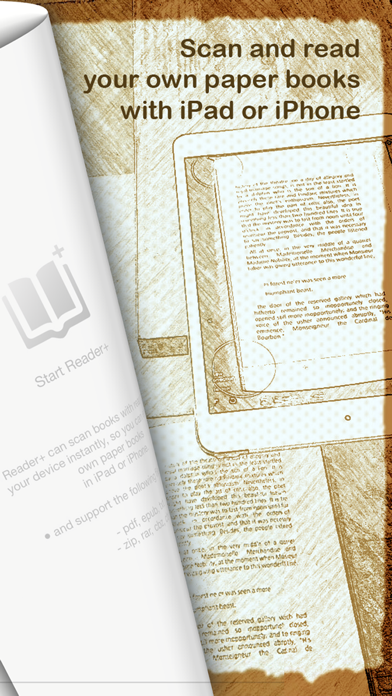
● Reader+ can scan books with rear camera of your device instantly, so you can enjoy your own paper books in iPad or iPhone. ● and support the following file formats. - pdf, epub, txt - zip, rar, cbz, cbr ● You can add following items - Book (for scan) - Shelf (folder) - FTP Server - GoogleDrive, Dropbox - iCloud ● Support bookmark and word search feature. ● You can edit ( modify, delete, move, copy, paste ) items at anytime. ● Support TTS (Text To Speech) feature with simple gesture. ● Support page curl animation and slide animation. ● Including night mode, support various background images. ● For epub and txt file, support various font family and you can change margin, line height, font size. ● Reader+ can post page to Twitter/Facebook/SMS. ● Reader+ can export book to other apps or devices. ● You can perform following operations for scanned results instantly. - Change margin/move/rotate/scale - Skew correction - Color correction - Save or Remove pages
Released
Nov 10, 2014
Category
Books
Content rating
4+
Price
Free
In-app purchases
No
WWUSGBDEJPINBR

No chart data

No rank history yet for this selection.

→

Screenshots

5
Reader+ : Scan & Read Books screenshot 1Reader+ : Scan & Read Books screenshot 2Reader+ : Scan & Read Books screenshot 3Reader+ : Scan & Read Books screenshot 4Reader+ : Scan & Read Books screenshot 5