StoreIntel
AppsTop ChartsTrendingKeywordsMy Apps
Not affiliated with Apple Inc. App Store is a trademark of Apple Inc.Top chartsSupportTermsPrivacy

Quick Notes & Draft - Nanonote

Santu Dey · Productivity · 5.3y old

Free
◆ ProTrack this app App Store

Performance · Worldwide

Est. downloads / month · WW

<5K

Below chart threshold

Est. revenue / month · WW

<$5K

Below chart threshold

Rating · WW

4.5★

248 ratings

Chart position

Rank history — US · Top Free

Apple's Top Free chart — free apps ranked by recent downloads.

Top FreeTop Grossing

Ratings count — US

248
◆ Pro1 chart locked

See the numbers behind the rankings

  • Keyword RankingsWhich App Store searches it ranks for, and where
Unlock everything

Listing

About

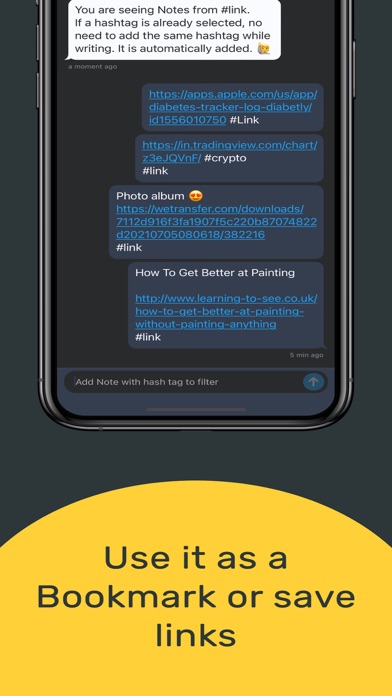
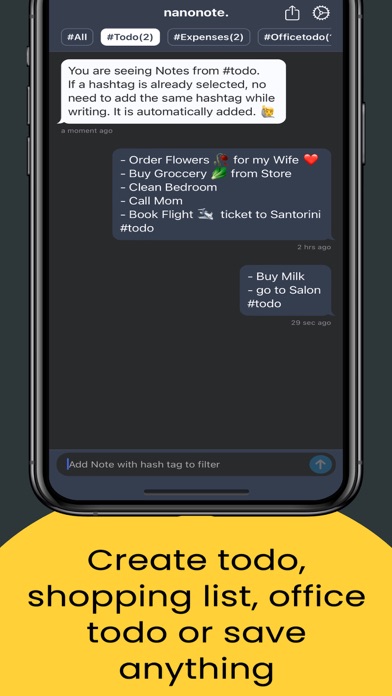
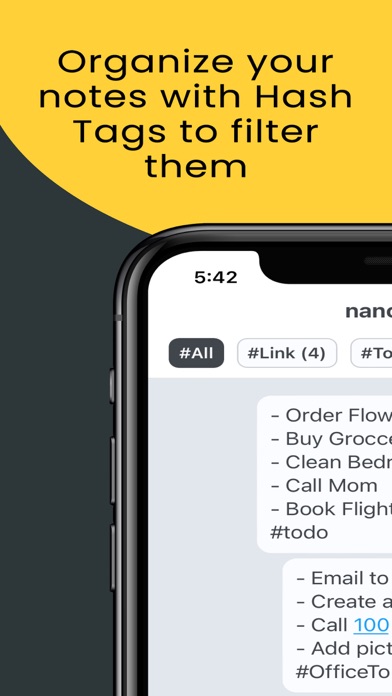
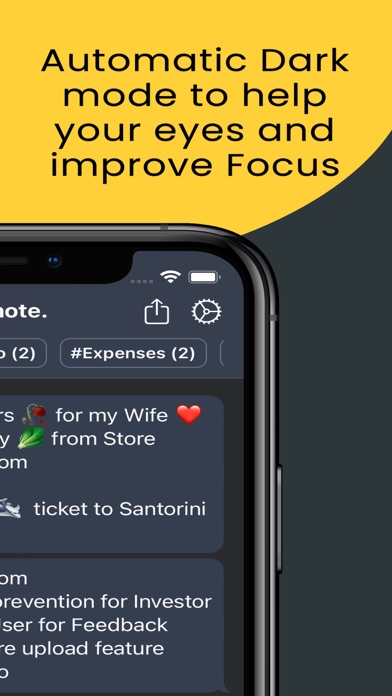
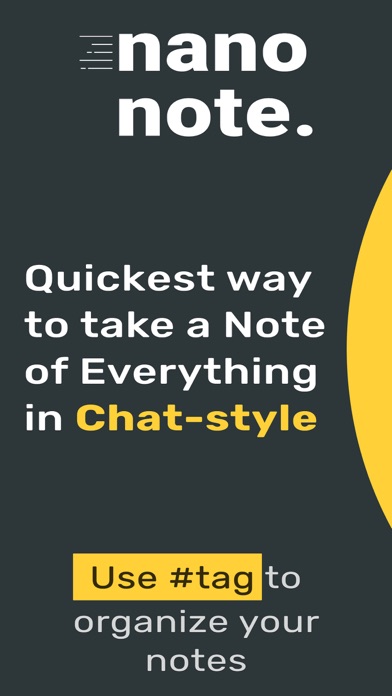
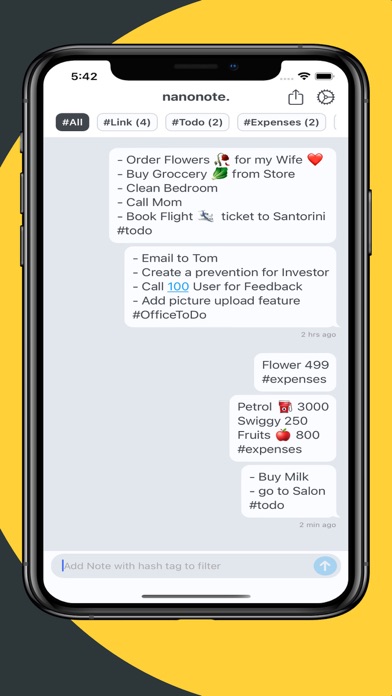
nanonote - Write freely and organize with #hashtags to filter your notes. People use Nanonote for saving links, creating to-do lists, daily journaling, tracking expenses, and more. Features: - Copy text from any app and just open the nanonote it will automatically paste it in the input box. So just copy from anywhere and enjoy the magic - While writing notes adds Hashtags to organise notes for future use. - Export Note: You can export all your note to a file, save them on Apple files or wherever you want. (Setting > Export Note) - Improved reminder: With one click you can convert your note to a reminder. In the current version, you can choose when to set an alert (Long press on any note to start Reminder) - Contribution to app translation: Currently we support Chinese & English, from now on anyone can contribute to app translation (Setting > App translation)
Released
Jul 7, 2021
Category
Productivity
Content rating
4+
Price
Free
In-app purchases
No
WWUSGBDEJPINBR

No chart data

No rank history yet for this selection.

→

Screenshots

6
Quick Notes & Draft - Nanonote screenshot 1Quick Notes & Draft - Nanonote screenshot 2Quick Notes & Draft - Nanonote screenshot 3Quick Notes & Draft - Nanonote screenshot 4Quick Notes & Draft - Nanonote screenshot 5Quick Notes & Draft - Nanonote screenshot 6