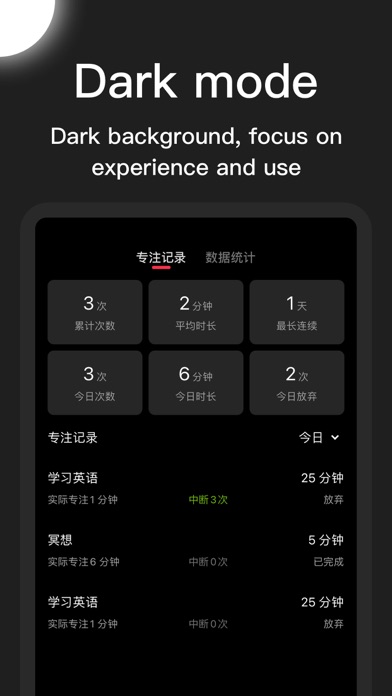
Pomodoro, a light and concise focusing software. It can help you focus on learning, make learning plans, set meeting reminders, arrange travel plans, and can also be used to record notes and organize shopping lists.
Pomodoro integrates practical functions such as focus, clock-in, reminders, memos, lists, notes, notes, alarms, time management, etc., an application that meets all your needs.
"Efficient Pomodoro"
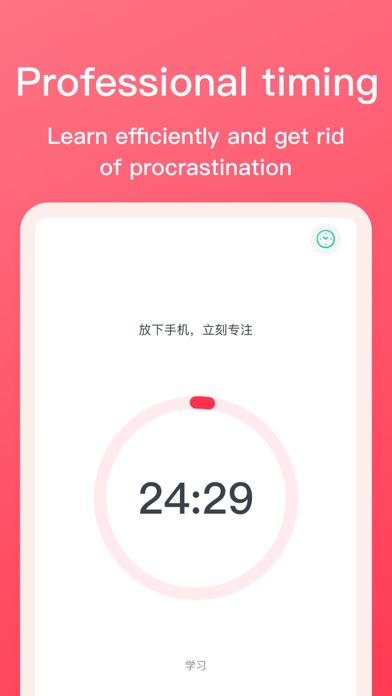
-Focus: focus on matters, learn efficiently, and develop habits;
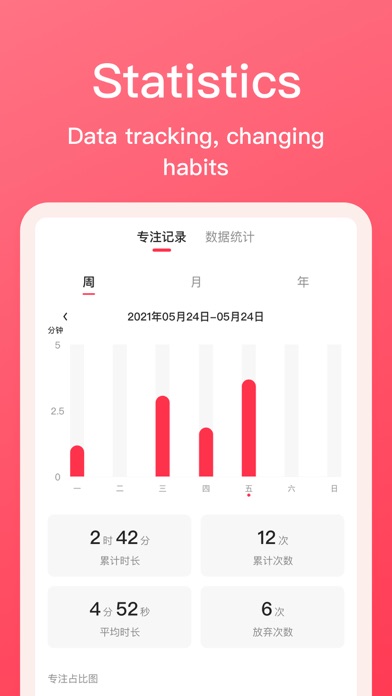
-Data analysis: data analysis, tracking problems, and getting rid of bad habits;
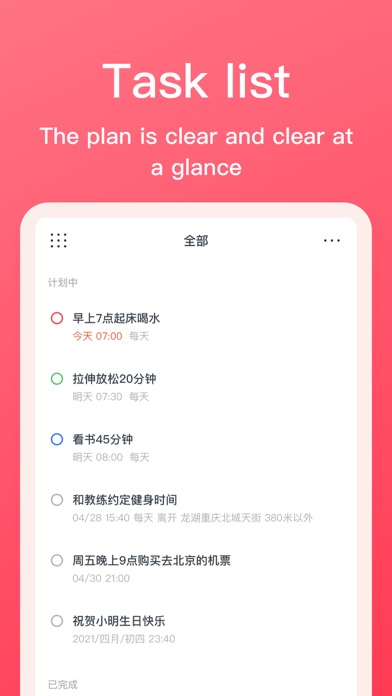
-Reminders: remind on time at the set time and place;
-Continuous reminder: stubborn continuous reminder, no longer miss important things;
-Voice input: voice to text, bid farewell to manual input;
-Classification list: simple and clear list, work and life are in order;
-Intelligent time semantic analysis: intelligently analyze the text in text and voice, and intelligently create reminder time;
-Today widget: No need to open the App, quickly view, complete, and create your items in the notification center;
-iCloud synchronization: automatic backup, multi-terminal synchronization, data will no longer be lost;
-Password protection: support digital password, Touch ID, Face ID, protect privacy most professionally;
-Personal settings: you can choose themes, ringtones, button sounds, and vibration feedback according to your preferences;
-------
Obtained high-quality recommended applications by well-known media "Aicheng Technology" and "Neosoft".
-------
"Pomodoro Member"
Pomodoro membership is a paid subscription service. You can find this feature on the [Settings] page. If you subscribe to this service, you can become a daily reminder member, and you can use all features indefinitely during the subscription period, including new features in the future.
The service provides a standard service price of RMB 10 per month, RMB 58 per year, and RMB 98 for permanent members. The price may change during the promotion period. When the price adjustment occurs, the new fee will be incurred in your next subscription cycle. Or when the free trial period ends, the fee will be automatically deducted after the trial period.
"Regarding subscription-related rules for this service"
-The fee will be officially deducted from the iTunes account after the purchase is confirmed and the free trial period ends;
-Subscription is an automatic renewal service. If you want to stop the renewal, please manually cancel the service at least 24 hours before the end of the current billing cycle;
-The cost of renewal will be deducted within 24 hours before the end of the current period;
-After subscribing to the service, you can enter the [Subscription] entry provided in the account settings of the App Store to manage subscription renewal and other operations;
-During the free trial period, any unused days will be cleared after the user purchases the service;
Terms of Use:
http://doc.liangzemu.cn/tomatotodo/cn/usage_terms.html
Privacy agreement:
http://doc.liangzemu.cn/tomatotodo/cn/privacy_policy_ios.html