StoreIntel
AppsTop ChartsTrendingKeywordsMy Apps
Not affiliated with Apple Inc. App Store is a trademark of Apple Inc.Top chartsSupportTermsPrivacy

PIP Camera Photo Effect - Pic in Pic Image Editor with Fun Picture Collage and Frame Filter

Jian Yih Lee · Photo & Video · 10.8y old

Free
◆ ProTrack this app App Store

Performance · Worldwide

Est. downloads / month · WW

<5K

Below chart threshold

Est. revenue / month · WW

<$5K

Below chart threshold

Rating · WW

5.0★

1 ratings

Chart position

Rank history — US · Top Free

Apple's Top Free chart — free apps ranked by recent downloads.

Top FreeTop Grossing

Ratings count — US

1
◆ Pro1 chart locked

See the numbers behind the rankings

  • Keyword RankingsWhich App Store searches it ranks for, and where
Unlock everything →

Listing

About

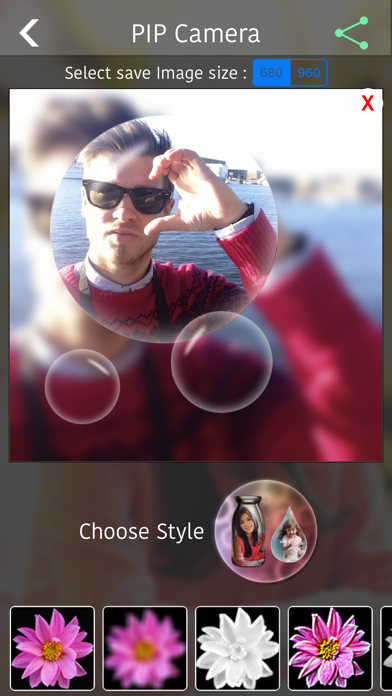
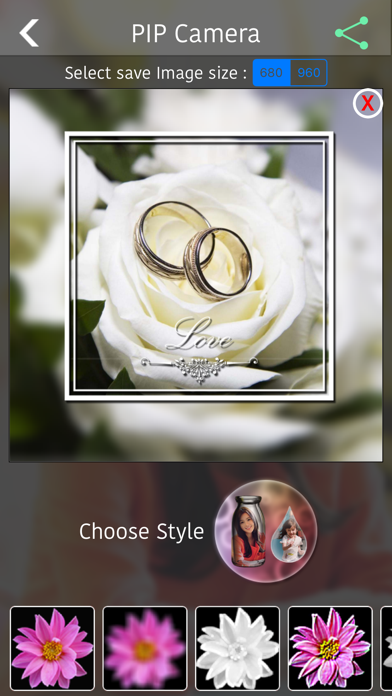
PIP Camera Photo Effect is an easy and awesome app for you to add pic in pic effect to your photos! It's very simple to make your own cool photos. Just capture or select images from your camera, choose the pip style effect you like, and your beautiful special photo is ready for sharing to Facebook, Twitter, etc! Also, you can add filter effect to your image to make it looks more nicely! Download PIP Camera Photo Effect now and give this cool app a try for yourself in making your photos look cool and much more special!

Released
Dec 29, 2015
Category
Photo & Video
Content rating
4+
Price
Free
In-app purchases
No
WWUSGBDEJPINBR

No chart data

No rank history yet for this selection.

Screenshots

5
PIP Camera Photo Effect - Pic in Pic Image Editor with Fun Picture Collage and Frame Filter screenshot 1PIP Camera Photo Effect - Pic in Pic Image Editor with Fun Picture Collage and Frame Filter screenshot 2PIP Camera Photo Effect - Pic in Pic Image Editor with Fun Picture Collage and Frame Filter screenshot 3PIP Camera Photo Effect - Pic in Pic Image Editor with Fun Picture Collage and Frame Filter screenshot 4PIP Camera Photo Effect - Pic in Pic Image Editor with Fun Picture Collage and Frame Filter screenshot 5