Get started with PiHelper:
https://medium.com/swlh/using-pihelper-to-monitor-and-manage-raspberry-pis-9a24065febed
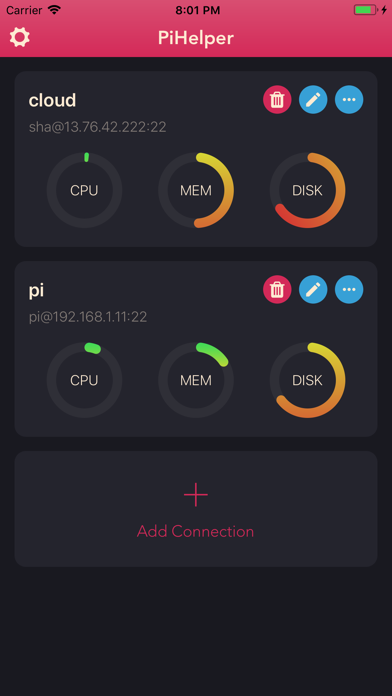
PiHelper lets you connect and manage your Raspberry Pi or Linux machine easily.
- Monitor
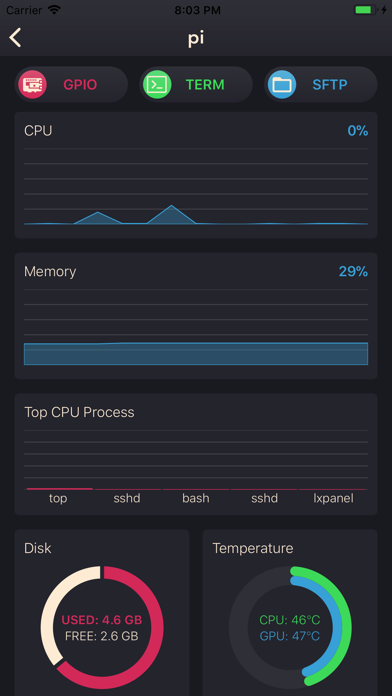
CPU, memory, disk usage, processes and/or temperature statics in realtime.
- GPIO
Colorful pinout. Tap to change GPIO mode and output.
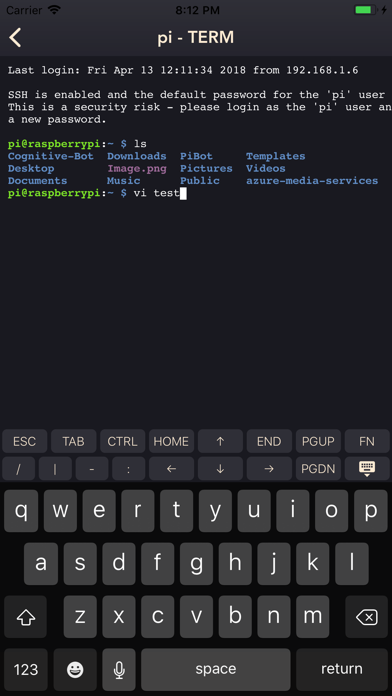
- SSH Terminal
Realtime shell with full xterm experience.
- SFTP / File browser
Browse files and directories. Easy upload, download, rename and delete.
- Single tap to reboot / halt server. Custom commands are also supported.
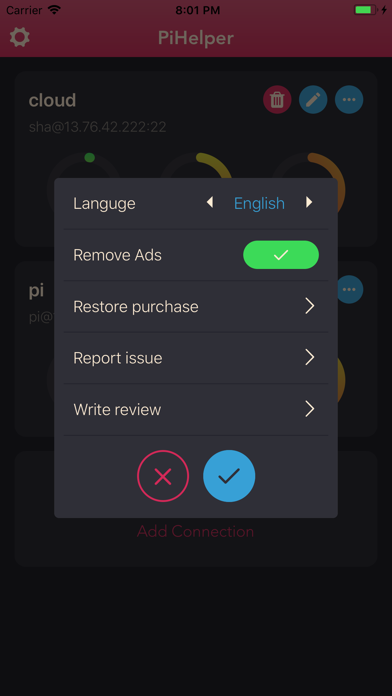
- Multi-language support:
-- English
-- 中文
-- 日本語
-- Русский (Thanks to Sergey Britov)
-- Deutsche (Thanks to Daniel Wolf)
-- Français (Thanks to Dorian Eydoux)
-- Lietuvis (Thanks to Ernestas Kardzys)
Report issue:
- Email: pihelper@outlook.com
- Twitter: @shaqian629
Notes:
- Public/Private key authentication only supports RSA keys.
- To use the GPIO tool with RPi 4, please upgrade wiringPi to 2.52+:
cd /tmp
wget https://project-downloads.drogon.net/wiringpi-latest.deb
sudo dpkg -i wiringpi-latest.deb
Reference: http://wiringpi.com/wiringpi-updated-to-2-52-for-the-raspberry-pi-4b/