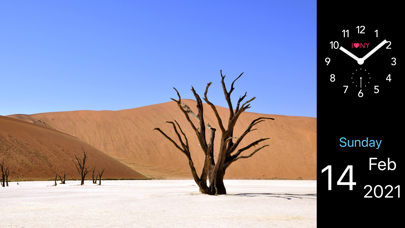
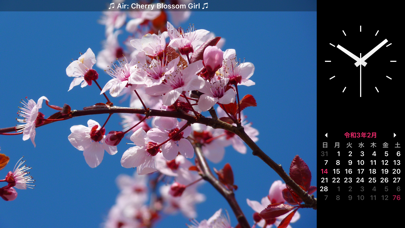
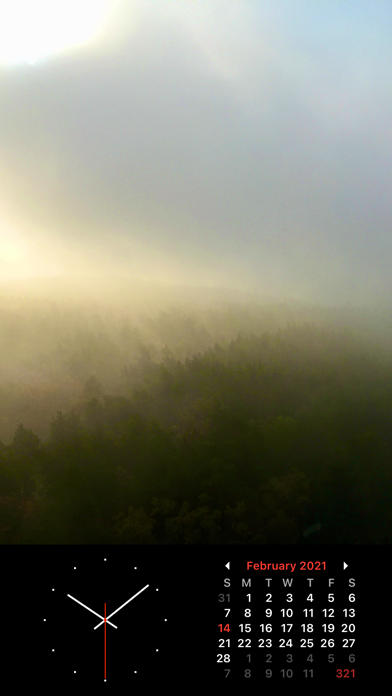
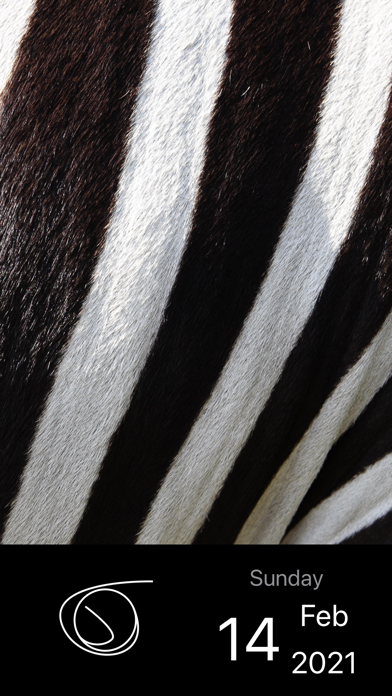
Turn your device into a minimalistic digital photo frame.
Think of this as more quality-of-life improvements to a pure productivity tool.
Tap the current photo
to show the next one from the selected albums.
Double-tap the current photo
to switch the crop modes for its album.
Long-press the current photo
to hide / show calendar and clock.
Tap calendar or clock
to cycle through their faces (2 and 4 respectively).
Double-tap calendar or clock
to enter / exit full screen.
Long-press and drag calendar or clock
to change their locations.
Place your iPhone face down
to put the app to sleep.
Use Quick Actions menu
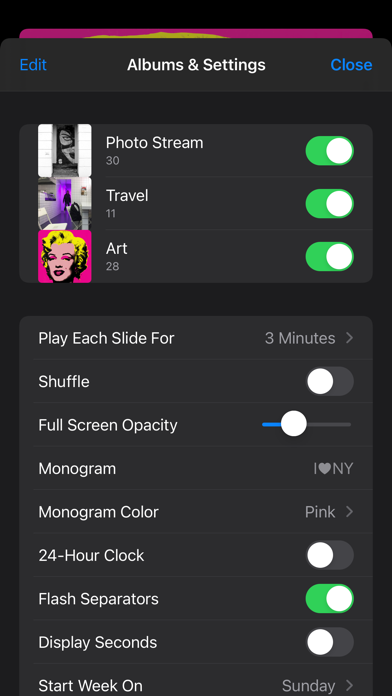
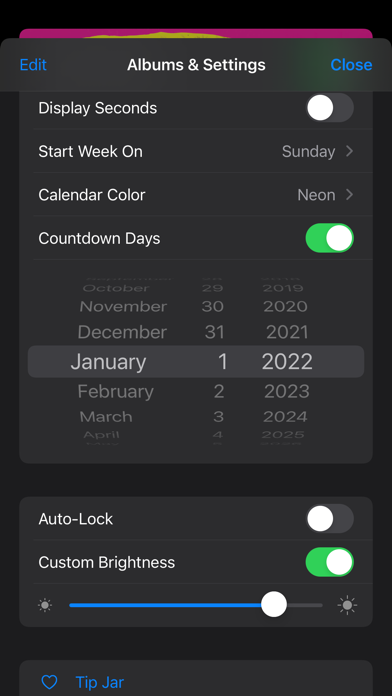
to quickly open the app’s albums and settings.
Title-tap the app’s albums and settings
to scroll to the top / bottom.
Use photoframe:// URL scheme
to open the app.
The PDF vectors of the clock faces for modifications are accessible in Files > On My Device > PhotoFrame > Clock Faces, or from Finder (iTunes) File Sharing.
Since iPadOS / iOS 13, if you use more than one language or keyboard on your device, then it becomes possible to select a preferred language for the app’s calendar and clock in Settings > PhotoFrame > Language. For educational purposes and beyond. (Currently available: 日本語, Français, Italiano, Português, Español, Українська, Русский, Deutsch, and English.)
Thank you everyone for over 100,000 downloads!
Tip Jar Subscription:
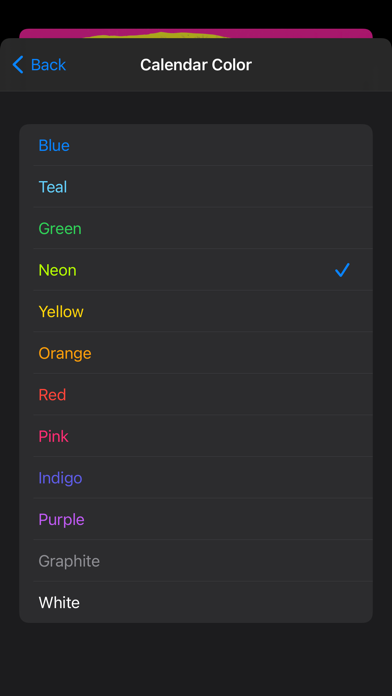
An optional auto-renewing monthly subscription is available which adds a bonus option Random for colour settings.
Payment will be charged to your Apple ID account at the confirmation of purchase. Subscription automatically renews unless it is canceled at least 24 hours before the end of the current period. Your account will be charged for renewal within 24 hours prior to the end of the current period. You can manage and cancel your subscriptions by going to your account settings on the App Store after purchase.
Privacy Policy + Terms of Use:
WWW.EV4LDAS.XYZ