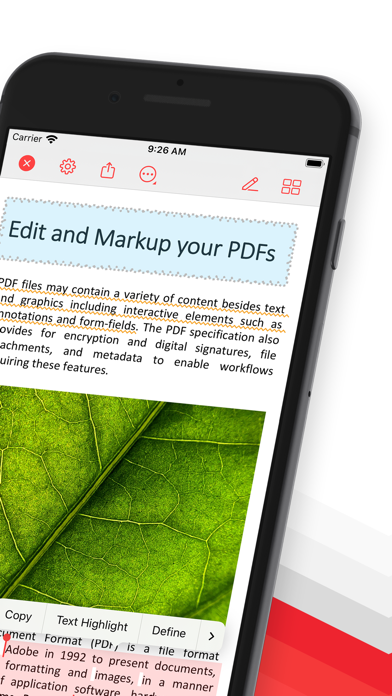
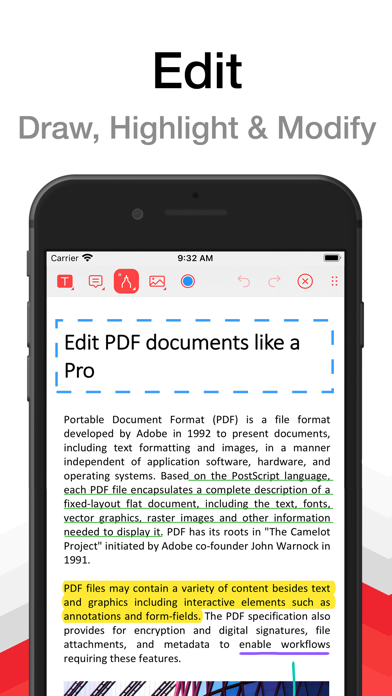
PDF Pro lets you read, edit and annotate your PDF documents directly on your iPhone and iPad. Highlight text, take notes, embed shapes or draw with your finger. You can even embed voice recordings or photo annotations. Full-text-search your entire PDF library with just a single tap.
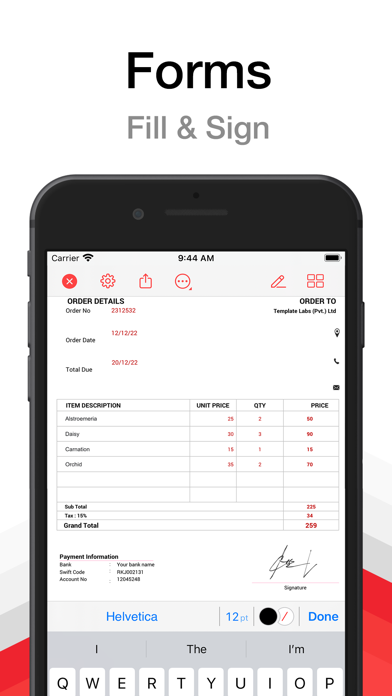
Above all PDF Pro comes with full-featured PDF form and signature support.
Key-Features At A Glance:
• POWERFUL SEARCH:
∙ Full-text-search your entire PDF library.
∙ Search inside specific documents with easy navigation through the search results.
∙ Look-up selected text directly on Wikipedia or in the included dictionaries.
• FILE-MANAGEMENT:
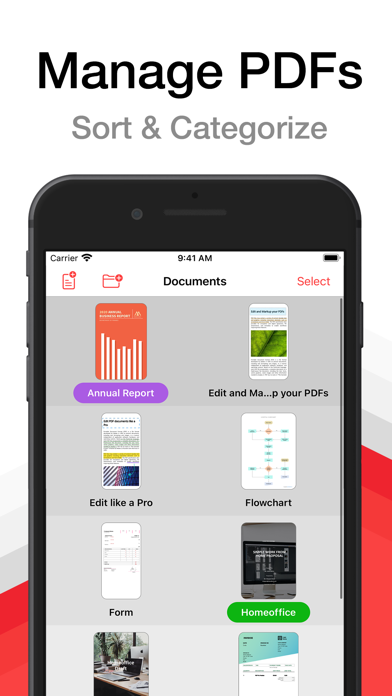
∙ Group your PDFs in folders and tag them with colorful labels.
∙ Import PDFs from your Dropbox®, Microsoft OneDrive® or Google Drive®.
∙ Add PDFs via USB or WiFi.
∙ Open E-Mail attachments.
• CLEAR VIEW:
∙ Easily browse through all your annotations.
∙ Full PDF outline support. You can even search the outline.
∙ Get an overview of all your bookmarked or annotated pages just with a single tap.
• SHARE and PRINT:
∙ Easily share your annotated documents with your friends or co-workers.
∙ Print your annotated and edited PDFs.
∙ You can even share or print single pages of a document.
• HIGH SPEED and STABILITY:
∙ Rapid viewing of PDF documents.
∙ Smooth display of very large PDF files.
• NIGHT MODE:
∙ Makes reading in the dark much easier on the eyes.
• SECURITY:
∙ Support for password-protected PDFs
• AND MUCH MORE...
Premium Features and Premium Offer include:
• ANNOTATIONS and NOTES:
∙ Highlight text, take notes or draw with your finger.
∙ Powerful shape editor for arrows, rectangles, circles, lines and much more.
∙ Embed audio and photo annotations into your PDFs.
∙ Use predefined stamps or create your own.
• DOCUMENT EDITOR:
∙ Create new pages.
∙ Export pages or merge them into existing documents.
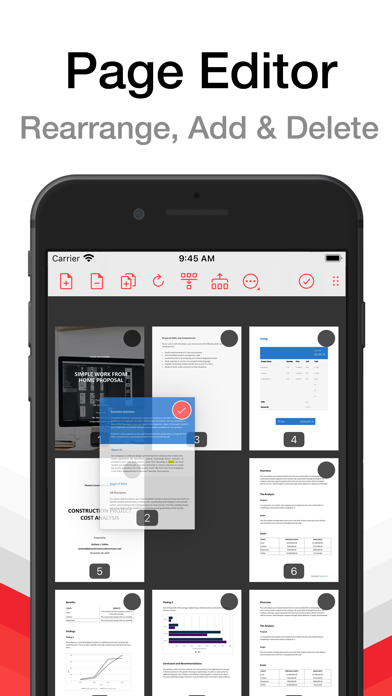
∙ Reorder, rotate and delete pages.
• CONTENT EDITOR:
• Modify the existing content of PDF documents.
• MULTITASKING:
∙ Work with multiple PDFs at a time.
∙ Copy and paste annotations, shapes, images or text from one PDF document into another.
• FORM SUPPORT:
∙ Just fill out your PDF form, sign it with your handwritten signature and you are ready to send it via E-Mail or print it via AirPrint®.
A monthly or annual subscription is required to get access to all premium features and premium offer.
---
Subscriptions automatically renew monthly or yearly depending on your plan unless auto-renew is turned off at least 24-hours before the end of the current period. Plans are priced at $3.99USD monthly and $24.99USD yearly (pricing may vary in countries other than the U.S.). Payment will be charged to your App Store Account at confirmation of purchase. To avoid automatic renewal, you must turn off auto-renew at least 24 hours before your subscription ends. You can turn off auto-renew at any time from your App Store Account Settings.
Terms of Use: https://pdf-pro.net/terms-of-service/
Privacy Policy: https://pdf-pro.net/privacy-policy/