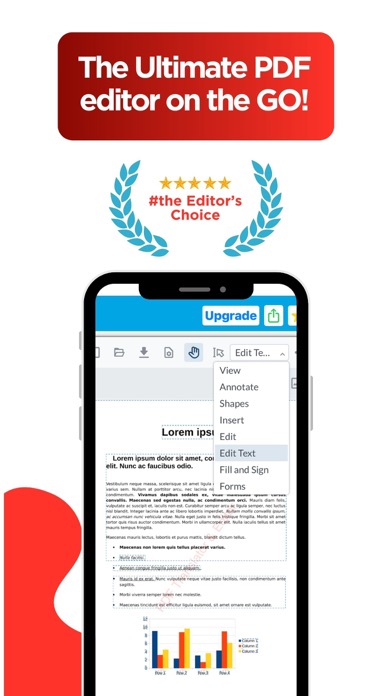
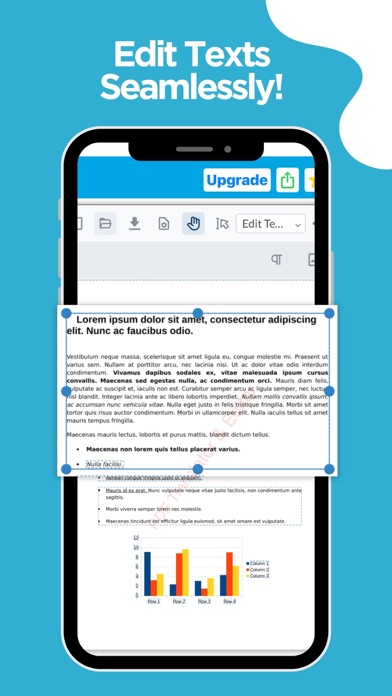
Edit the actual text inside your PDFs—change words, fonts, sizes, and colors, swap out images, and fix typos right on your iPhone or iPad. PDF Editor brings desktop-class editing to your pocket, then lets you annotate, sign, fill forms, and share in seconds.
EDIT TEXT & IMAGES DIRECTLY
• Tap any paragraph to rewrite, restyle, or delete text
• Change fonts, sizes, colors, and alignment
• Add, move, resize, or replace images
• Fix typos and update documents without a computer
ANNOTATE & MARK UP
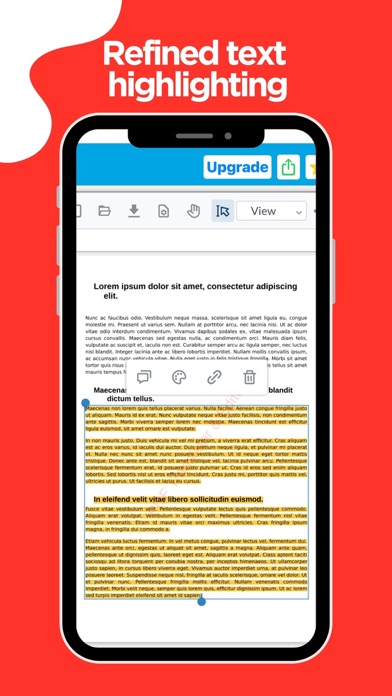
• Highlight, underline, and strikethrough
• Add comments, sticky notes, shapes, and arrows
• Draw freehand with your finger or Apple Pencil
• Insert stamps and custom watermarks
SIGN & FILL FORMS
• Sign with your finger or a saved signature
• Fill out interactive and flat forms
• Add dates, checkmarks, and text fields
ORGANIZE & CONVERT
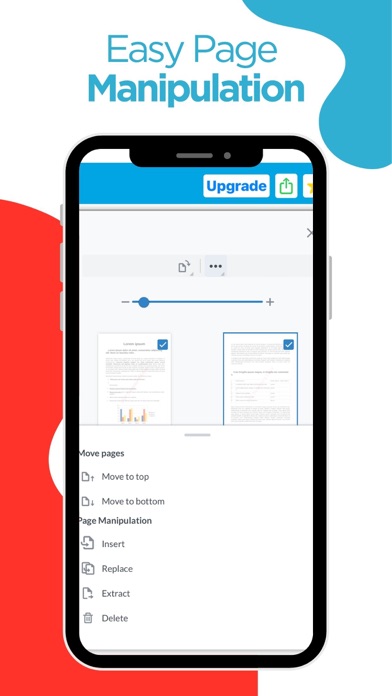
• Merge, split, reorder, rotate, and delete pages
• Scan paper documents with your camera
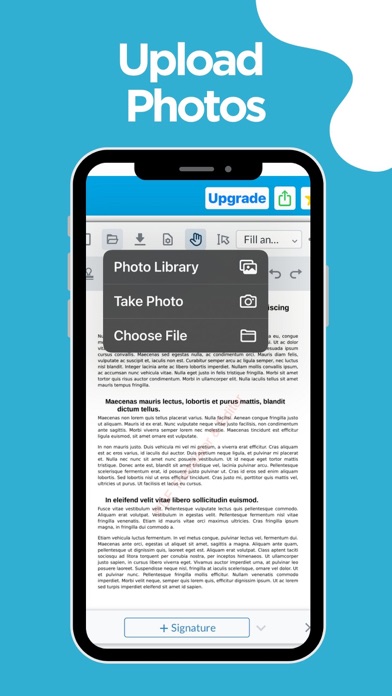
• Convert photos and images to PDF
• Extract or duplicate pages
SHRINK FILE SIZES
• Compress large PDFs to make them easy to email and share
• Pick the compression level that fits your needs
Whether you're editing a contract, marking up research, or fixing a typo before a deadline, PDF Editor gives you everything you need to work with PDFs—right on your iPhone and iPad.
Terms of service: https://www.apple.com/legal/internet-services/itunes/dev/stdeula/
Privacy policy: https://site.innovaapps.ai/policies/translatorprivacypolicy