StoreIntel
AppsTop ChartsTrendingKeywordsMy Apps
Not affiliated with Apple Inc. App Store is a trademark of Apple Inc.Top chartsSupportTermsPrivacy

Net Speed - Measure Internet Performance

Nutec Development, LLC · Utilities · 13.3y old

Free
◆ ProTrack this app App Store

Performance · Worldwide

Est. downloads / month · WW

<5K

Below chart threshold

Est. revenue / month · WW

<$5K

Below chart threshold

Rating · WW

4.2★

152 ratings

Chart position

Rank history — US · Top Free

Apple's Top Free chart — free apps ranked by recent downloads.

Top FreeTop Grossing

Ratings count — US

152
◆ Pro1 chart locked

See the numbers behind the rankings

  • Keyword RankingsWhich App Store searches it ranks for, and where
Unlock everything

Listing

About

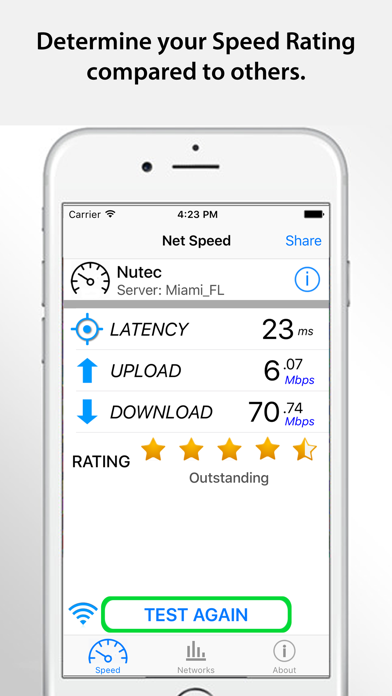
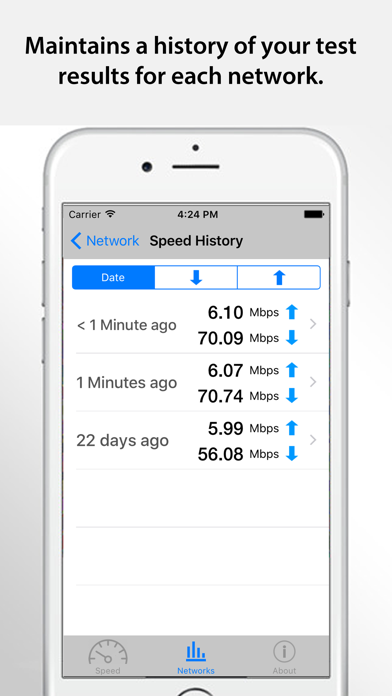
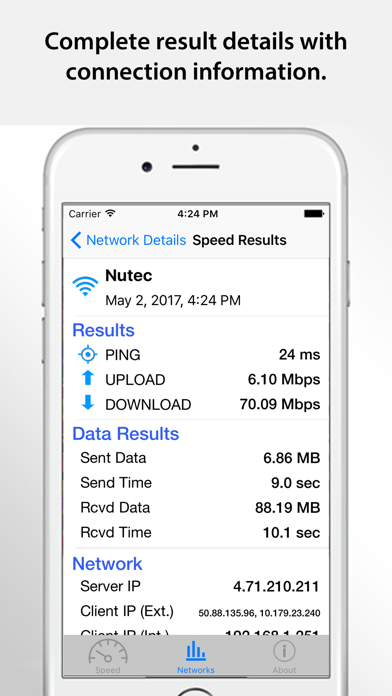
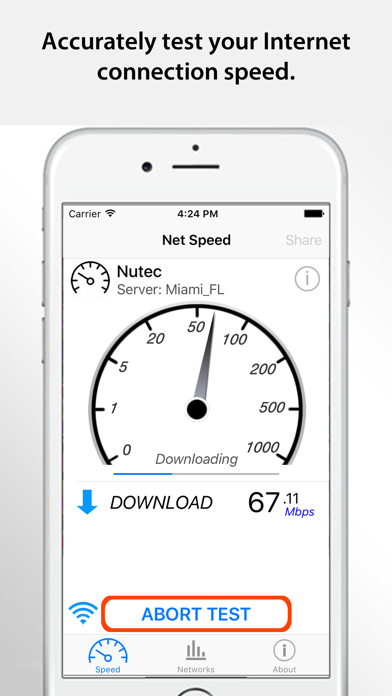
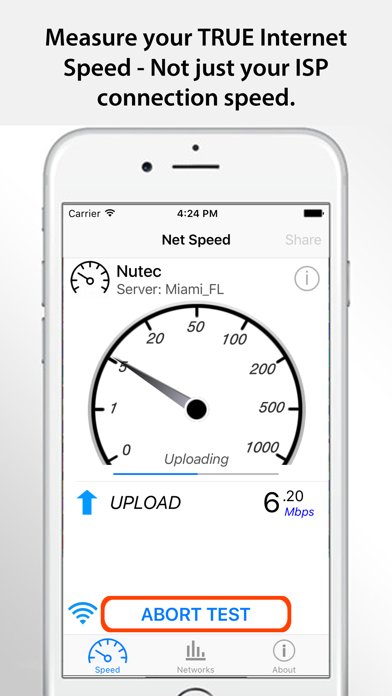
Net Speed is a FREE utility app to determine your TRUE Internet download, upload and latency (response) with one-tap ease. Use Net Speed to monitor your cellular (3G/4G/LTE) or WiFi connection rate and response for your device. With a real-time graphical display, results are updated continuously during the testing procedure. This simple, easy-to-use app provides consistent, accurate internet speed testing from any location. A simple test app to determine your true mobile speed. Features: – Simple, one button tap performs (or cancels) the internet speed tests. – Displays star ratings to show relative speed ratings. – Testing features download rate, upload rate and latency (response) time. – Simple, easy-to-read tracking and reporting. - History of the previous tests is available for comparison. - Works on either Cellular data from any carrier or when connected via WiFi. - Conveniently share results with others via email, text messaging, Facebook and Twitter. - Testing servers located around the world for accurate results. – Unlimited on-the-go testing - mobile testing. – It’s FREE!
Released
Jun 12, 2013
Category
Utilities
Content rating
4+
Price
Free
In-app purchases
No
WWUSGBDEJPINBR

No chart data

No rank history yet for this selection.

→

Screenshots

5
Net Speed - Measure Internet Performance screenshot 1Net Speed - Measure Internet Performance screenshot 2Net Speed - Measure Internet Performance screenshot 3Net Speed - Measure Internet Performance screenshot 4Net Speed - Measure Internet Performance screenshot 5