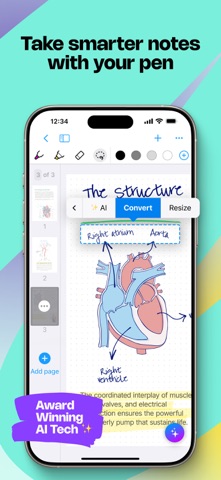
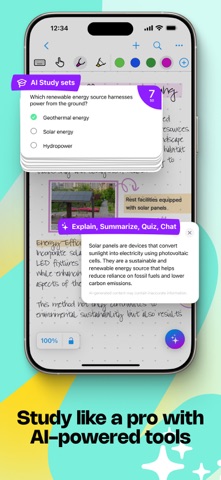
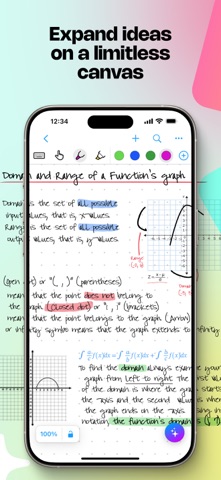
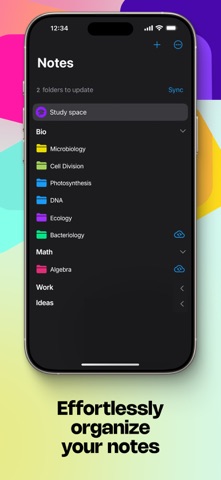
Create stunning notes and professional documents effortlessly by hand, brainstorm ideas on an infinite canvas, and annotate PDFs seamlessly. Powered by the world's leading AI handwriting recognition technology, MyScript Notes offers a dynamic platform where handwriting, text, drawings, diagrams, and images seamlessly coexist on an expandable canvas. Enhance your note-taking experience with intuitive pen gestures, effortlessly converting handwriting and shapes into typed text and precise forms.
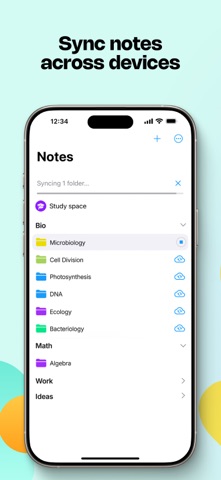
MyScript Notes understands every word you write in your choice of 66 languages, and works on mobile platforms — so you can access and search your notes from any compatible device.
Enjoy 4 powerful experiences in one app:
• Create unlimited notebooks and fixed-size pages for your daily notes.
• Take freeform notes on boards — the world's most advanced endless canvas.
• Handwrite responsive documents, adding math calculations and diagrams.
• Import existing files as PDFs, ready to annotate.
Start with a 7-day free trial to get the full experience — then choose to upgrade to keep all features, or continue with a free limited version.
————————
DIGITAL HANDWRITING
• Write¹, type or dictate in the same page, sentence or even word.
• Accurately convert handwriting and math to typed text, and drawn diagrams to perfect shapes. Diagrams stay editable when pasted into PowerPoint!
• Write emoji and symbols with your pen.
• Highlight ideas live with a glowing laser pointer — no marks left behind.
• Draw straight lines with the ruler — drag, rotate and snap it into place to draw at any angle.
EDIT WITH YOUR PEN
• Use intuitive gestures to edit and format content without breaking your flow.
• Use the marker to highlight or color, the lasso to select, and the eraser to delete entire strokes or precisely defined content.
WRITE, TYPE AND DRAW FREELY ON A BOARD
• Enjoy an infinite canvas, ideal for brainstorming, mind mapping and freeform note-taking.
• Pan around and zoom in or out for a fresh perspective.
• Use the lasso to select, move, copy, delete or resize content — and to convert handwriting to typed text.
SWITCH TO A DOCUMENT FOR A RESPONSIVE EXPERIENCE
• Create and edit structured notes — your handwriting will automatically reflow as needed.
• Make edits, adjust layout, rotate your device or split your screen without worrying about readability.
ENRICH YOUR NOTES
• Personalize content using a range of pen types and page backgrounds.
• Add photos, sketches and smart objects like math and diagrams.
• Handwrite math equations and matrices across several lines, solve simple calculations and copy math as LaTeX or image.
————————
MyScript Notes respects your privacy and never stores content on our servers without your explicit consent.
For help or feature requests, create a ticket at https://myscri.pt/support
Check out MyScript Notes' webpage for more information about cross-platform: https://www.myscript.com/notes
————————
¹You can use any compatible active or passive pen, including Apple Pencil, to write in MyScript Notes. Check minimum and recommended requirements for MyScript Notes: https://myscri.pt/notes-devices