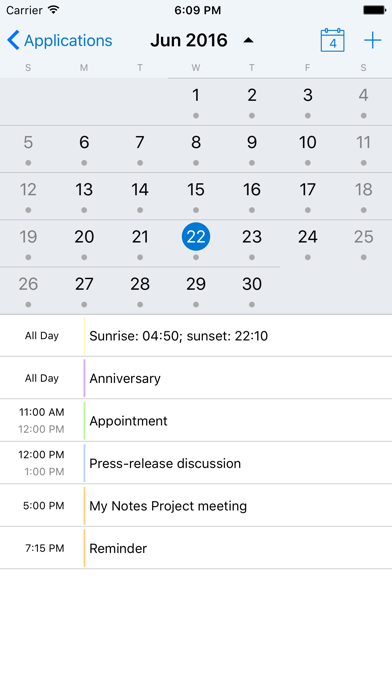
My Notes is designed to work with standard applications of HCL Notes (formerly IBM Notes and Lotus Notes).
NOTE: My Notes Dekstop application should be always up and running on your workstation with HCL/IBM/Lotus Notes client installed.
No server-side manipulations, configuration changes or applications templates modifications are needed to connect.
Start working with My Notes with 3 easy steps:
1. Install My Notes Desktop on your computer from http://www.mynotesapp.com/download/ and setup connection to HCL/IBM/Lotus Notes;
2. Install the app on your mobile phone;
3. Launch the app and connect to Desktop by scanning QR code.
- - - MAIN ADVANTAGES - - -
* EASY INSTALLATION – no server-side manipulations, no IT staff involved, no administrative rights needed. All you need is your computer with IBM Notes installed and your phone;
* MULTIPLE PLATFORMS SUPPORTED – My Notes Desktop is available for Linux, Mac OS X and Windows computers;
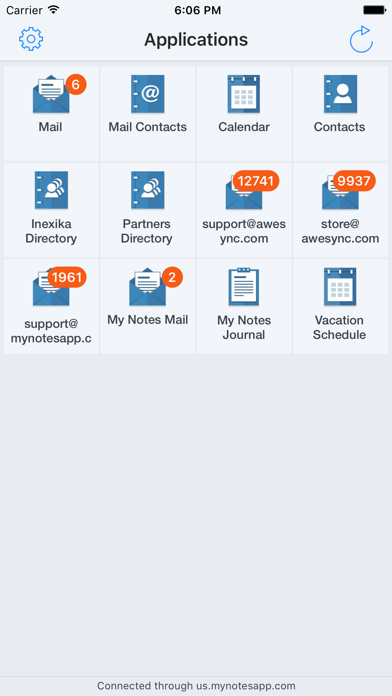
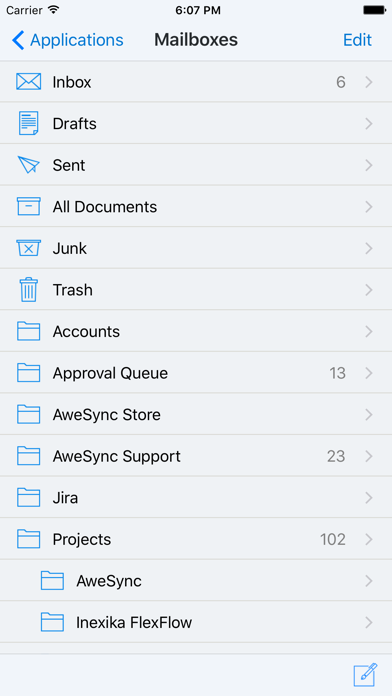
* IBM NOTES APPLICATIONS SUPPORTED – Mail, Calendar, Contacts, Domino Directories, Notebook. Other applications, such as Discussion/Forum, Documents Library, TeamRoom, are coming soon;
* WORKS IN ANY NETWORK – the app is switched automatically between direct connection when you are in local Wi-Fi network and our cloud service when you're connected over the Internet (paid subscription required);
* SECURITY – neither data nor passwords are stored on our servers. Data is strongly encrypted with AES and SSL when transmitted between your desktop and your phone;
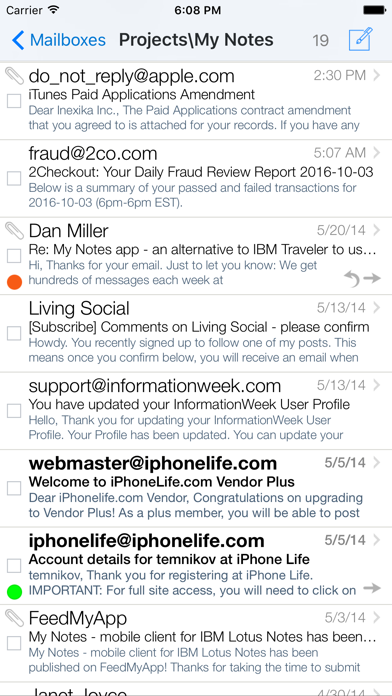
* IBM NOTES SPECIFIC FEATURES – encrypted and signed messages support, follow-up flags, full-text search through all documents in databases, etc.
- - - SUBSCRIPTION AND PRICING - - -
When connected to a computer with My Notes Desktop directly, for instance, via local Wi-Fi network, you can use ALL FUNCTIONS of the application FOR FREE and ADS-FREE.
To use My Notes via any available Internet connection, including cellular networks, public or private Wi-Fi hotspots, you need to purchase Pro Subscription to connect via our cloud internet-service.
Please note that Pro Subscription is auto-renewing subscription. See details below:
* Pro Subscription price is $1.99 per month or $19.99 per year.
* Subscription payment will be charged to iTunes Account at confirmation of in-app purchase.
* Subscription is renewed automatically unless you turn auto-renew off at least 24 hours before the end of current period.
* Your account will be charged automatically to renew subscription within 24 hours prior to the end of current period.
* Cancellation of the current subscription during the active subscription period is not allowed.
* Any unused portion of a free trial period, if offered, will be forfeited when the user purchases a subscription to that publication.
* Our Privacy Policy: http://www.mynotesapp.com/privacy/
* Our Terms of Service: http://www.mynotesapp.com/terms/
Please see http://support.apple.com/kb/ht4098 for more details on managing your auto-renewing subscriptions.
Note that we have no means to answer you if you try to get in touch using App Store reviews. Please contact us using support link below.