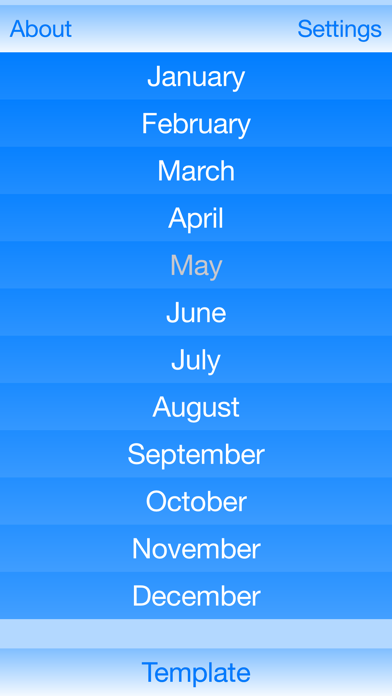
The month planner is a simple app to help you plan your expenses. It also prevents you from forgetting the payments.
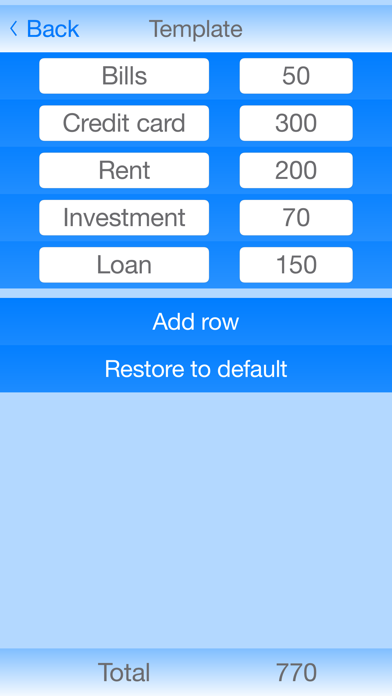
Just set the basic template and that’s it. Each month can be adjusted according to the current payments. When the payment is done, delete the appropriate row and see how much money you will need till the end of your period.
With the app you can determine if in the current month you can afford to buy something. You just need to know your account balance and than subtract it from the total row for any given month. And voila! you know how much money you can spend.
Výdaje jsou jednoduchá aplikace, jenž slouží k naplánování vašich výdajů. Zároveň Vám také pomáhá nezapomenout na žádnou platbu.
Na začátku stačí pouze upravit vzor výdajů pro všechny měsíce. Každý měsíc lze také jednotlivě upravit dle vašich potřeb. Poté co provedete platbu, smažte ji a hned uvidíte kolik peněz ještě potřebujete do konce vámi zvoleného časového úseku.
Díky aplikaci si můžete jednoduše spočítat kolik můžete následující měsíc utratit. Stačí pouze znát váš aktuální zůstatek na účtu a ten odečíst od celkového součtu pro daný měsíc.