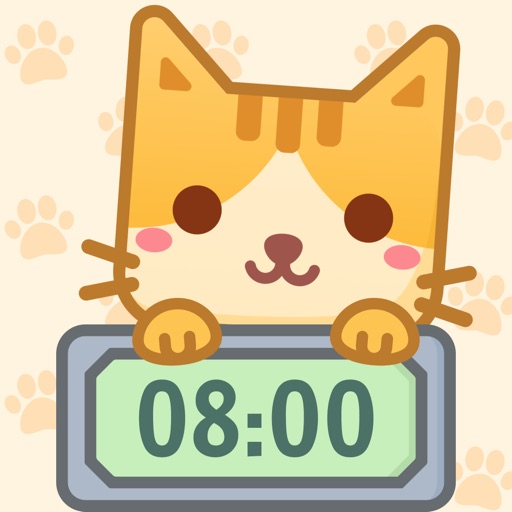
"Meow Clock" - a Pomodoro timer that helps you stay focused
If you like the Pomodoro technique but are tired of the traditional timer, you should try our "Meow Clock". Cute cats, rabbits, and bears will help you stay focused and develop good habits!
The "Focus Clock" records your every focus event in a timeline, making it easy for you to review your focus time and events. When your accumulated focus time reaches a certain level, you'll receive new and beautiful themes as rewards. The "Chart" function generates a report of your focus time, allowing you to easily view your weekly, monthly, and yearly focus time. You can even compare your focus time to previous periods and see if you're more focused.
Put down your phone and enjoy the process of focusing. Manage your time more efficiently, develop good habits, and become a better you!
In addition, we also offer more than ten interesting "Flip Clocks" to help you manage your time better!
Desktop Widget
• Desktop widgets provide 16+ clock desktop widgets, making your phone's desktop more exciting and updated every week!
Focus Clock Functionality
• Provides a variety of exquisite focus clock themes, allowing cute "cats," "rabbits," "tomatoes," "peaches," and "ocean" clocks to accompany you through your focus time.
• Supports dynamic backgrounds that automatically switch to a dynamic background when you're focused, providing you with silent companionship.
• Freely adjust focus/rest time. You can click on the circular area of the focus clock to set the focus time, rest time, and focus count as you please.
• Time pause. You can pause at any time during the focus period and continue focusing after handling urgent matters.
• Reminder. You will be automatically reminded when the focus/rest time is up (the app must be running in the background).
• Reward. When your accumulated focus time reaches a certain level, you can redeem it for a beautiful theme.
Focus Achievement
• Timeline. Automatically records the time of each focus, making it easy to review.
• Chart function. Analyze your daily, weekly, monthly, and yearly focus time. Today, you worked harder than yesterday~~
Flip Clock
• Offers a variety of beautiful flip clock themes, such as "cats," "rabbits," "jungles," "snow nights," "classic white," "classic black," and more. You can change them at will, and new themes are added every week.
• Dynamic flip clock. Make time move and make your desktop more dynamic.
• Landscape mode. Supports landscape mode for iPhone/iPad devices of all sizes.
Open "Meow Clock" now and enjoy the process of focusing~