MathPad allows you to create documents that include:
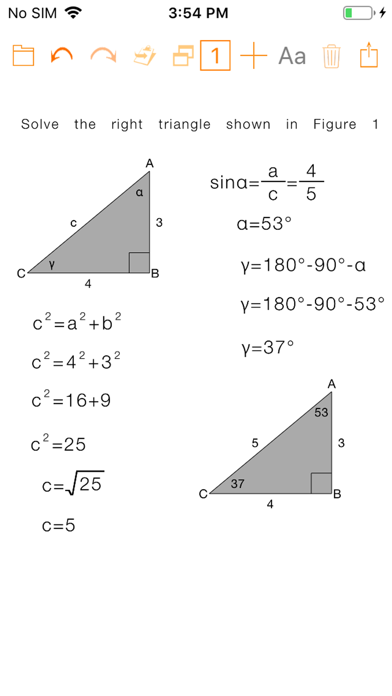
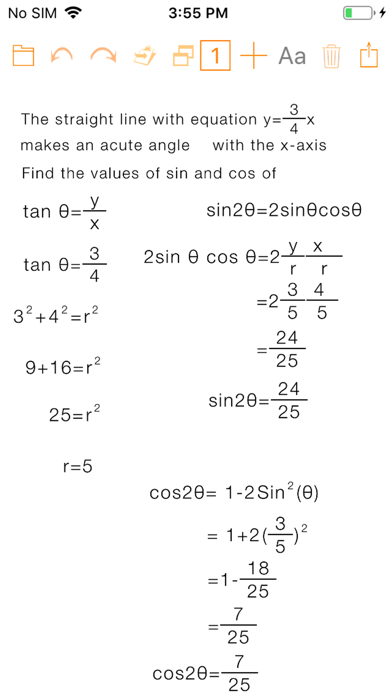
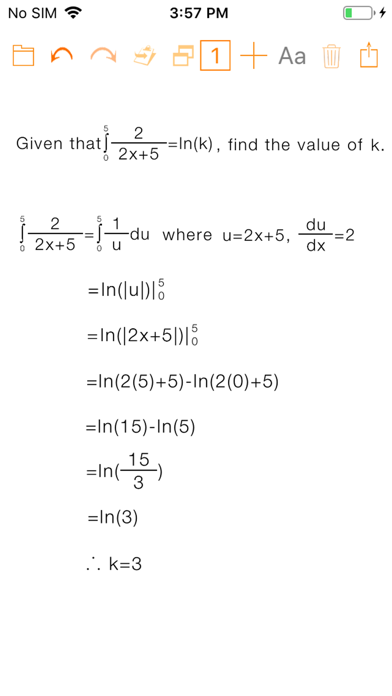
• Mathematical expressions that automatically draw, re-size, and align according to their content
• Geometrical shapes with editable notations: circle, equilateral triangle, isosceles triangle, right triangle, obtuse triangle, acute triangle, square, rectangle
• Other elements: matrices, images, and text
• The easy-to-use math keyboard lets you edit equations like never before with continuous scroll and shortcuts to the 8 areas: numbers, brackets, functions, matrices, set notations, lowercase letters, uppercase letters, Greek letters
• Change the font size or color of each selected expression
• Use iCloud to save and open your files on other computers and devices
• Print or email the documents you create in PDF format
• Storage rights to the ZurApps Vault to export and import documents using a private key
• Download sample documents from ZurApps Library
• Email an editable copy of the document to other users or to yourself, for backup
• Email JPGs of all document expressions
• Copy Image of selected expression or entire document to clipboard
MathPad FAMILY OF APPS INCLUDES:
• MathPad – iOS app
• MathPad EDU* – iOS app
• MathPad – macOS app
• MathPad EDU* – macOS app
*EDU includes perpetual access to the capabilities included with PREMIUM Subscription and does not include any In-App Purchases.
Facebook: https://www.facebook.com/MathPadApp/
Twitter: @ZurApps
Video Tutorials available at http://www.zurapps.com/mathpad
5-STAR USER REVIEWS FROM AROUND THE WORLD:
"Cool app - I can make mathematical expressions easily. I recommend this app." (Brazil)
"Matrices - I've been trying to find an app that would let me write Matrices! Found it!" (Canada)
"Great concept! - This is a great concept, especially for kids with disgraphia. I'd like to see it do more stuff specifically for elementary and middle school math […]" (USA)
PREMIUM Subscription
• Activates several ways of sharing documents
• Unlocks storage rights to the ZurApps Vault to export and import documents using a private key
Three subscription options are available:
• 1 Month priced at $4.99(USD) / 4,99€ (EUR)
• 3 Months priced at $9.99(USD) / 9,99€ (EUR) (SAVE 33%)
• 1 Year priced at $29.99(USD) / 29,99€ (EUR) (SAVE 50%)
ZurApps Vault
• Provides private storage
• Export documents using a private key
• Is hosted by ZurApps Research
ZurApps Library
• Contains documents created by ZurApps Research as well as with user submitted documents monitored and approved by ZurApps Research
• Continuously updated with new documents and is hosted by ZurApps Research
TRY BEFORE YOU BUY!
FREE VERSION allows user to:
• Create documents with one page
• Open and edit documents shared by other MathPad users
• Open and edit documents created during any active subscription periods
• Import documents from the ZurApps Vault using a private key
• Use all the app features with the exception of features in the Share menu
Privacy Policy:
http://zurapps.com/privacy/privacy-en.htm
Terms of Use:
http://zurapps.com/all/index.php/math/terms-of-use-mathpad/