Performance · Worldwide
Est. downloads / month · WW
<5K
Below chart threshold
Est. revenue / month · WW
<$5K
Below chart threshold
Rating · WW
4.8★
1.1K ratings
Chart position
Apple's Top Free chart — free apps ranked by recent downloads.
Ratings count — US
See the numbers behind the rankings
Listing
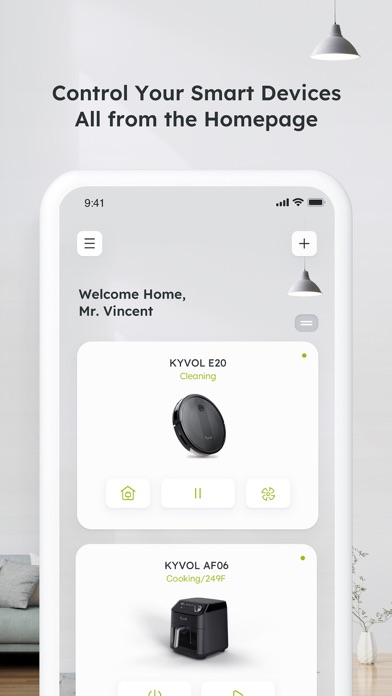
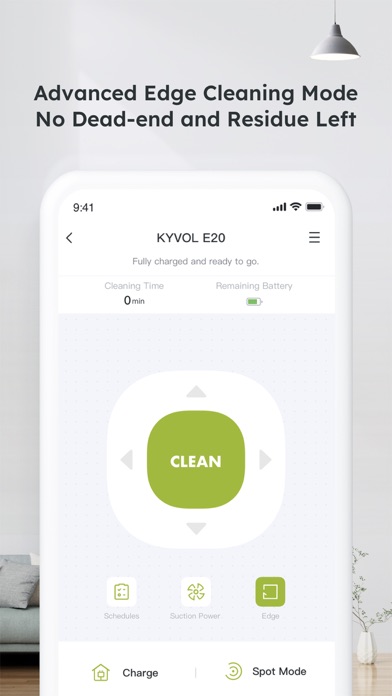
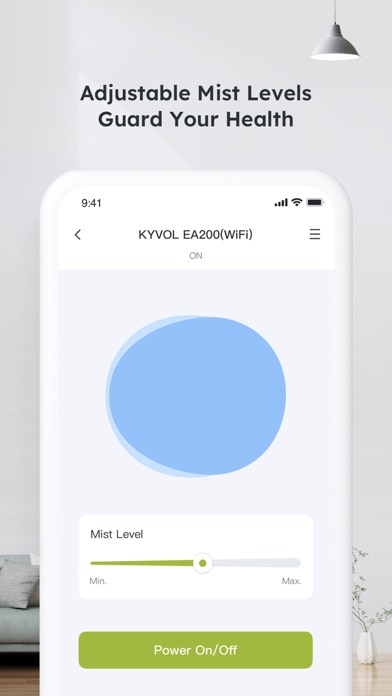
How to use Kyvol app Step 1. Download the appDownload the app from Appstore Step 2. Register your account:After downloading the app, create an account with your Email address. If you already have a Kyvol account, you can log in directly. Step 3. Add your devices to Kyvol app: Open the Kyvol app and follow the setup procedure to pair new devices with your smartphone Step 4. Use your devices: After the pairing the succeed, the new device will show up in the device list. You can simply tap the icon and start enjoying the Kyvol smart home experience.
No rank history yet for this selection.