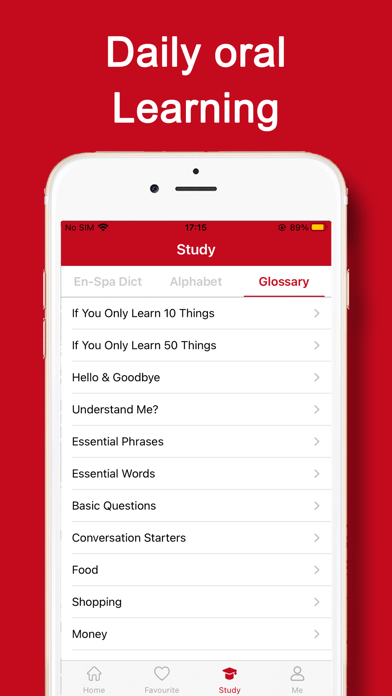
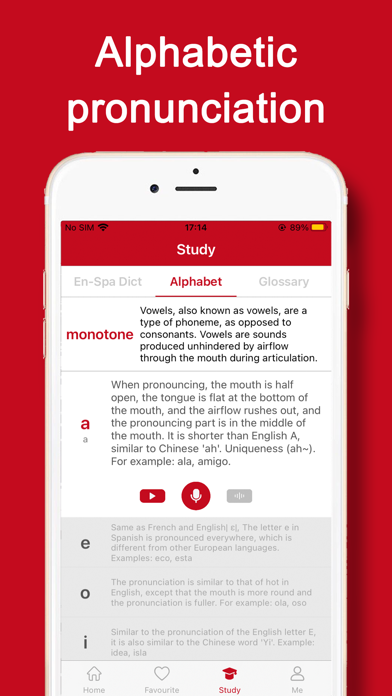
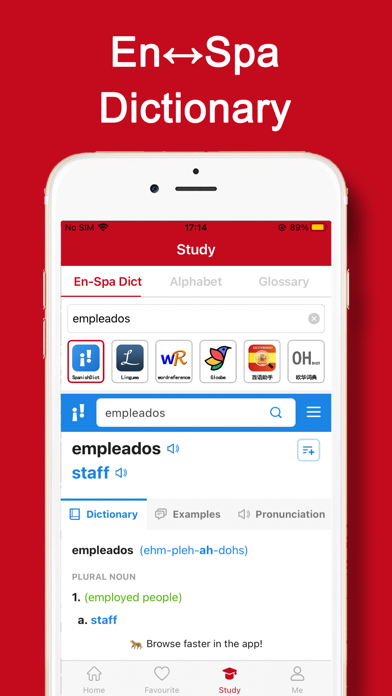
"iSpanish" is a professional Spanish translation software, accurate translation of text, portable photo translation, intelligent speech recognition translation, black technology help to learn Spanish easily, smooth travel communication! Let's try it.
* Core functions
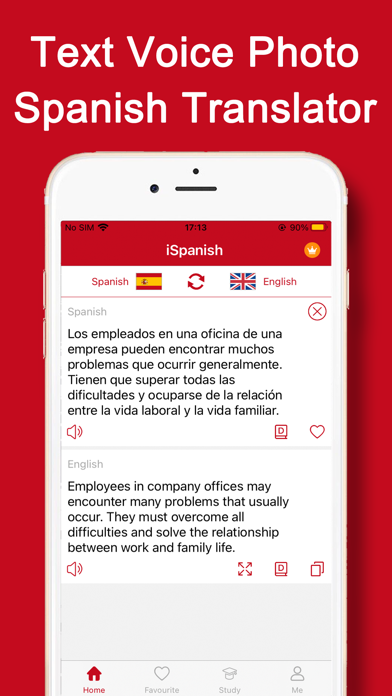
1, text translation: access Spanish native word library, accurate and authentic Chinese and Spanish translation.
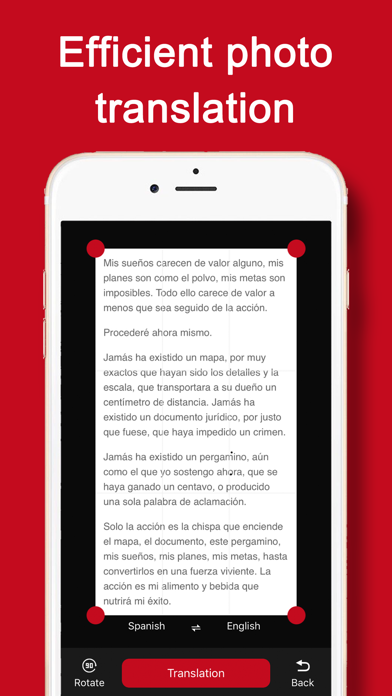
2. Photo translation: take photos with you to identify translation, album selection translation at will; Photo translation, travel, Spanish reading, efficient translation tools.
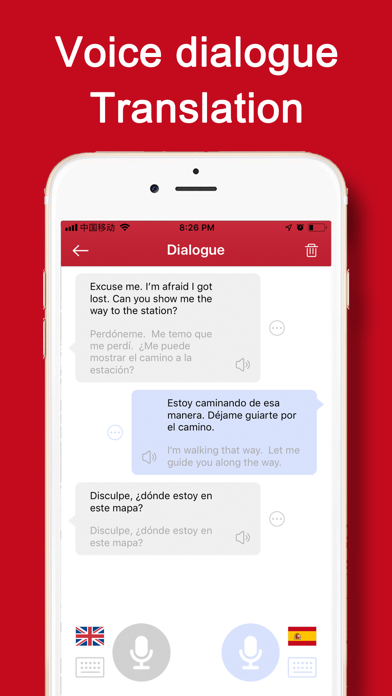
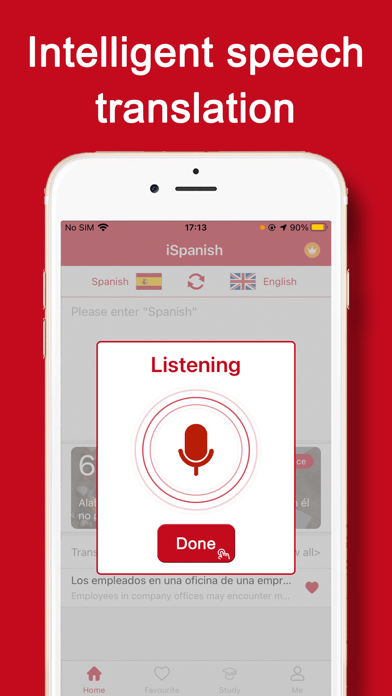
3, Voice translation: the latest AI technology, high resolution human voice recognition to text translation! Spanish tour / Spanish translation assistant.
4. Translation Collection: New words, unfamiliar common words, classical nouns, tourism terms, business daily terms, Tongtong Collection, read and read at any time and anywhere.
* Use help
1, How do we switch over to translate languages? (how to translate Spanish into Chinese simplified into Spanish)
You can switch the language just by clicking the "mutual icon" of the two language button.
2, How to collect Spanish words?
Click on the "five pointed star" button in the input box to collect it and keep it in the collection record.
3, How to operate western language photo translation?
Click on the translation button in the lower right corner to take photos of the content that needs to be translated. Select the text language in the picture, and click on the "translation" button to translate successfully.
PS: photo recognition translation, default recognition picture language, can be set up in the center.
4, How to translate and translate the western language?
Click on the bottom voice translation button, and begin to speak, and then click "Finish" to complete the voice content recognition and translation.
* Contact us
If you have any questions, you are welcome to complain. Your suggestions and feedback are great impetus for our product improvement. Thank you for your support. We have been trying to do our best and refueling!
Cooperation and problem feedback link mailbox: app20190304@qq.com