Square size your photos, add blur background FX, edit with powerful tools, and create collages!
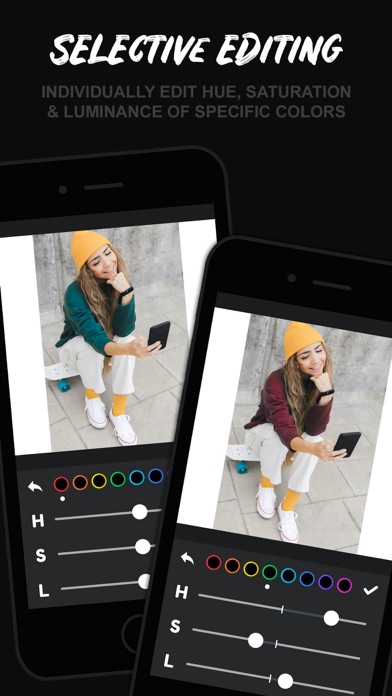
NEW Feature: HSL editing!
• Individually edit the Hue, Saturation, and Luminance of reds, oranges, yellows, greens, cyans, blues, purples, and magentas in your photo.
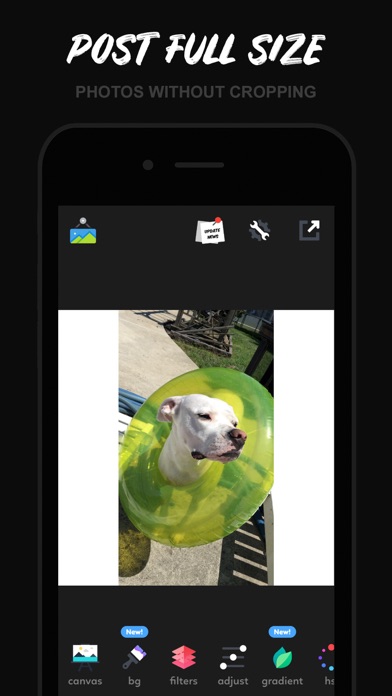
PHOTO FITTING & RESIZING
• Fit your photo into a variety of common frame sizes
• 1:1, 4:5, 16:9, 9:16, 9:8, 3:4, 4:3, 2:3, 3:2, 2:1, 1:2, current device frame, or no frame at all if you just want to edit a photo normally.
PHOTO EDITING
• Selective HSL ( hue, saturation, luminance ) editing of the entire color spectrum.
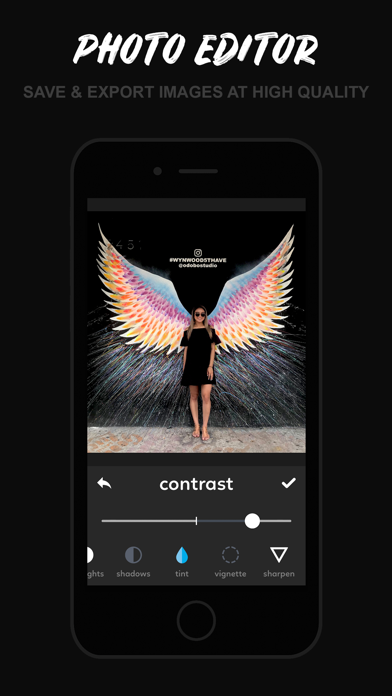
• Edit brightness, exposure, contrast, temperature, saturation, highlights, shadows, tint, vignette & sharpen.
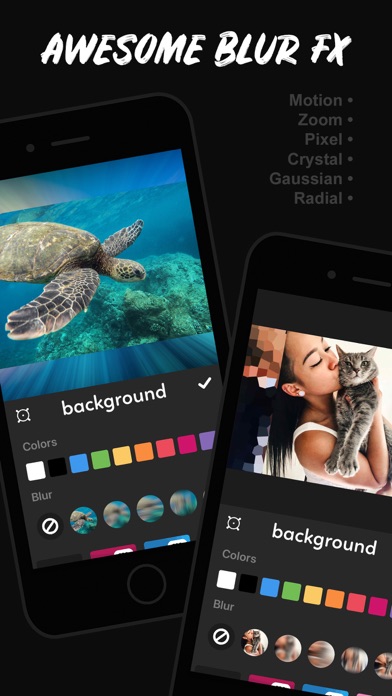
BACKGROUND STYLES
• blurs: gaussian, motion, zoom. pixellate, crystalize, radial.
• 140+ background image patterns to choose from.
• Eye drop tool for sampling colors from your photo to use as the background color.
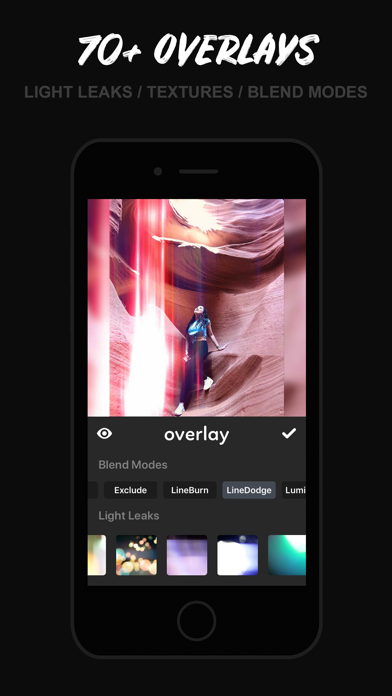
FILTERS & OVERLAYS
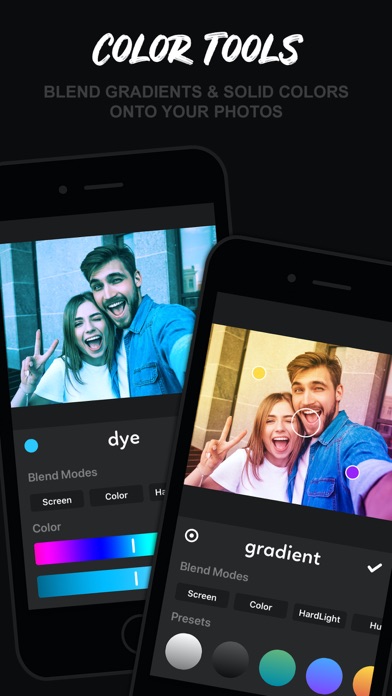
• Add over 80 different light leaks, textures, and blend modes.
• The new dye tool lets you take any color and blend it with your photo for some amazing effects!
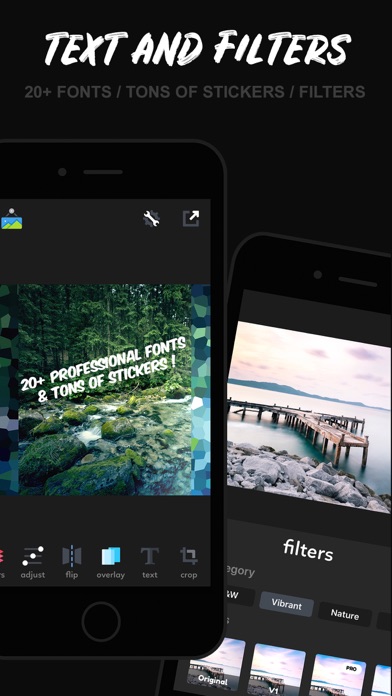
• 40+ filters.
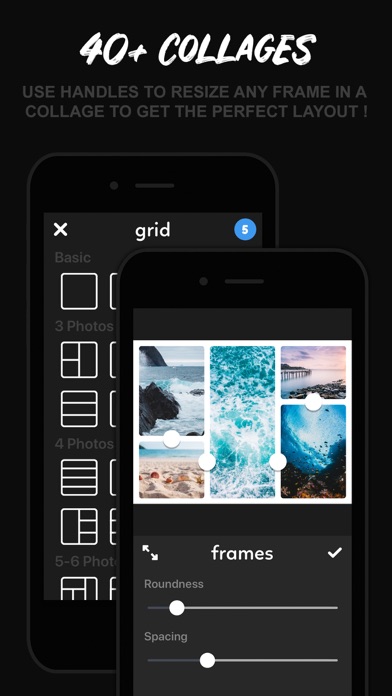
COLLAGES
• 40+ collage layout templates.
• Dynamic collage frame editing ( ability to resize any frame within a collage to get the perfect layout for your pics! )
• Add up to 9 photos to a single collage.
ADD TEXT
• Add text to your photos with over 20 professional fonts to choose from.
STICKERS & ARTWORK
• 100+ stickers / artwork / typography images to use.
HIGH QUALITY SAVING
• Save your images in the original / highest possible quality.
• Export to all other social apps and or apps that support image importing.
OVERALL
• Beautiful user interface. Fast and very easy to use.
• Takes up very little space on your device.
INSTFIT PRO
• INSTFIT Pro is a $1.99 USD/monthly subscription that provides access to all of INSTFIT's features such as light leaks, textures, blend modes, backgrounds, fonts, stickers, editing tools, etc and removes ads.
-------------------------
SUBSCRIPTION DETAILS:
INSTFIT Pro subscription
- INSTFIT Pro subscription is billed monthly at $2.99 USD.
- With INSTFIT Pro you gain access to all of INSTFIT's
features such as light leaks, textures, blend modes, backgrounds, fonts, stickers, editing tools, etc and removes ads.
-Payment will be charged to iTunes Account at confirmation
of purchase.
- Subscription automatically renews unless auto-renew is turned off at least 24-hours before the end of the current period
.
- Account will be charged for renewal within 24-hours prior to the end of the current period, and identify the cost of the renewal.
- Subscriptions may be managed by the user and auto-renewal may be turned off by going to the user's Account Settings after purchase.
- Any unused portion of a free trial period, if offered, will be
forfeited when the user purchases a subscription to that
publication, where applicable.
- Terms of use:
https://drive.google.com/file/d/1OxOpzSGPFYsPDxTLL7GWpL5IoMIxEJ8X/view?usp=sharing
- Privacy policy:
https://drive.google.com/file/d/1I-_FwPsK29yKknDZA9B_Oz-BegT66h2a/view?usp=sharing