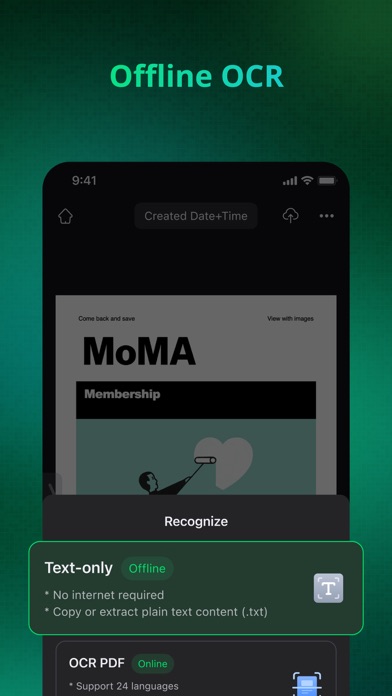
Experience the ultimate scanning solution with InstaScan! Scan documents, photos, and more instantly, achieving top-notch quality using our advanced scan filter. Select from versatile scan modes to meet your needs. Effortlessly convert scans to PDF, PNG, or long image formats with a single click. Don't miss out – Download InstaScan for free now and embark on the journey of digitizing your world with ease and efficiency!
Explore our latest feature:
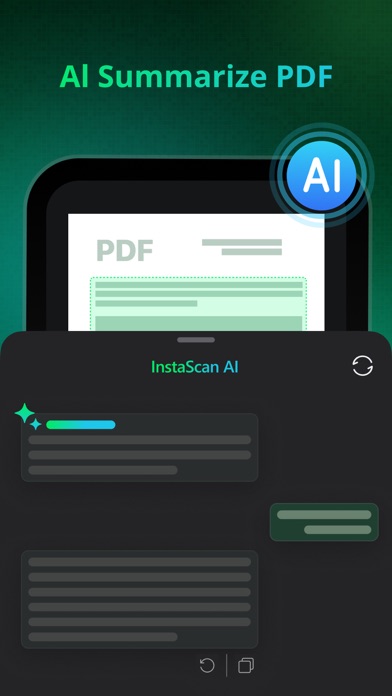
• AI Summarize PDF: Condense PDF content effortlessly.
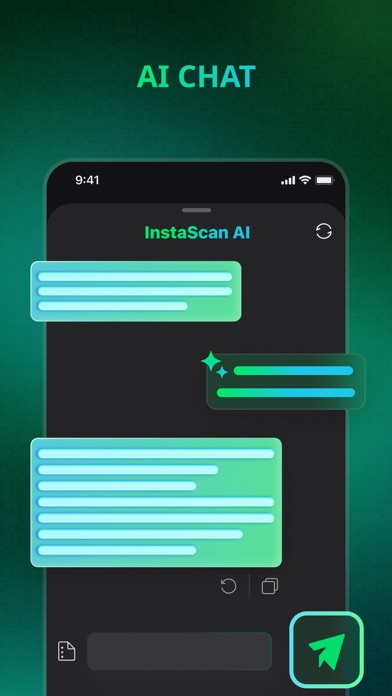
• AI Chat Bar: Engage in interactive conversations with AI.
[ENHANCED SCAN QUALITY]
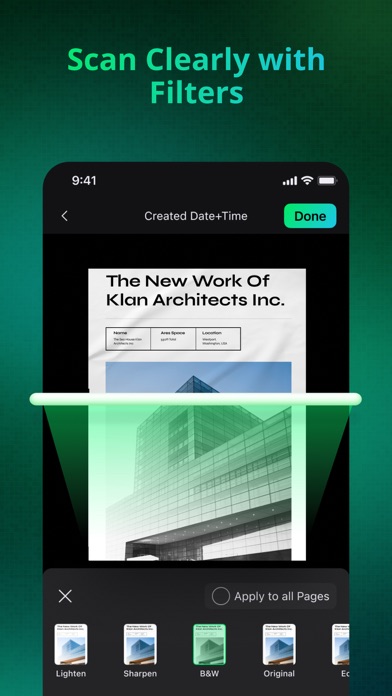
- Elevate your scans with advanced filters like brightening, enhancing, sharpening, black and white, grayscale, etc. Perfect for processing documents captured in diverse environments, ensuring top-notch scan quality.
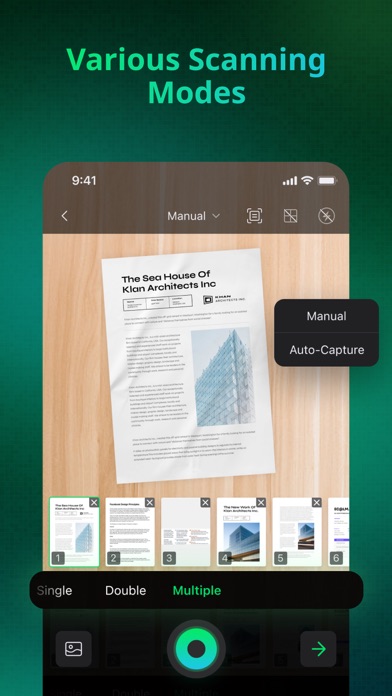
[VERSATILE SCAN MODES]
- Single-page scanning: Capture one document per scan for precision.
- Double-page scanning: Efficiently scan two pages or two documents simultaneously.
- Multi-page mode: Seamlessly shoot multiple documents in succession for enhanced productivity.
[CROP FEATURE]
- Effortless border detection during scanning with the added flexibility of manual adjustments.
- Rotate scanned items as needed for a customized and polished result.
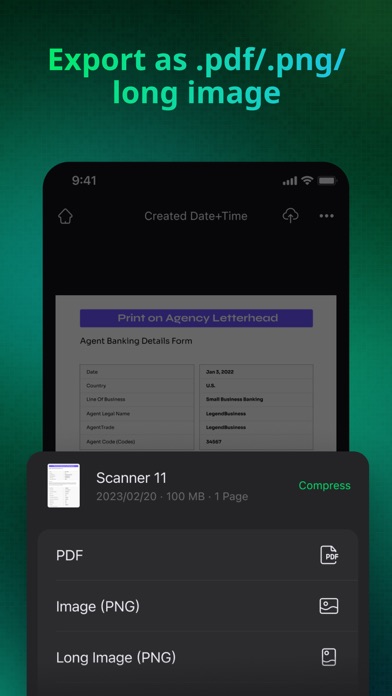
[CONVERSION OPTIONS]
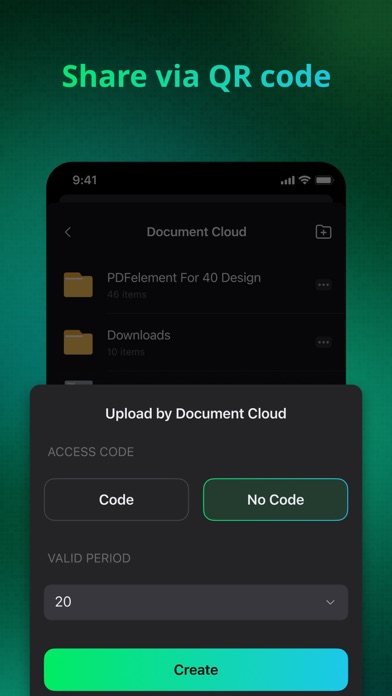
- Export and share your scanned documents in versatile formats such as .pdf, .png, or long image, providing flexibility and compatibility.
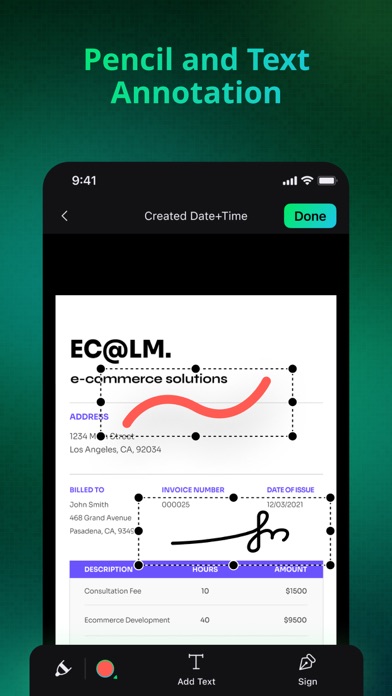
[ANNOTATION TOOLS]
- Effortlessly annotate using the Pencil tool, replicating the feel of writing on paper. Add text annotations, freely adjust text, background, border colors, and select the perfect font and font size for a personalized touch.
[MERGE FILES]
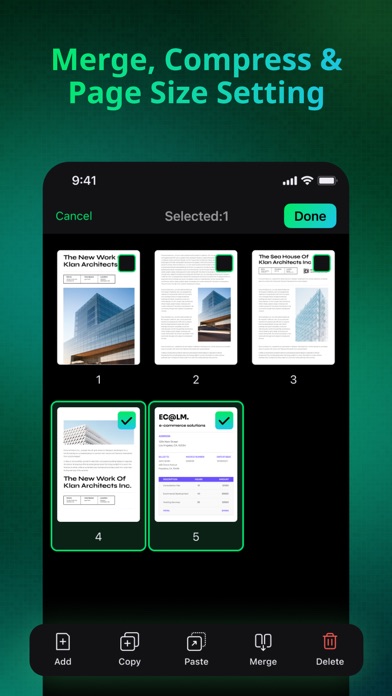
- InstaScan presents four merge templates, seamlessly combining two scanned files into a unified document for enhanced convenience.
[COMPRESSION OPTIONS]
- Choose compression modes based on storage space and transmission needs: high-quality, original size, or low-quality compression for flexibility and efficiency.
[PAPER SIZE OPTIONS]
- Easily configure page sizes with support for A4, A3, legal, and more. Tailor your scans to meet specific document requirements.
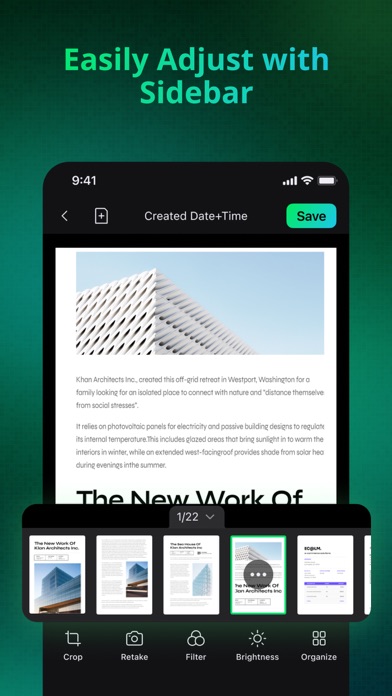
[SIDE PANEL]
- Utilize the side panel for a quick preview, easy sorting, and swift adjustments to your scanned files.
Got questions? Reach out to our top-notch customer service team for quick assistance!
Email: customer_service@wondershare.com
Support Center: http://support.wondershare.com
EULA: https://www.wondershare.com/company/end-user-license-agreement.html
Privacy Policy: https://www.wondershare.com/privacy.html