It’s how you drive focused and stay connected at the same time!
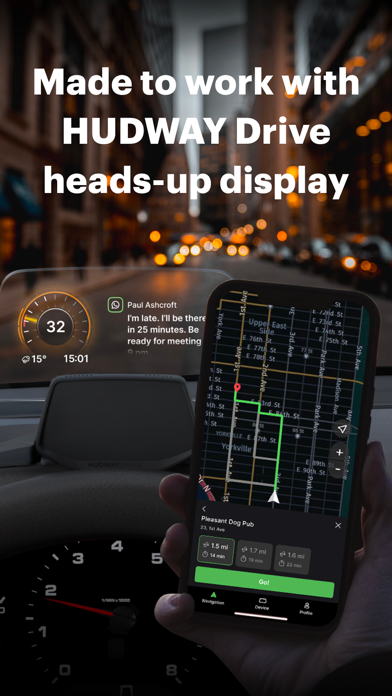
HUDWAY Drive heads-up display (hudway.co/drive) allows you to keep your eyes on the road ahead without compromising the comfort of staying connected.
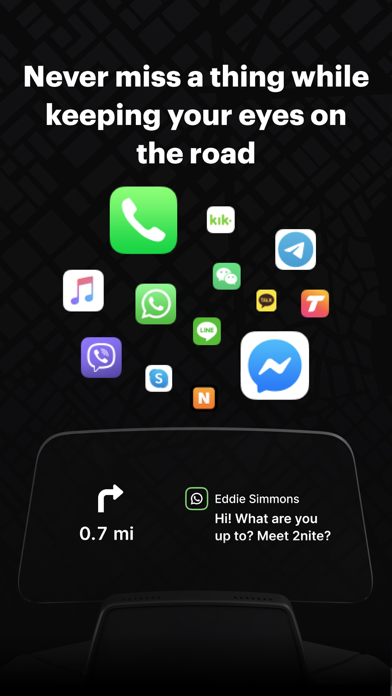
The app seamlessly delivers notifications, incoming calls, navigation directions to the transparent screen on the dashboard.
This is how you’ll revise the experience of driving with a smartphone — when there’s no need to check it, when you instantly receive all the information you selected to receive — and respond hands- and hassle-free.
Why HUDWAY Drive?
Stay in touch without being distracted by the phone:
— Instantly know who's calling you and decide whether to pick up the phone.
— Get notifications from the apps that matter to you: Messages, Mail, Calendar, WhatsApp, Facebook, Twitter, Instagram, Skype, Telegram, Viber, etc.
— See what you’re listening to — never lower your eyes to check on the track you switch to.
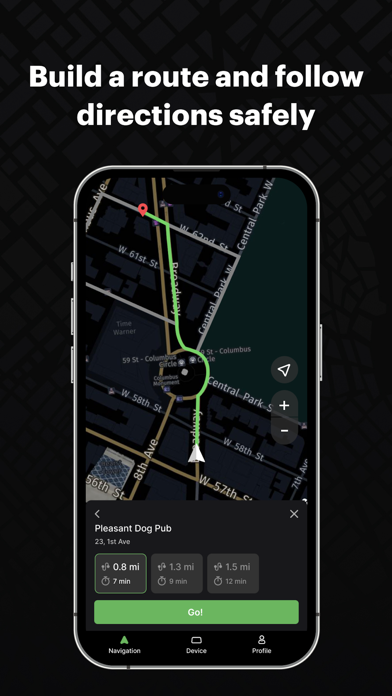
Build routes and get to your destination in the quickest way:
— Minimalist map design focuses on the really important things while you're driving.
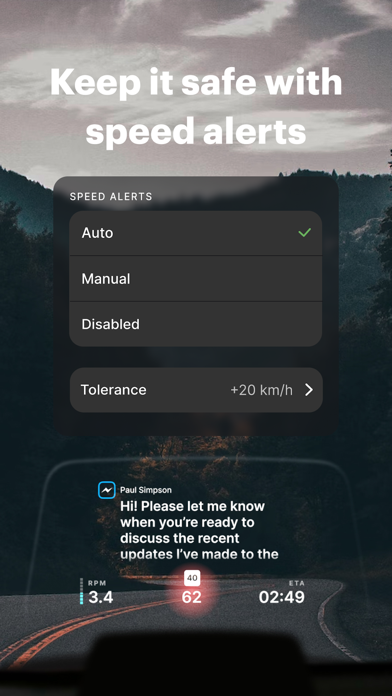
— Information about speed limits helps you comply with traffic rules.
— The route is built with traffic jams in mind. You are always offered the best route.
— If you prefer to stick with Waze or Google Maps, you can have them mirrored to the HUD.
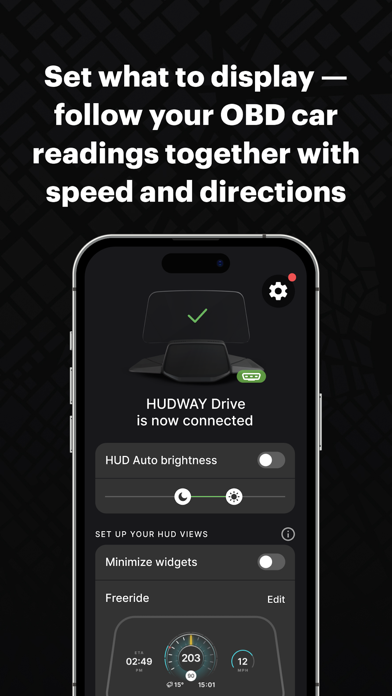
Get real-time information about your car with the OBD-II scanner that comes with the device:
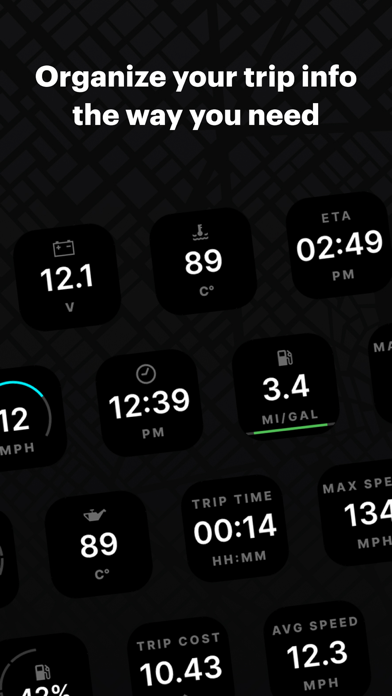
— Speed — now brought from your car computer to your field of vision.
— RPM — so that you shift gears at the right moments.
— Fuel consumption — whenever you feel like viewing instantaneous consumption or seeing your trip cost calculated in real time.
— Fuel tank level — shows you the fuel level percentage to keep an eye on and never run out of fuel in the middle of nowhere.
— Battery voltage — for you to quickly check if your battery and alternator are okay.
— Coolant and oil temperature — to stay confident there's nothing wrong with your vehicle's engine.
Tune it to suit you best at any moment:
— Select from the variety of widgets — and create the combination that speaks to you
— Minimize the widgets — they will stay at the bottom of your line of sight and keep the main area clear until a notification pops in.
— Go for mirroring — that’s how you can have Waze, Google Maps, and other applications displayed on the HUD.
See how it can help you with the traffic tickets:
— Fewer speeding tickets — you’re in better control of your speed and current limit as they’re displayed on the HUD.
— No more fines for using your phone while driving — HUDWAY Drive keeps it out of your hands and focus.
HUDWAY Drive is what makes navigation with a smartphone safer, more comfortable, and less-distracted.
Learn more: hudway.co/drive
Problems? Feedback? The more you tell us, the better HUDWAY Drive gets: support@hudway.co