Your work machine, from your iPad.
Your work computer can stay at home or in the office. Connect to it over SSH with Hey Terminal, open Codex or Claude Code there, and continue working on your project from your iPad.
A keyboard-first terminal for iPad
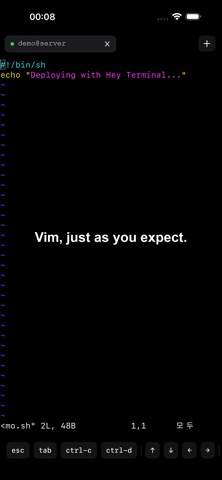
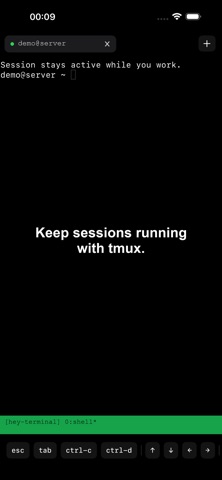
Use a physical keyboard to enter prompts and run commands. Review your project with your remote CLI, edit files with vim, or work in tmux when those tools are available on your computer.
Keep different connections in separate tabs. Create a tab with Command-T, close it with Command-W, and switch with Command-1 through Command-9.
Quick remote work on iPhone
When your computer isn't with you, connect for a short command, check a project file, or send a follow-up request to your remote CLI.
SSH and a local terminal
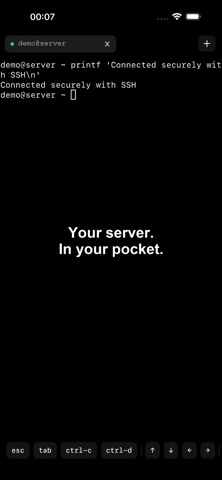
Connect with an SSH command or a configured host alias. Authenticate with a password or SSH key. Use the local terminal for basic file commands and SSH key generation.
Before you connect
You need a computer or server with SSH enabled that you can reach from your device. Remote tools run on that machine, not inside Hey Terminal. Install and configure the tools you want to use there, with any required accounts. Your remote machine must be powered on and accessible.
No app account or subscription required.