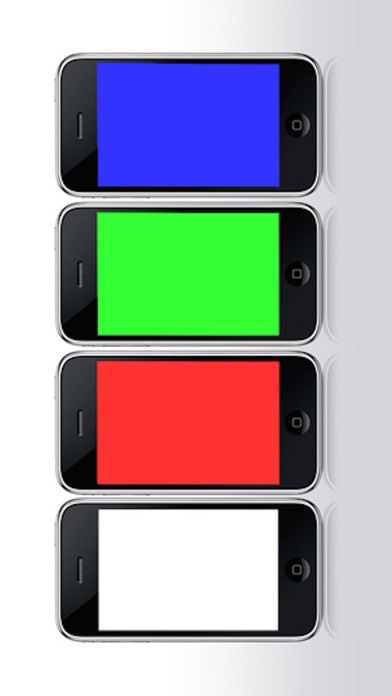
Here is a FREE little instant-bright-white flashlight with brightness and color adjustable.
It is very simple and easy to use... If you just want a light, this app is for you... Feel free to get it...
[How Could Be Used]
- bag light: find key in your bag when you are back home
- key light: insert key to open the door
- book light: read your favorite book in bed
- toilet light: light your way to the toilet at night
- romantic light: make a romantic environment using a pink color
- creative usage: anywhere you need a light
[KEY FEATURES]
- practical flashlight with following features:
* classic black & white flashlight
* creative colorful flashlight
- full screen
- brightness adjustable, with fade effect
- color adjustable, with just ONE click
- shake iPhone/iPod to shuffle color, with ZERO click
- LED light (LONG-press power button)
- power on/off
[HOW TO USE]
1. Push the "Power" button to turn off/on the light.
2. Slide on the brightness area in the bottom toolbar to adjust the brightness when light on.
3. Slide on the color area in the bottom toolbar to adjust the color when light on.
4. Click on the black & white area in front of the color area to restore your flashlight to white.
5. You can also shake the iPhone/iPod to shuffle the color.
6. Click on the light area (outside the bottom toolbar) to hide or show the toolbar, to make the light fullscreen or make adjustment.
7. Long press the power button to toggle LED light.
8. To get the best result, please set your iPhone/iPod screen brightness to the maximum through the Settings application.
[Enjoy!]
Finally, we really hope you enjoy this application.
* If you have any questions, comments, or suggestions, please contact us by emailing to: support@foxlabapp.com *