StoreIntel
AppsTop ChartsTrendingKeywordsMy Apps
Not affiliated with Apple Inc. App Store is a trademark of Apple Inc.Top chartsSupportTermsPrivacy

Find Headphones and BLE Device

Karen Karapetyan · Utilities · 7.5y old

Free
◆ ProTrack this app App Store

Performance · Worldwide

Est. downloads / month · WW

<5K

Below chart threshold

Est. revenue / month · WW

<$5K

Below chart threshold

Rating · WW

3.3★

502 ratings

Chart position

Rank history — US · Top Free

Apple's Top Free chart — free apps ranked by recent downloads.

Top FreeTop Grossing

Ratings count — US

502
◆ Pro1 chart locked

See the numbers behind the rankings

  • Keyword RankingsWhich App Store searches it ranks for, and where
Unlock everything

Listing

About

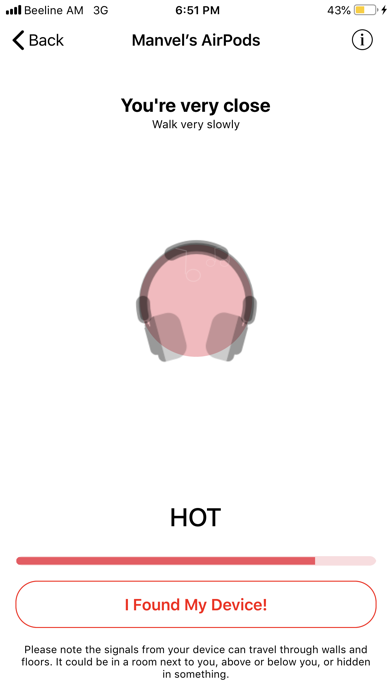
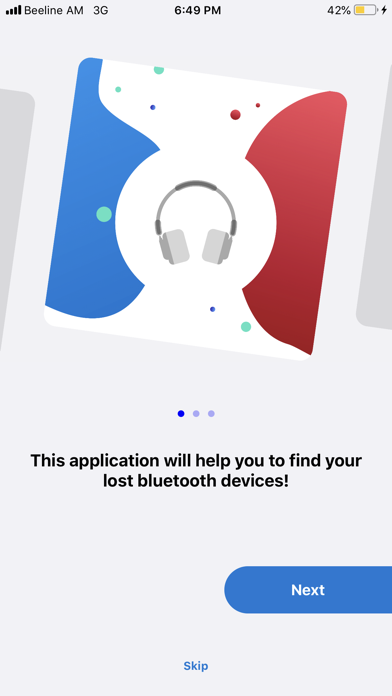
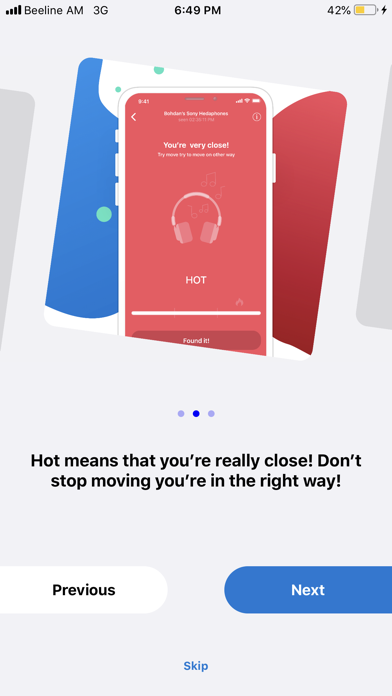
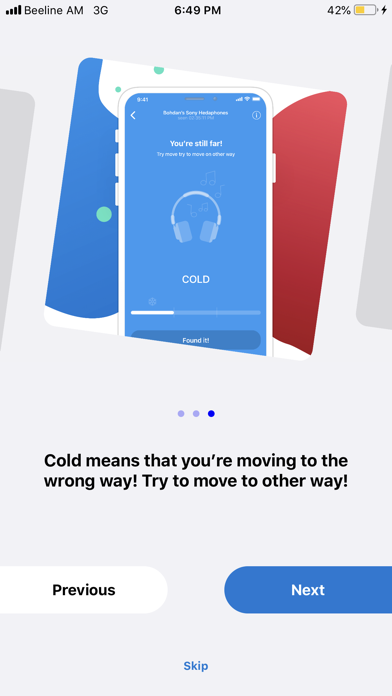
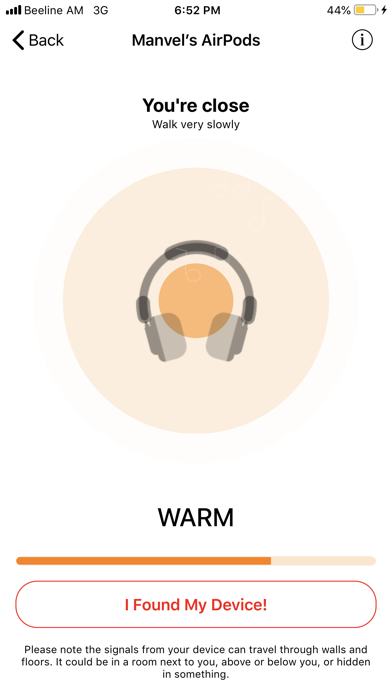
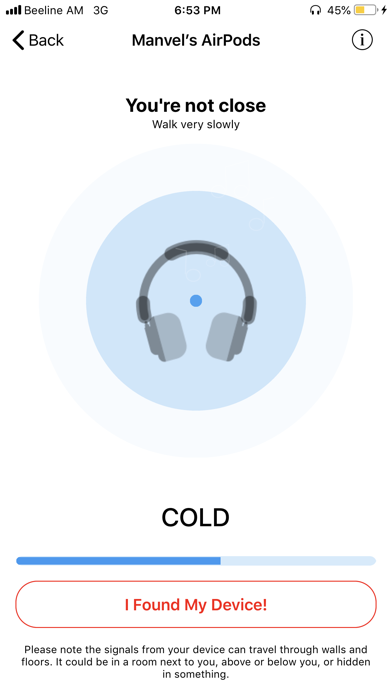
Lost your Bluetooth headphones any other device? Now you can find it in seconds! Find your lost AirPods, Beats, Bose, Jabra, Jaybird, JBL, and more. Works with any BLE (Bluetooth Low Energy 4.0) headphones, headset, or earbuds. HOW IT WORKS: • Launch the application • If your lost headphones are powered on and within range you will see it in the list. Select them. • Walk around slowly. As you move closer to your lost headphones the indicator will change from Cold to Warmer / Hot. • When you are about 3-5 feet away from your headphones the indicator will display Hot. Hooray! You found your headphones! Using this app the following devices could be found: • Apple AirPods • Beats Solo 3, Powerbeats 3, BeatsX, Studio, Pill • JBL Everest Elite/100, E65BTNC, J46BT, T450BT, E45BT, Reflect Contour / Mini • Bose AE2, SoundLink, SoundSport, Revolve, Color II • Jabra Move, Classic, Storm, Extreme2, Mini, Talk, PRO • Jaybird Freedom 1/2/F5, X3 Sport, Run • Many other different wireless headphones and earbuds. Works with almost any lost wireless earbuds, headset or headphones!
Released
Apr 20, 2019
Category
Utilities
Content rating
4+
Price
Free
In-app purchases
No
WWUSGBDEJPINBR

No chart data

No rank history yet for this selection.

→

Screenshots

6
Find Headphones and BLE Device screenshot 1Find Headphones and BLE Device screenshot 2Find Headphones and BLE Device screenshot 3Find Headphones and BLE Device screenshot 4Find Headphones and BLE Device screenshot 5Find Headphones and BLE Device screenshot 6