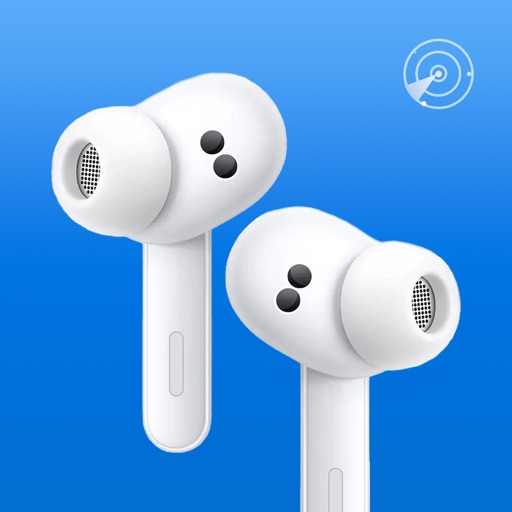
Did you lose your earbuds, headphones, Fitbit tracker or phone? Tracker & Device finder app helps you find your devices instantly.
With Device Tracker locate your Wireless Headphones, Watch, or any other devices with just a few taps. This app will find your tablet or Apple Watch within seconds.
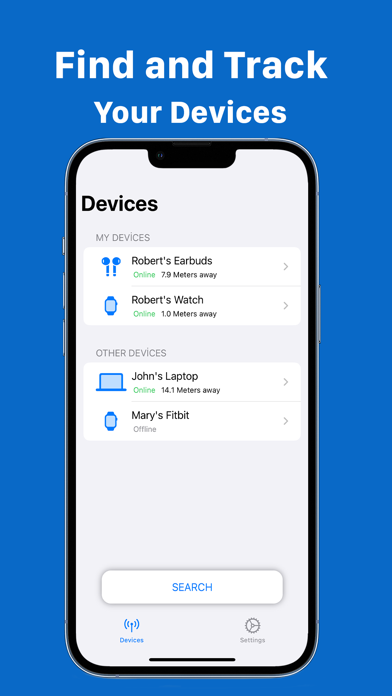
FIND NEARBY DEVICES INSTANTLY
- Our scanners will show you all nearby devices with distance information.
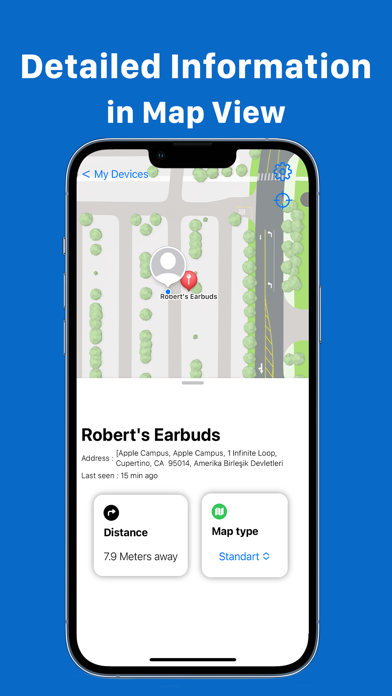
DETAILED LOCATION INFORMATION
- Click on the desired device to see everything from distance left to last known address.
COMPATIBLE DEVICES
This app supports the following devices:
- Apple Devices(AirPods, Mac, Apple Watch and more)
- Wireless Speakers
- Fitness Tracker, Fitbit tracker
- All earbuds
- and many more devices with bluetooth.
HOW IT WORKS
1. Open the app
2. This app will automatically scan for nearby devices
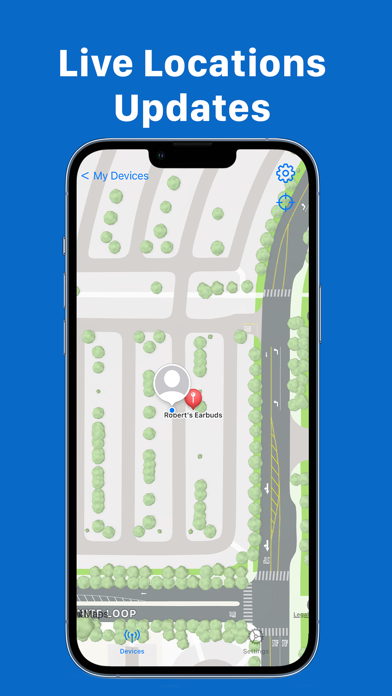
3. Select the device you want to find and open the Map View.
4. Move around so that you can close the distance and find your lost device.
5. Congratulations you have found your device.
Terms of use: https://beylergroup.com/app_terms_of_use.pdf
Privacy policy: https://beylergroup.com/app_privacy_policy.pdf