StoreIntel
AppsTop ChartsTrendingKeywordsMy Apps
Not affiliated with Apple Inc. App Store is a trademark of Apple Inc.Top chartsSupportTermsPrivacy

fGet - File Manager & Browser

Alfredo Spadafina · Productivity · 5.0y old

Free
◆ ProTrack this app App Store

Performance · Worldwide

Est. downloads / month · WW

<5K

Below chart threshold

Est. revenue / month · WW

<$5K

Below chart threshold

Rating · WW

4.6★

990 ratings

Chart position

Rank history — US · Top Free

Apple's Top Free chart — free apps ranked by recent downloads.

Top FreeTop Grossing

Ratings count — US

990
◆ Pro1 chart locked

See the numbers behind the rankings

  • Keyword RankingsWhich App Store searches it ranks for, and where
Unlock everything

Listing

About

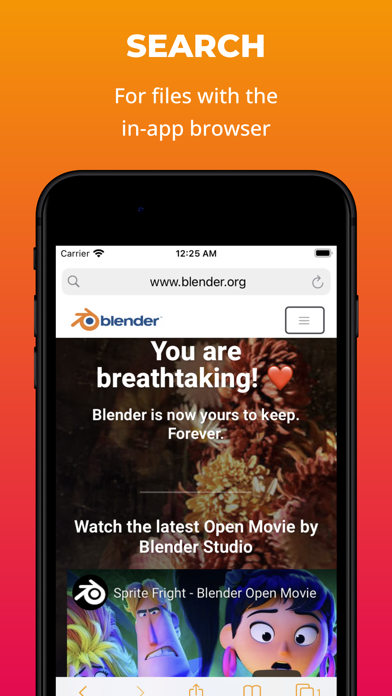
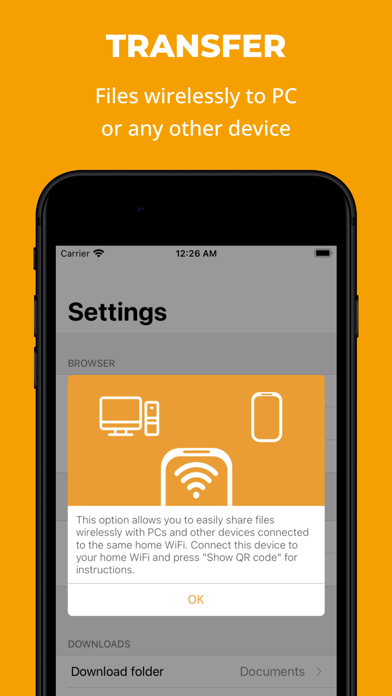
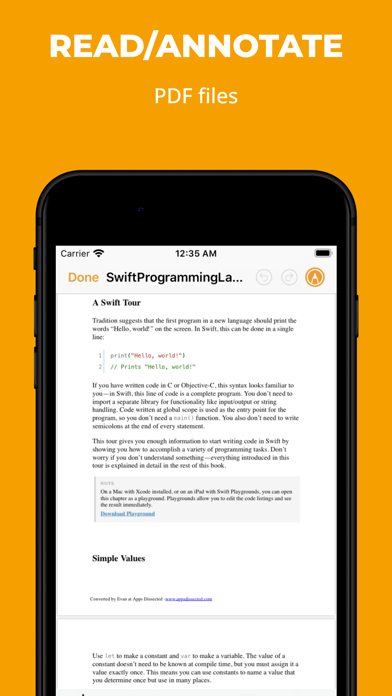
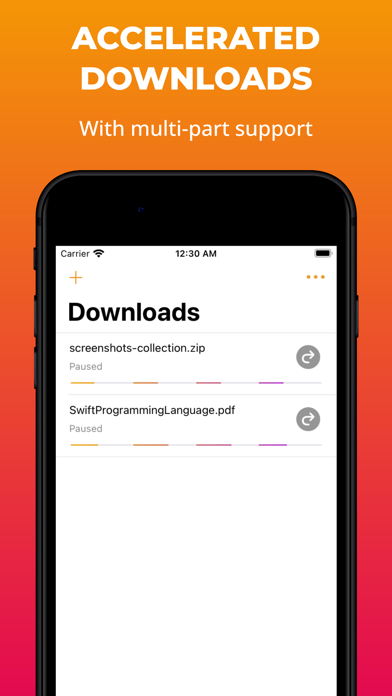
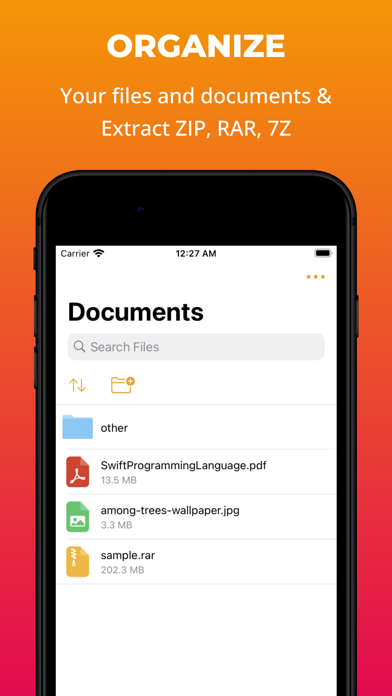
fGet is an all-around file manager offering: • View, organize and manage any file • Accelerated downloads with multiple threads (with the in-app browser or by URL) • Easy file sharing with other devices over Wi-Fi • Extract archives: Zip, 7zip, Rar & more • Compress files into zip archives • Extract audio from video files • Fully featured in-app web browser to quickly search for files (with ads/pop-up blocking options) • Manage multiple downloads with pause/resume support • Download while the app is in the background • Fully compatible with iTunes file sharing and iOS 11+ built-in Files application • All features available for free with no limitations NOTE: In compliance with the App Store Guidelines this app does not allow downloading video or music content from unauthorized sources.
Released
Oct 17, 2021
Category
Productivity
Content rating
17+
Price
Free
In-app purchases
No
Developer site
fget.penguinbitapps.com ↗
WWUSGBDEJPINBR

No chart data

No rank history yet for this selection.

→

Screenshots

6
fGet - File Manager & Browser screenshot 1fGet - File Manager & Browser screenshot 2fGet - File Manager & Browser screenshot 3fGet - File Manager & Browser screenshot 4fGet - File Manager & Browser screenshot 5fGet - File Manager & Browser screenshot 6