eSign lets you sign and fill PDFs and images with a signature that looks and feels like ink on paper.
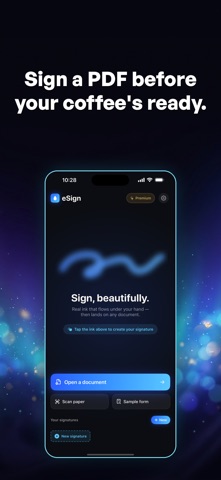
Import a document through the system file picker or scan paper with your camera, add the fields you need, and export a signed PDF locally.
REAL-INK SIGNATURES
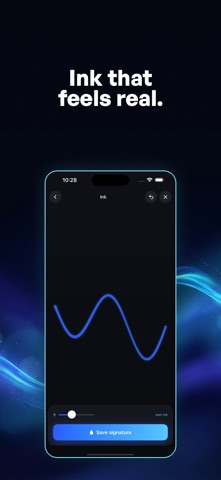
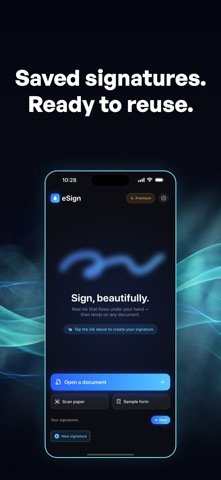
Draw with a signature engine that responds to your speed and pressure. Save signatures and initials in your on-device vault and reuse them across documents.
IMPORT AND FILL
Use the system file picker to import PDFs or images. Add text, dates, check boxes, signatures, and initials. Create and reuse saved field layouts on matching documents.
LOCAL PDF EXPORT
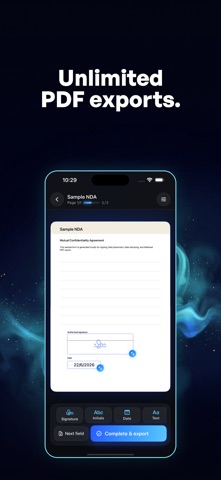
Drag, resize, and position fields on the page, then flatten and export a clean signed PDF locally.
COMPLETION DETAILS
Review completion time and the original and completed document hashes locally.
SCAN TO SIGN
Scan paper with your camera and sign it on the spot — no printer, no desk, no fax.
PRIVATE BY DESIGN
Document pages and saved signature images are processed and stored on your device.
eSign Premium removes the three-document completion limit for unlimited completed PDF exports.
Whether you're signing a contract, an NDA, a lease, a tax form, an offer letter, or a permission slip — eSign is the fastest, most beautiful way to get it signed.
Download eSign and sign your next document in seconds.
Terms of Use: https://arioapps.com/terms
Privacy Policy: https://arioapps.com/privacy