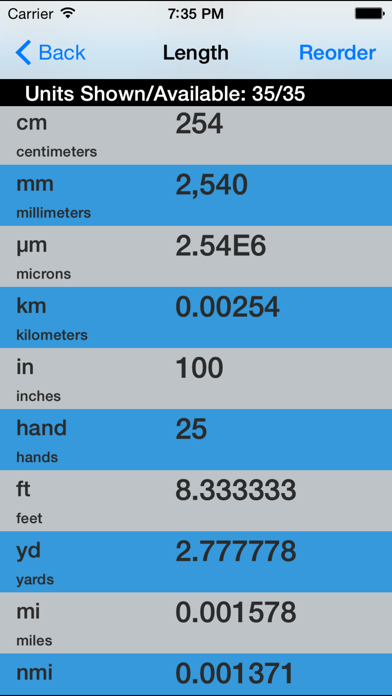
A streamlined, powerful, user-friendly unit and currency converter designed for use by everyone and built by engineering professionals! No dials to turn, no gimmicky interfaces, no need to type your unit... just enter a value in the unit you have and see the conversion for the one you want as well as others all at once. All laid out in big, easy to read text with an intelligent, customizable display system.
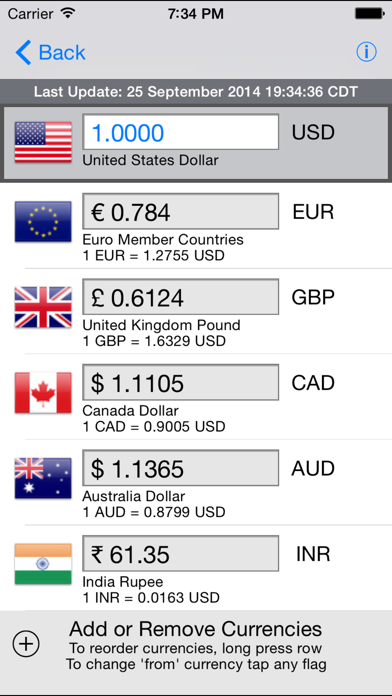
There is also a versatile Currency converter included in the app!
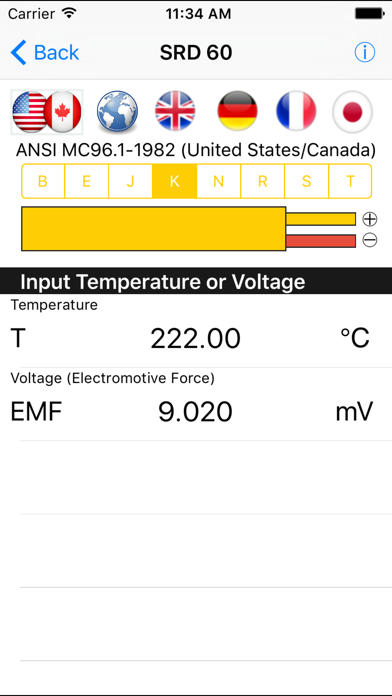
The app also includes a powerful built-in Calculator and a spreadsheet-style Mass Fraction/Mole Fraction Converter. Also included are a very useful Thermocouple module and a database of physical constants.
Conversions aren't limited to just one pair of units. There are 40+ different types of units currently in the app. Set your preferred units or most frequently used units for quick access to the data most needed. Don't want to see all of the units in a given category? You can reorder and hide units based on your needs.
The app is designed to accept mathematical expressions as your input! For example, if you need to convert 1 3/8 inches to mm, just enter 1+3/8 in the inches cell... and you can do far more complex operations as well! Detailed math help is available under Settings+.
As another bonus, we have provided a control panel that can be used to tailor the colors of the app to the user's preferences. You'll find this feature under Settings+. While you're there, check out the links to our other apps and find us on social media!
Like us on Facebook: www.facebook.com/ChemEApp
Follow us on Twitter: @Vector254