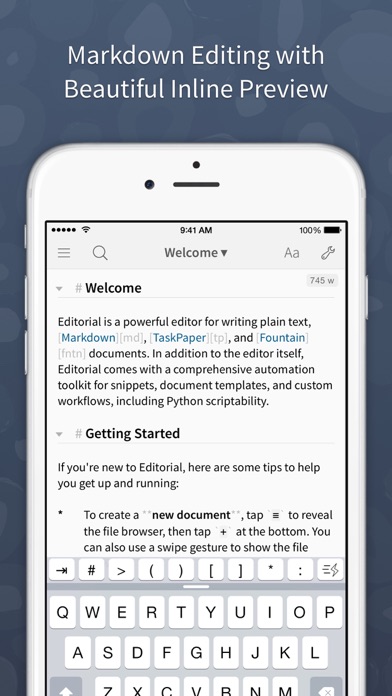
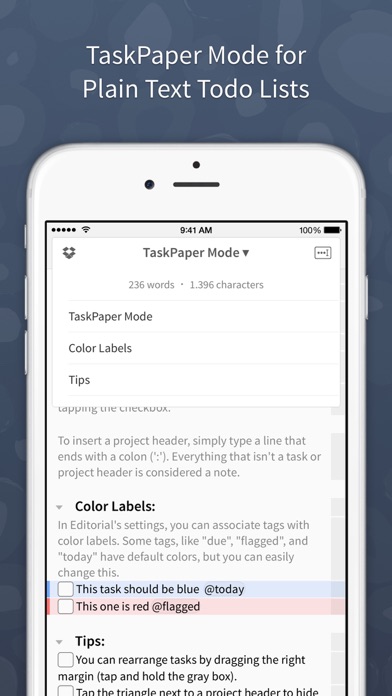
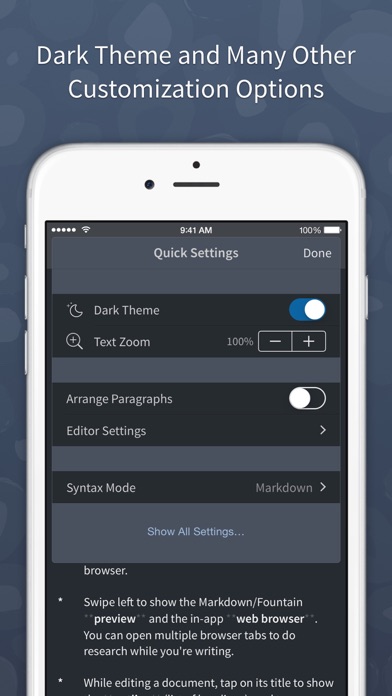
Editorial is a plain text editor for iOS with powerful automation tools and a beautiful inline preview for Markdown, TaskPaper, and Fountain documents.
Features:
* Inline Markdown/Fountain Preview – With Editorial's subtle syntax highlighting, you can see your document's formatting immediately while you're writing. And when you need a full HTML preview, it's just a swipe away.
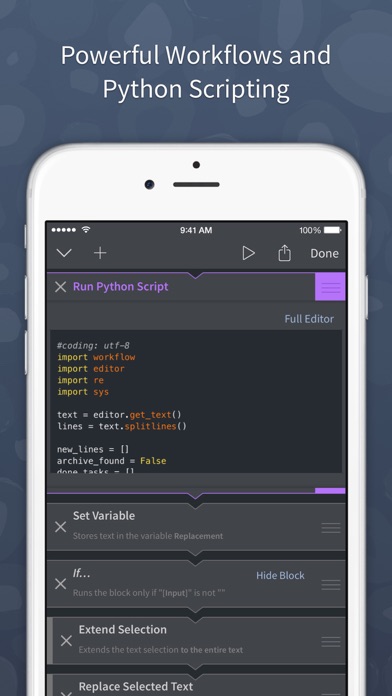
* Extensible with Workflows and Scripts – Select from over 50 text processing actions to create your own workflows for extending Editorial's feature set. For even more advanced automation, you can write Python scripts with an integrated code and UI editor.
* Dropbox Sync – The sync folder is customizable, so you can easily edit your documents with multiple apps.
* Smart Keyboard – The extended keyboard was specifically designed for writing Markdown and includes all the special characters you need. You can also control the cursor with simple swipe gestures.
* Snippets – Quickly insert frequently-used pieces of text by typing abbreviations. Snippets can include dynamic text, e.g. the current date or clipboard contents. TextExpander™ snippets are also supported.
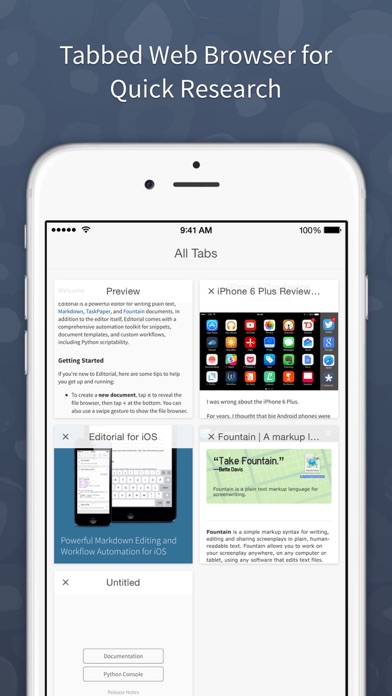
* In-App Browser – If you need to do some quick research while writing, you don't have to leave the app for that. You can even open multiple tabs.
* "Folding" allows you to quickly hide individual sections of your document while you're writing.
*** *** ***
“It would be hard to imagine a better editor, let alone recommend one that actually exists.” — The Verge
“This is it. Editorial sets a new standard for third-party iOS automation, and, for me, there’s no going back.” — Federico Viticci, MacStories
“Editorial just reinvented iOS text editing.” — Merlin Mann