Congratulations! You’ve found the best reading app out there!
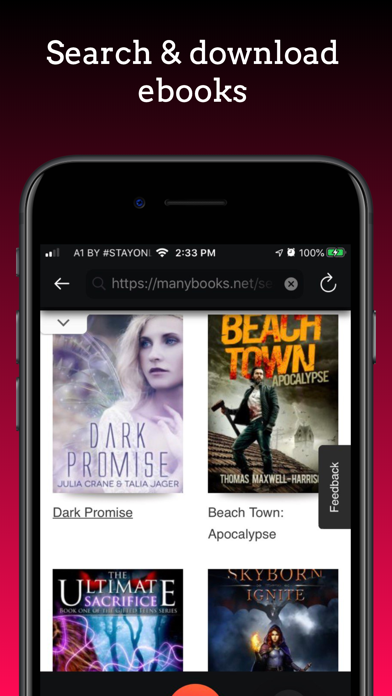
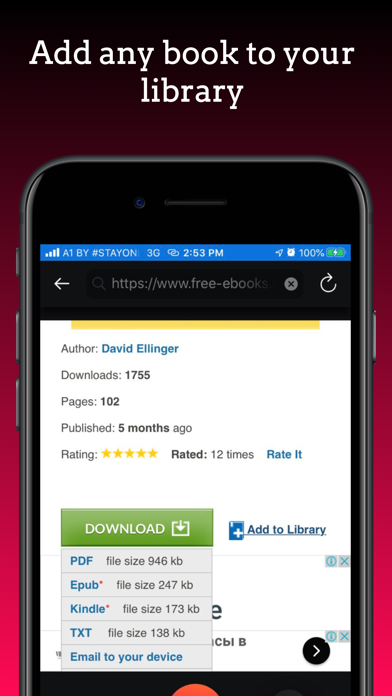
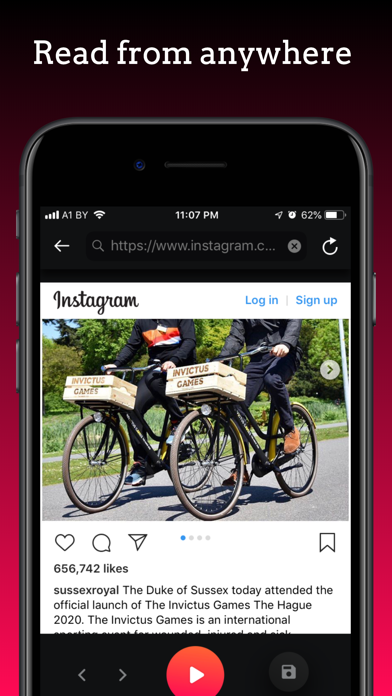
With Speed reader you can read fast and you can read anything: news, web articles, books, documents, emails, and more! You can also search for books and add them directly to your device!
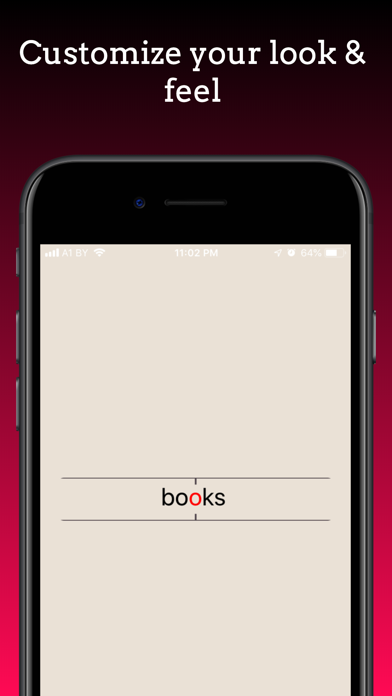
Our technology lets you burn through all those books and web articles you’ve been saving to read later by making speed reading easy and effective even if you have no experience.
The average adult reading speed is 250 wpm. With Speed reader you can double or even triple that speed! Read 3 times more in the same time! For example you can read an average web article in about a minute instead of four! Start reading now and see how fast you can read!
How to use:
Use built in browser to search free books or read your daily news sources!
Use OCR to import any paper book, article or document and read it really fast.
Tap Import to import your existing books from iBooks and iCloud in a tap!
To import any book from your existing storage, first add this book to your iCloud drive of Files app on your device. Then open Speed Reader and tap Import. You will see all your books that you’ve added to iCloud or Files app.
To import books and files from other apps or messengers simply use the native iOS built in sharing popup - just tap Share or Open in and then find Speed Reader in the list (or add it by tapping More in the leftmost side)
Terms of Service: https://sites.google.com/view/spritzreader/terms-of-service
Privacy policy: https://sites.google.com/view/spritzreader/privacy-policy