About:
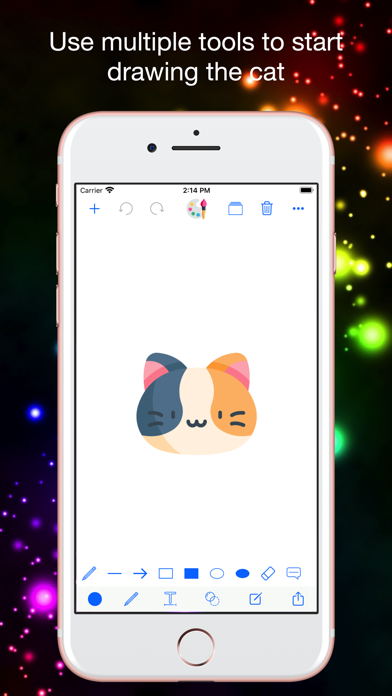
• It has draw tools includes: Pen, Line, Arrow, Rect(Stroke), Rect(Fill), Ellipse(Stroke), Ellipse(Fill), Eraser, Text, Text (Multiline).
• It has edit tools includes: Filters, Effects, Focus, Frames, Stickers, Enhance, Orientation, Crop, Lighting, Color, Splash, Text, Redeye, Whiten, Blemish…
• Many funny tools for you they are all FREE!.
Features:
• Choose the color and tools what like draw everything on your photos.
• Edit your photos using filters such as Normal, Linear, Vignette, Instant, Process, Transfer, Chrome, Fade, Curve, Tonal, Noir, Mono, Invert and more.
• Quickly adjust your photos through light, chromatic aberration, blackout and other modes.
• Optimize your photos with effects like Normal, Spot, Hue, Highlight, Bloom, Gloom, Posterize, Pixelate and more.
• Blur and focus your photos and backgrounds in Normal, Circle, and Horizontal Line modes.
• Change the display direction of photos through three modes: up and down, left and right, and rotate.
• You can choose any color you like and adjust the size of the brush to paint the picture you want.
• Change the look of your photo by adjusting the black and white levels.
• Crop with multiple ratios and include custom ratios to alter your photos without distortion.
• Use multiple resizing ratios, including custom ratios, to change your photos without distortion.
• Adjust your photos with the simple operation of tone curve.
• You can choose your favorite stickers to add to your photos to make your photos more interesting.
• You can choose your favorite emoticons to add to your photos to make your photos come alive.
• You can choose different fonts, colors, and alignment modes to add any text to your pictures to record your emotions at that time.
• You can also easily share the beautified photos to TikTok, Instagram, Facebook, X, WeChat, Weibo, or share them with relatives and friends through messages, emails...