√ Top 10 Apps in multiple countries for a long time!
√ Featured as "What's Hot" and "New & Noteworthy" in dozens of countries!
Do you find it frustrating not being able to use your iPhone to freely transfer files? Would you like to be able to view your documents and pictures more easily? Are there some files you’d prefer to keep private? Do you want to upload videos or music to your iPhone via WIFI? iFileExplorer can help you solve these problems! It can transform your iPhone into a file manager, enabling you to view all your files on your iPhone!
Key Features:
- Multiple transfer methods available! Not only can you transfer files via WiFi and USB, but you can get files exchanged with Dropbox, iDisk(MobileMe), GoogleDocs, myDisk, etc.
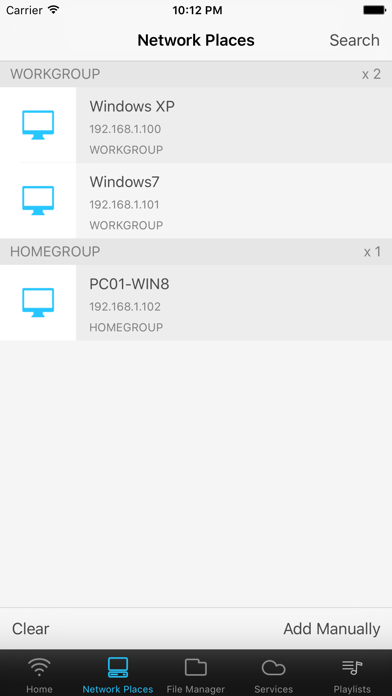
- Network places access via WiFi (WinXP, Win7, Mac)
- No client necessary, no OS limit! When transferring files using WiFi, there’s no need to install any client on your desktop computer, all you need to upload or download is a browser.
- Supports wireless batch uploads.
- You can uncompress the compressed email attachments.
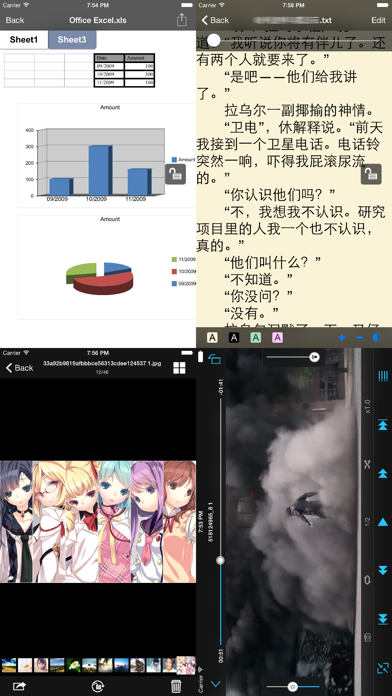
- Built-in video and audio player, with auto resume function (plays media from where you quit your previous session).
- Built-in multiple document readers that let you pick up where you left off last time.
- Built-in special use TXT reader, specifically designed for reading txt novels over a long period of time!
- Built-in dedicated photo viewer, allowing you to browse easily through your favorite snaps.
- Manipulate remote files as if they were local. Multiple online virtual disks like Dropbox, iDisk(MobileMe), GoogleDocs, and standard WebDAV servers are supported.
- Supports folder creation, and also allows you to designate an access password for each folder.
- Files can be compressed and uncompressed.
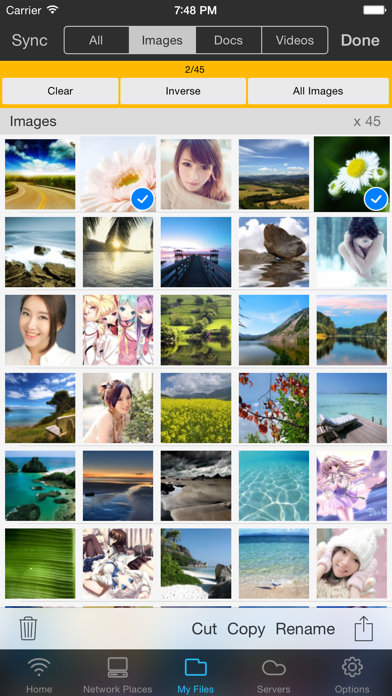
- You can work with multiple files at any one time, perform batch deletions, copy, paste, compression, uploads etc.
- Allows files to be sent as email attachments.
- Any photos you take or text you input can be directly saved as files.
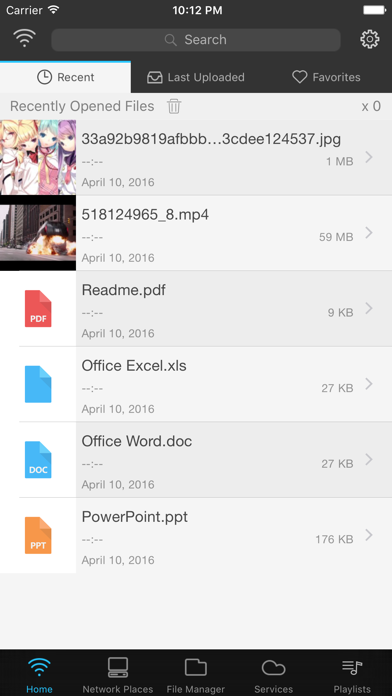
- Your 20 most recently visited files are listed on the main interface, allowing quick access (files stored in encrypted folders do not appear in the list).
- Opening methods for most file formats can be exchanged with other applications, e.g. you can open the email attachments, or use other applications to open files in iFileExplorer.
- Use of Wireless Upload can reduce use of USB charger and thus protect the lithium battery.
- iFileExplorer can directly open the following file types: (other unsupported formats can still be stored or transferred to other software to be opened)
Video: AVI, RMVB, FLV, WMV, MP4, MPV, M4V, 3GP, MOV, ASF ...
Audio: MP3, WAV, M4A, AAC, CAF ...
Document: PDF, RTF / RTFD, DOC / DOCX, XLS / XLSX, PPT / PPTX, CSV, CHM ...
Text: HTM / HTML, TXT ...
Picture: JPG / JPEG, GIF, PNG, TIFF, BMP, TGA ...