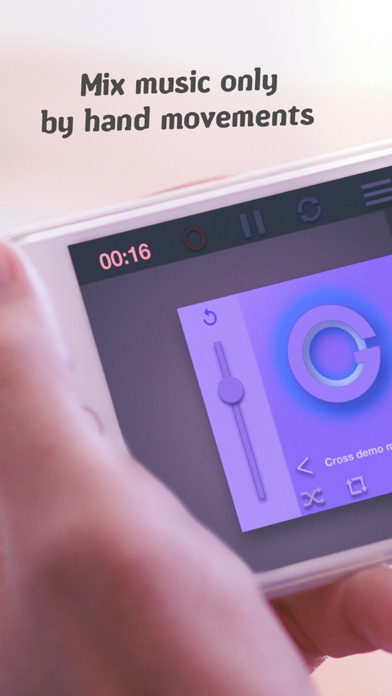
Crossfade DJ - controller and turntable for mixing songs. Mix music by hands movements only.
Key Features :
- For mix music just rotate the phone
- For using sound effects just tilt the phone
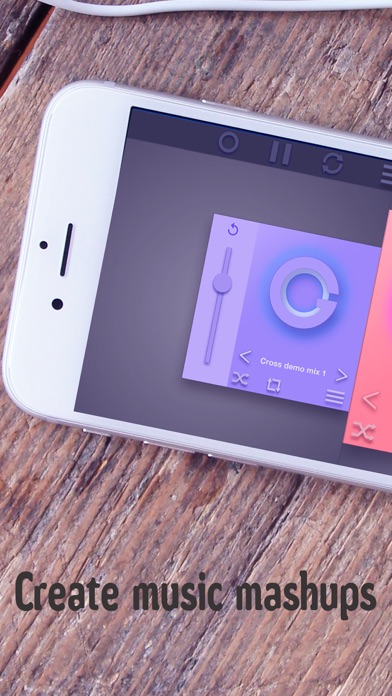
- Interactive music mixing . Use 2 turntables for realistic feelings
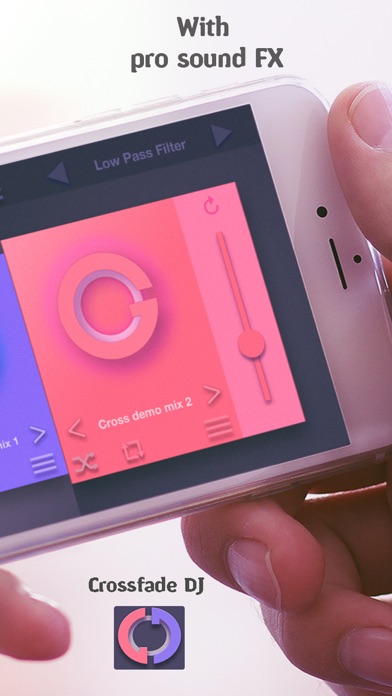
- Choose the perfect sound effects and high quality resonant audio filters (Low pass filter, High Pass Filter, Flanger, Reverb) .It will help you to diversify the songs and give originality for it
- Record music and share it with the world in 2 clicks in WhatsApp,Telegram,Vk,Mail,Dropbox, Twitter and other
- High quality audio recording in studio kind
- Cool and bright HD animation. Just turn app on the party as a stroboscope
- Pitch-shifting option
- Sync feature tracks with a single click
- Itunes Music library support. Use your music in the application
- Free dj songs for music making practice
- Realistic fade effect
- High performance with low latency
- Supports popular audio formats: MP3, Wave, Aiff, OGG, WMA and other
- Multi-touch
- Simple and easy to use interface for all ages
- Full Free Version
You can download music from your Itunes library and use it in the application to create a mixtape or remix. Our virtual DJ mixer player is suitable for both professionals and beginners in learning dJing or music making skills. You will be able to light up any party with virtual decks of Crossfade Dj.
Quick guide:
For mixing music you just need to turn the phone to the left or right . To apply a sound effect or filter, simply rotate the phone forward or backward, and you get a great variety of music. The whole process of creating the dj set, you can record by clicking the record button.
We wish you good music and mixing
You do not have to be a professional to create music.
Made by musicians for other artists.