busybusy is a cloud-based time tracking and job costing app designed for construction and field employees. Collect real-time data and generate powerful automated reports–enabling smarter decisions, saving valuable office time, and simplifying labor, project, and schedule management.
Field employees can easily track labor, materials, and heavy equipment all within an easy-to-use mobile app. Jobsite data is organized by project and is instantly available to your team, allowing you to see what’s going on anytime, anywhere.
Features:
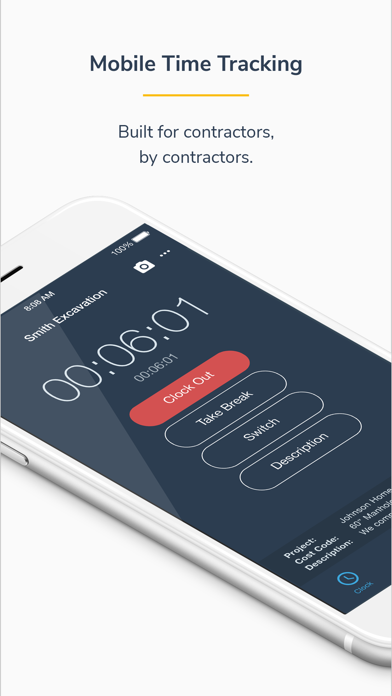
Time Tracking
-Clock in/out, offline mode
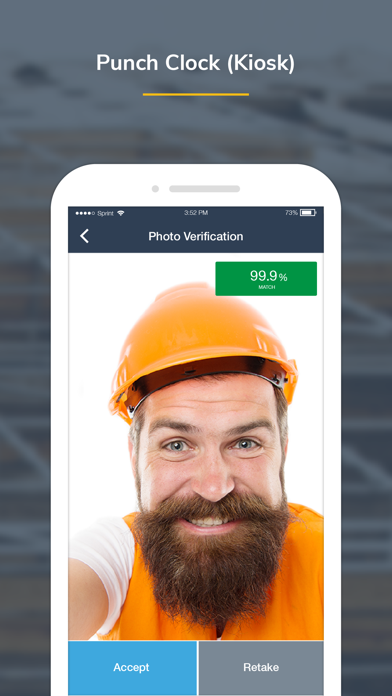
-Kiosk mode digital punch clock
-Supervisor tools allow supervisors to clock in/out crews, edit time, assign cost codes and projects, and split time entries
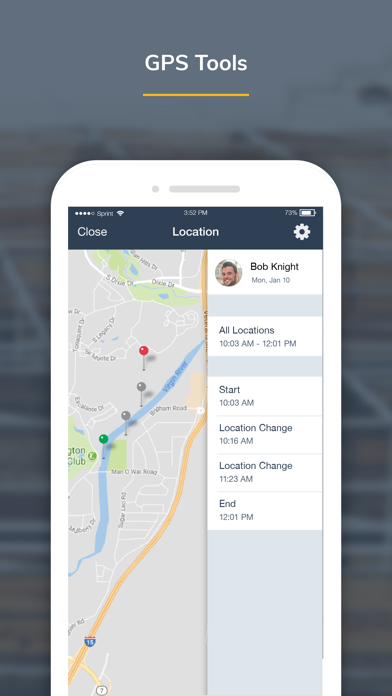
-GPS map showing employees on the clock, equipment, & projects
-GPS-based notifications to remind employees to clock in/out on the jobsite
Equipment
-View employees using each piece of equipment
-Easy access to a detailed equipment list
-Performance report (operator vs machine)
-View equipment location on map
Job Costing
-Assign time to projects, sub-projects, cost codes, and equipment- easily switch throughout the day
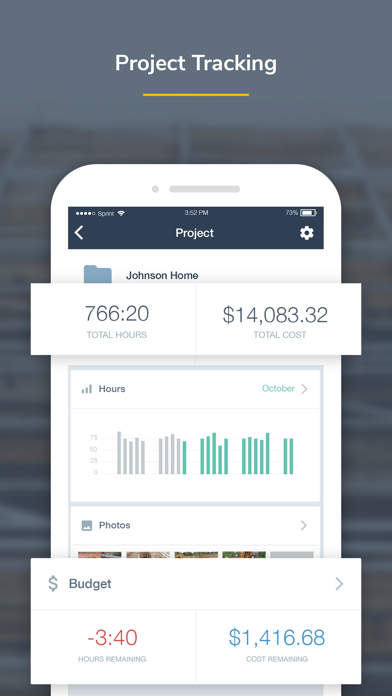
-Projected labor budgets vs actual labor costs
-Employee labor burden broke down by projects
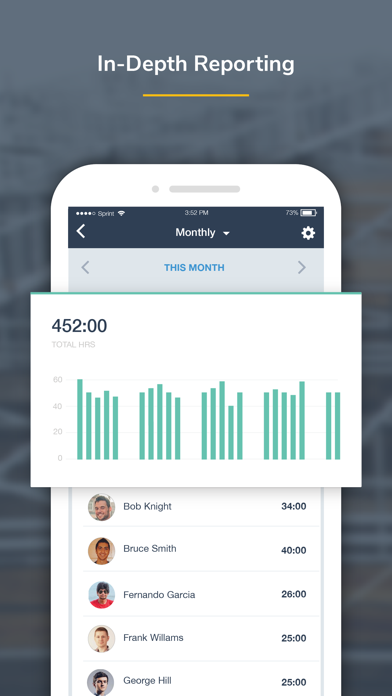
-Activity reports
-Easily add missing job costs and cost codes with the job costing tool
-Quickly export to CSV
Liability Protection
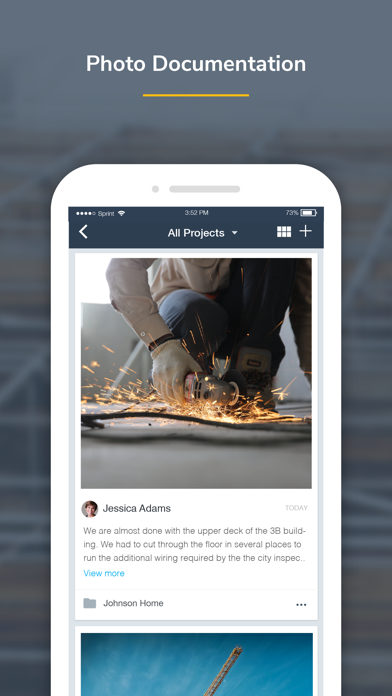
-Jobsite photos are time, location, and employee stamped, easily searched, and grouped by project.
-Overtime & break reports
-Employee and supervisor digital signatures
-End-of-day injury/non-injury verification
-Kiosk photo verification
Products:
-Progress Tracking
-Accurate material and quantity reporting
-View crew progress in real-time and see work accomplished
-Easily submit photos showing job site progress
-Get detailed progress reports
Daily Reports
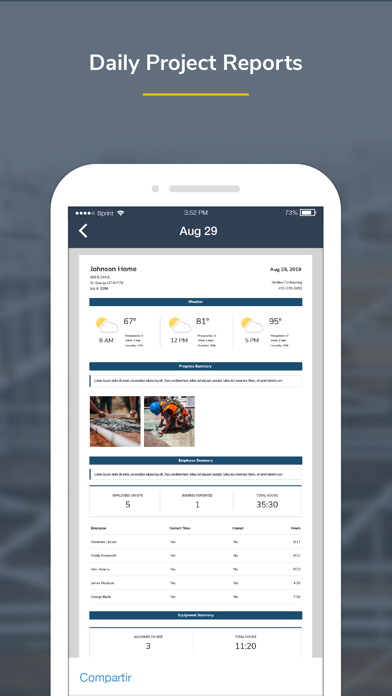
-Auto-generate weather reporting, job costing, and injury reports
-Detailed summary of project progress and equipment insights
-Automate job site checklists with start and end times
-Safety sign-offs
Documents
-Easily upload files, including job site plans, permits, building codes, and more
-Attach documents and descriptions to a specific project
-Upload fillable forms and documents in Offline mode, no matter the location
Scheduling
-Schedule one employee or the whole crew
-Assign project, cost code, or equipment from a schedule
-Automatically notify employees of changes
-Submit and manage time off requests
BusyPayroll
-Instantly run payroll and pay employees
-Reduce payroll time by 67%
-Automatically scan for signatures, time-off requests, time-entry conflicts, and more
-Set lock dates to prevent editing
Integrations
busybusy seamlessly integrates with Procore, QuickBooks, CompanyCam, Zapier, Foundation, Sage, and many more…
Hear what our customers have to say:
“We tried three other time tracking apps before switching to busybusy. Switching to busybusy is the single best thing we have done for our employees in years. I can't think of the last time they were all this happy.” Austin - Certified Fire and Security
“It can be used anywhere. We have construction crews in the field and it's great that they can use it wherever they are and we can have real-time data without having to wait for the end of the week for paper timecards. It takes a lot of the burden off of our foremen and frees them up for more important work. Plus, their customer service is outstanding!” Melinda - Klingelhofer Management
Get support from our easy-going, friendly customer support team who offers online and in-app chat, telephone, and email support 24/7. Se habla Espanol.
*We respect your privacy. Your data is never shared, sold, or used for any marketing purposes.
**Please note that GPS is used to obtain accurate clock in/out locations. In order to provide accurate locations, GPS operates for a short duration in the background after pressing clock in/out.