Booklover is a highly responsive and robust eBook reader. It excels at handling PDFs, manga, and scanned books.
The metadata-driven library management system makes it easy to organize and enjoy a large collection of books in PDF, ZIP/CBZ, and RAR/CBR formats.
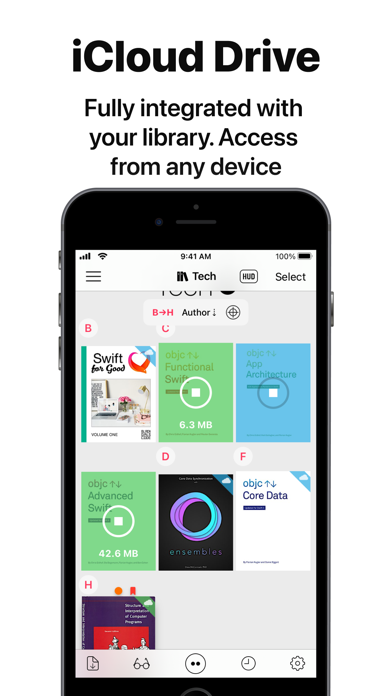
Seamlessly integrated with iCloud Drive, books in the iCloud Drive/Booklover folder automatically appear in the app’s library and can be downloaded on demand.
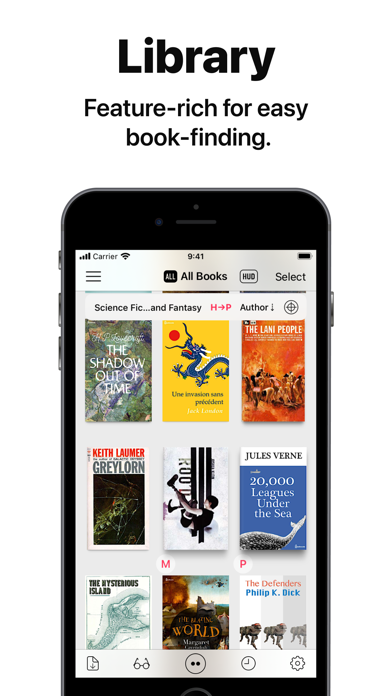
In the library, you can organize books by genres and arrange them using various bibliographic details such as title, author, publisher, and more.
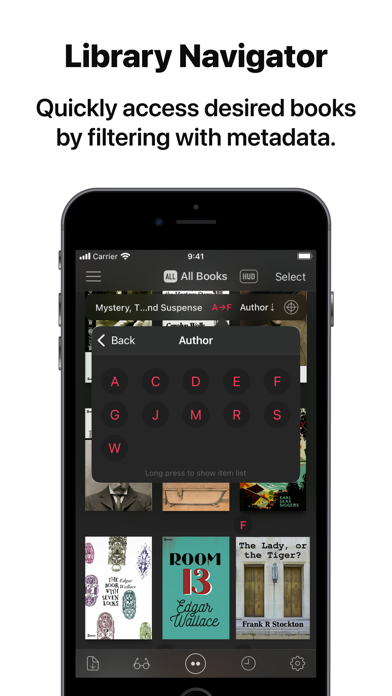
With the search field and powerful Library Navigator, you can quickly locate a book among thousands in your collection.
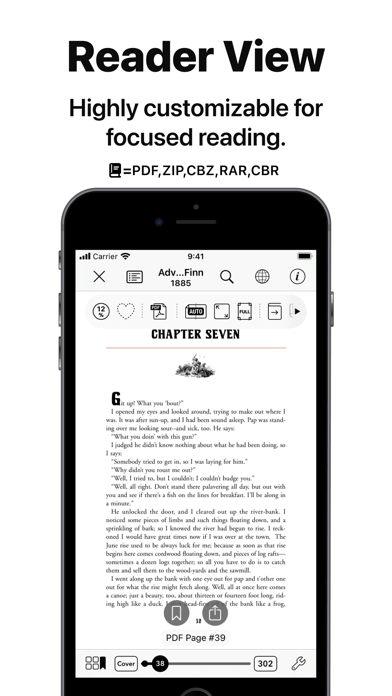
Customize your reading experience with settings for each book, including page layout, transition axis and style, cropping, filters, progress direction, background, and more.
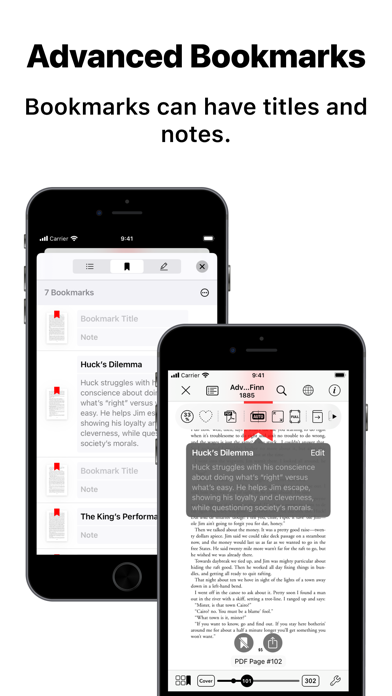
Booklover supports bookmarks with titles and notes, as well as PDF text annotations (highlights), text search, and a table of contents.
Main Features:
# General
• Manage and view eBooks (PDF, ZIP/CBZ, RAR/CBR)
• Support for archived image files in JPG, PNG, GIF, HEIF, WEBP, AVIF, and JPEG XL formats
• Automatic syncing of book files placed in iCloud Drive/Booklover. On-demand caching (download) of the remote files
• Import files via iTunes (Windows), Finder (Mac), AirDrop, Drag & Drop, "Open with..." etc.
• Import files via apps from various cloud storage services, such as Dropbox and OneDrive, as well as other services accessible through the iOS Files app.
• Slide Over / Split View (iPad)
• Hardware keyboard support (mainly in the reader)
# Library
• Section books by genre (ON/OFF)
• The Library Navigator (ON/OFF)
• Histories of added and opened books
• Context Menu for individual books (long-press a book cover)
• Change sort order: By Title, Author, Publisher, Filename, Added Date, etc.
• Alphanumeric Index Labels (ON/OFF)
• Toggle display of cover accessories
• Adjust cover grid size
• Responsive Shadow (shows page volume with shadow)
• Filter books by Status, Genre, Tags, etc.
• Search books by various bibliographic details, file name, and tags
# Reader
• PDF text annotations (highlights) with notes, text search, and a table of contents
• Bookmarks with titles and notes
• Lists of bookmarks and PDF annotations
• Page transition settings: Axis (Horizontal, Vertical), Style (Scroll, Continuous Scroll, Stack, Crossfade, Zoom fade, Instant)
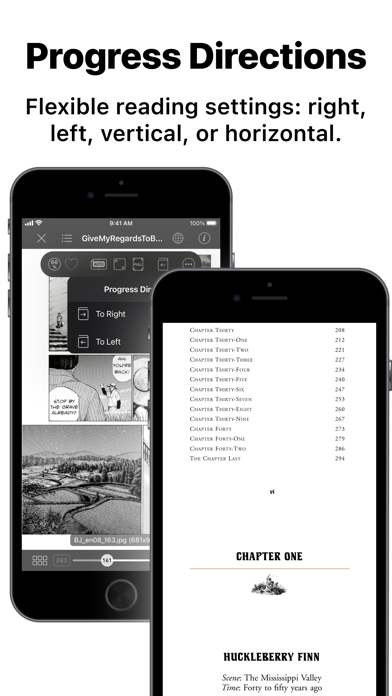
• Progress direction setting: Left to Right, Right to Left (for vertical text, manga, Arabic, etc.)
• Page layout setting: Automatic, Single-Page, Two-Pages (spread)
• Separate page layout settings for view orientation (Portrait / Landscape)
• Page trimming (for images only)
• Page sizing: Show All, Width-Fit, Height-Fit
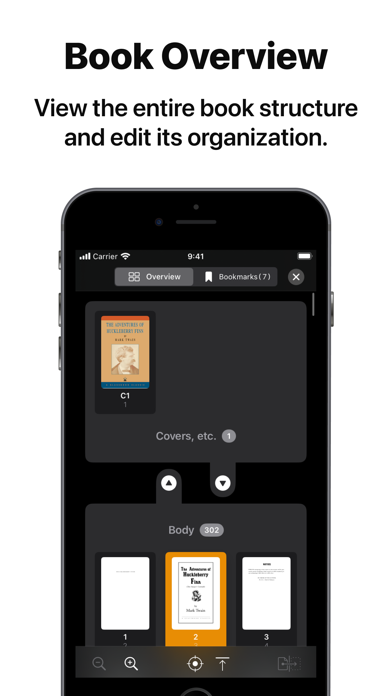
• Page thumbnail view (overview, bookmarks)
• Image correction filters
• Dynamic background (When the "Background Color" option for a book is set to "Dynamic")
• Adjust page spread position (Insert adjuster page at the beginning of the book body)
• Text recognition within images (with compatible devices only)
• Export (share) the currently displayed page
# Book Management
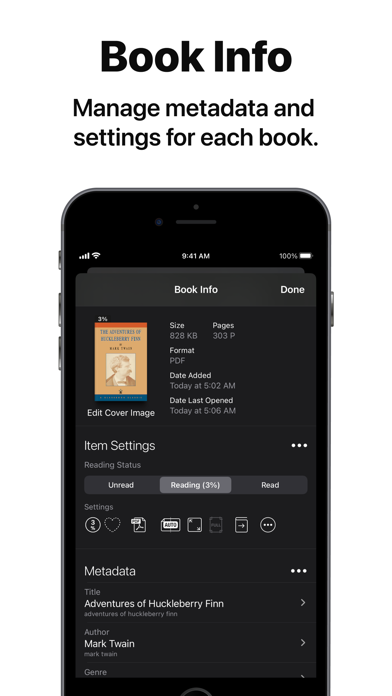
• Edit metadata: Title, Author, Genre, Publisher, Published Date, ISBN, etc.
• Edit Tags (Can be used as filter criteria in the side menu)
• Extract metadata (title/author) from PDFs
• Extract various metadata from file names with configurable extraction rules
• Automatic/Manual cropping of book covers
• Batch modification of book settings and metadata
• Transfer book files: "Open with...", AirDrop, Drag & Drop, etc.
• Can manage the content files and data separately ("Ghost Book")
———————————————
# Acknowledgments [Books used in the screenshots]
• "Give My Regards to Black Jack" by SHUHO SATO (Manga on Web: http://mangaonweb.com)
• Public domain books from Feedbooks (http://www.feedbooks.com)
• Public domain comics from digitalcomicmuseum.com (http://digitalcomicmuseum.com)