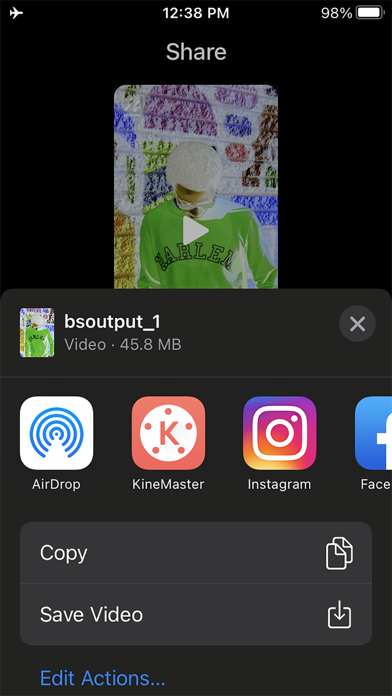
Finally, you can send your video as a project file to KineMaster, the World's Most Powerful video editor, for more editing.
No Watermark
The Easiest way to make your own Hot Trendy Videos
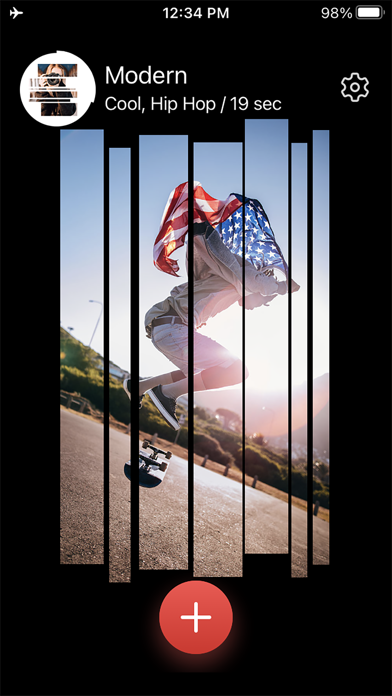
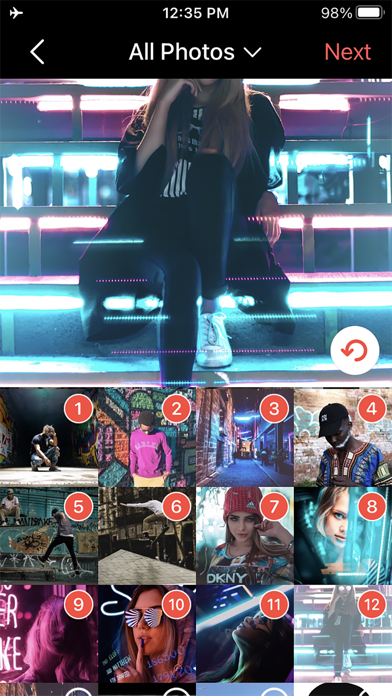
All you have to do is just pick a bunch of photos or a video on your phone and select a BeatSync template.
Voila! Your amazing video is ready to be shared with your friends and to the world.
Moreover, you can use your own video files! (Select 1 video file only)
BeatSync Effects on the Music that You selected
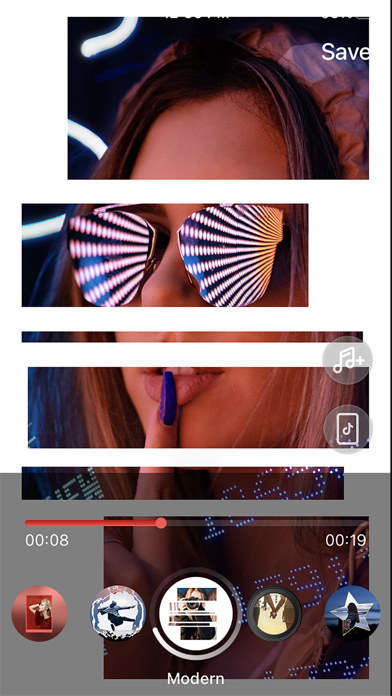
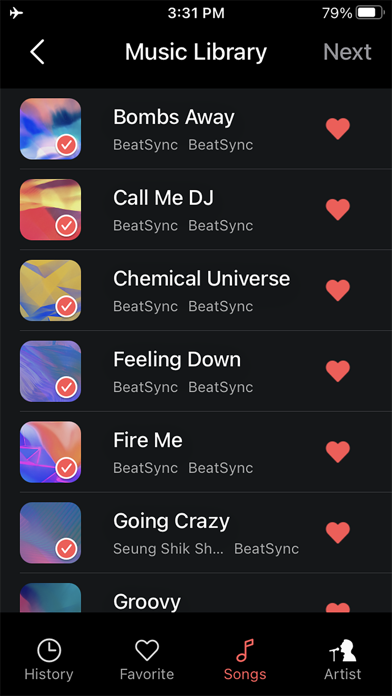
Select any music that you like, BeatSync will automatically provide you with the hot video effects on the perfect timing.
Want to use your favorite music in your video and the effects are still in sync with the music?
No problem! Our Beat Detection Algorithm will detect the perfect beat positions of your selected music, so the video effects could precisely match the beats.
* 18 languages supported (Arabic, Chinese Simplified, Chinese Traditional, English, French, German, Hindi, Indonesian, Italian, Japanese, Korean, Malay, Portuguese, Russian, Spanish, Thai, Turkish, and Vietnamese)
* Project sharing to KineMaster will be available only for KineMaster v.5.1.0 or later.
* The previews might be unstable on low-tier devices, but the exported videos will look fine.
The Fastest and Easiest way to set up a KineMaster project
Project share from BeatSync app to KineMaster app means that you are able to create a sophisticated video editing project in less than a minute. All the selected photos in BeatSync will be there in the primary timeline of the KineMaster as well as the transitions and the clip effects will be displayed in the KineMaster editing screen as a project, which means that everything is ready to be edited in the KineMaster automatically. You can change any transitions or clip graphics that have been created in BeatSync and enjoy the full editing strength of KineMaster. This means that you can add multiple video layers and use reverse mode, blending modes, voiceovers, chroma key, speed control, transitions, subtitles, special effects, and so much more into your video in KineMaster!
Key Features
. Select your photos or a video to make your own Hot Trendy Music Videos.
. No need to edit anything, just select photos or a video and a template
. You can add 1 video only or up to 30 photos.
. You can make an order of the selected photos.
. You can cancel the selected photos at once.
. Various video effects and transitions (All included in KineMaster)
. Hot and trendy music tracks (All included in KineMaster)
. You can select any music that you like on your phone and the video effects will precisely match the beats automatically.
. Send your video as a project file to the KineMaster video editing app
. Seek bar is ready for a comfortable preview
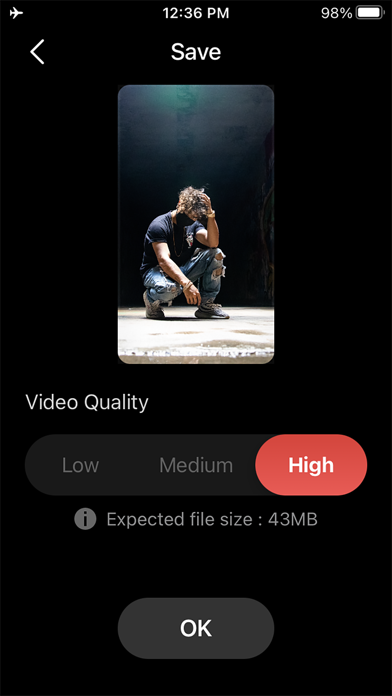
. Save your video in your local storage
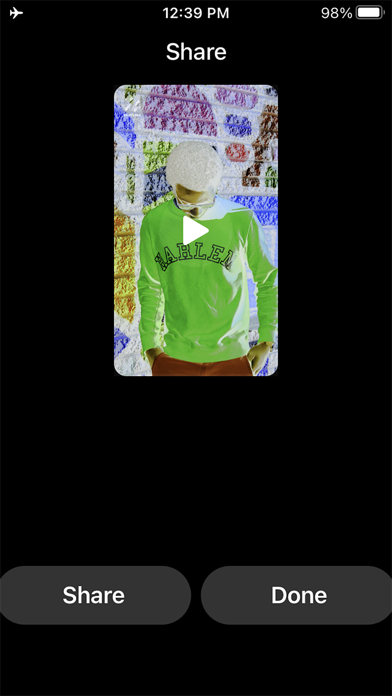
. Share your video to your favorite SNS such as TikTok, YouTube, and Instagram
Download BeatSync now, and become a world coolest video maker!
Are you a KineMaster user? Do not miss this chance to utilize the way to set up a sophisticated KineMaster project, easy and quick.
For more details, questions and feature requests, please contact us.
email : support.bs@beatsyncapp.com