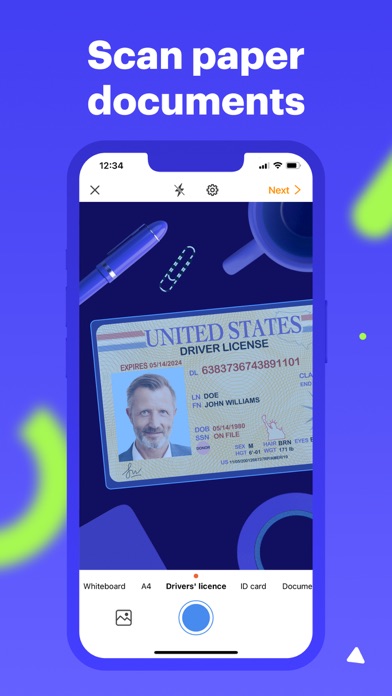
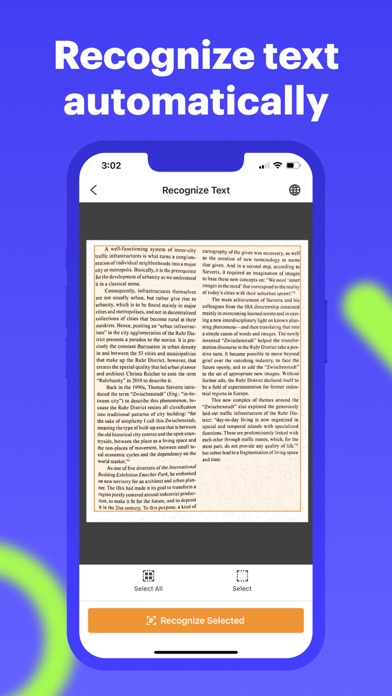
Digitize paper documents from your mobile device with airScan, a free scanner app. From IDs and whiteboards to forms and receipts, scan anything to PDF, get text recognized in 8 languages, extract it, clean up your scans, or convert them into your preferred file format — all within a single app.
For advanced options, move your scans to pdfFiller, an all-in-one PDF editor, to easily sign, edit, and manage PDFs online.
***Your most-used documents at your fingertips***
Digitize your most-used documents. Simply scan your ID, passport, or driver's license into a high-quality PDF and securely store it in the app.
***Save scans in your preferred file format***
Transform scans of your most-used documents like contracts, agreements, and business letters into shareable PDFs, DOCS XLS, or PPT file formats — all without having to switch between apps.
***Give your scans a facelift on the go***
With just a few taps, you can adjust the contrast and brightness of your scans or apply black or white filters to make them easier to read. Remove unwanted text and shadows while cropping
out distracting backgrounds for a more polished look.
***Sign scanned documents in a flash***
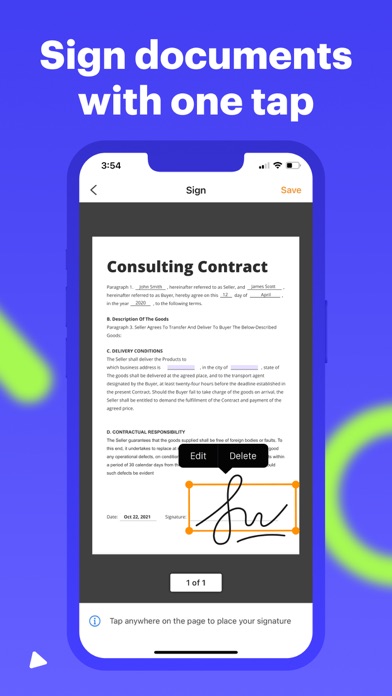
No pens and paper! Draw your signature on a mobile phone screen and place it anywhere on your document with one tap.
***Email scanned documents***
Once you've finished editing your scan, send it via email right from the airScan app. Your recipient can view the crisp PDF file without hassle.
***Print from your phone***
Need a hard copy of a scanned document? With airScan, you can print out your scan from the convenience of your phone in seconds. Add your signature before printing to start the signature collection flow on the fly.
***Make your PDFs fillable and build signature workflows***
Move your PDFs to pdfFiller, an all-in-one document solution that lets you edit, annotate, and sign PDFs, make them fillable, and use them to capture data in minutes. pdfFiller is the only solution you need to get your documents done.